Saturday, 10 October 2026

RAM vs ROM memory: how each chip keeps your phone running

A clearer look at RAM and ROM, why your phone and laptop use both, and what that means for your everyday tech

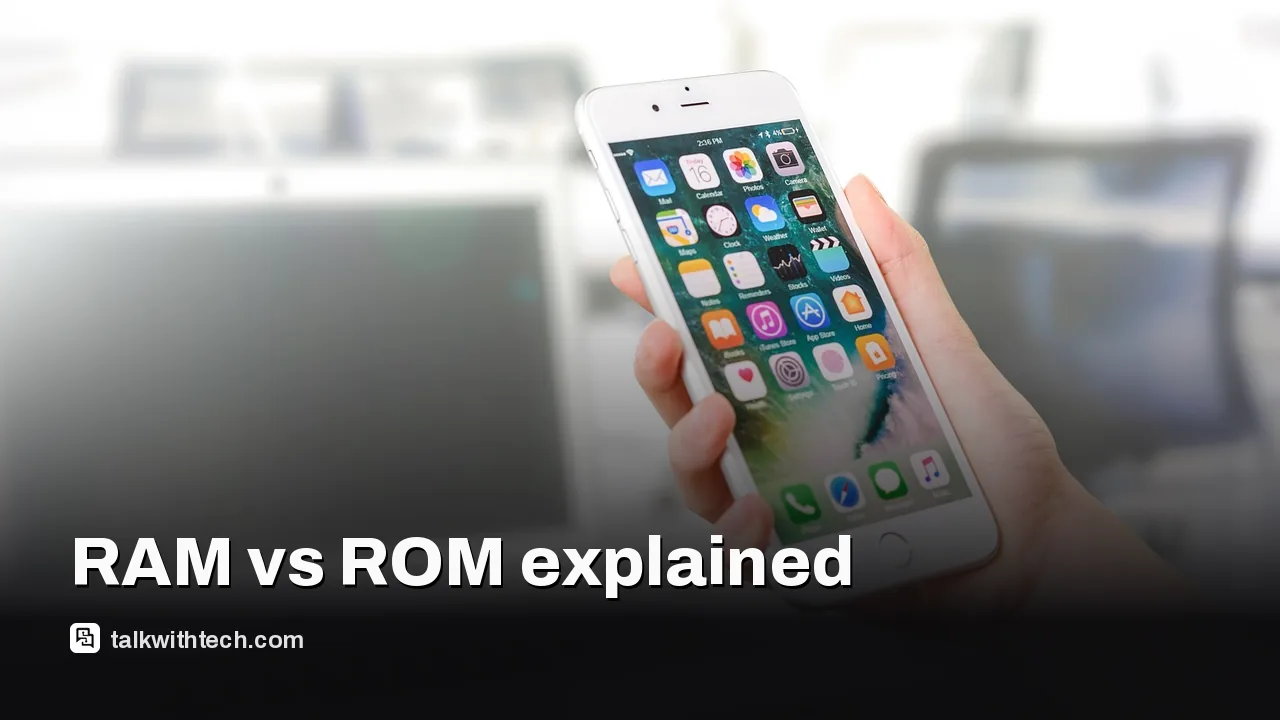
A hand holding a smartphone showing multiple app icons

The short version

  • RAM is the memory your device actively uses to run apps and keep tabs open; data disappears when power is off.
  • ROM stores essential instructions and persistent data, but modern devices also use flash memory that’s technically writable.
  • Memory costs and supply affect everyday devices, from phones to PCs, and are tied to broader data-center demand for AI and new chips.
Quick read · 1 min

RAM is your device’s working memory. It holds apps and tabs you’re using now, and data disappears when the device powers off. ROM used to mean a truly unchangeable memory, but today firmware lives on writable flash storage, so ROM is more a label than a promise. When choosing a device, consider how much multitasking you do and how fast you need your storage to be. More RAM helps with smooth multitasking; fast storage helps with quick booting and app launches. Expect memory pricing to shift with broader data-center demand for AI and new chips.

  • RAM affects multitasking and responsiveness.
  • Firmware is stored on flash memory that can be updated.
  • Memory supply can influence device pricing and availability.

RAM and ROM are two terms you see a lot, but they aren’t as simple as they sound. In practice, RAM is the working memory a device uses while it’s on. ROM, despite its name, isn’t always truly read-only anymore. Here’s what each does and why it matters to most people.

01

What RAM does

RAM stands for random access memory. It’s where your device keeps the things it’s actively working on right now. When you open a browser tab, videos, or a game, that data moves into RAM so the processor can grab it quickly. If you unplug your laptop or phone, RAM loses its data because it depends on power to hold charge. The more RAM you have, the more apps and tabs you can run at once without slowing down, up to a limit set by other parts of the system.

Most devices use a type of RAM designed for the platform. PCs have traditional DRAM, while phones and slim laptops use LPDDR memory and graphics cards use GDDR. Higher RAM capacity lets you switch between many tasks more smoothly and reduces the chance of apps having to swap data back to slower storage.

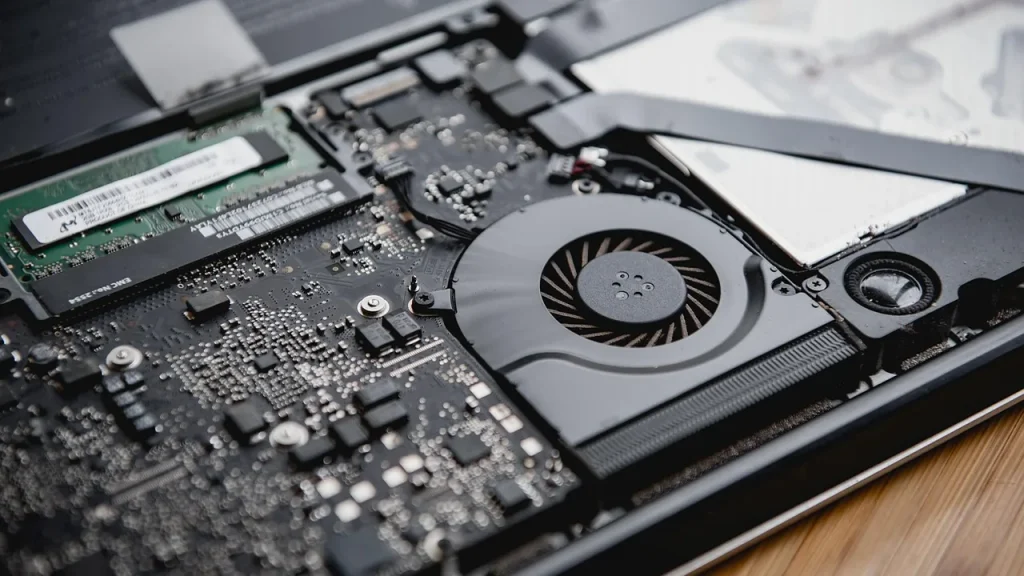
Close-up of RAM memory modules inside a laptop
02

What ROM does

ROM used to mean “read-only memory”, a chip with data that stayed put even when the device powered down. In modern electronics, the line has blurred. Firmware and system software are often stored on flash memory that can be rewritten, though some parts of the system remain protected to avoid accidental changes that would stop a device from booting. That’s why you’ll see devices described as having a ROM label even though those chips can be updated with new firmware.

The important point: ROM supplies the essential instructions a device needs to start up and operate. It’s not meant to hold the kind of everyday data you work with, like documents or photos. That kind of data lives in storage, which is slower to access but can be read and written as needed. Over time, firmware gets updated and the lines between ROM and other storage blur, especially as devices blend different memory technologies to balance speed, capacity, and cost.
03

Why this matters for everyday people

Think about your phone or laptop: when you run many apps at once, you notice things run slower if RAM is tight. You might see apps reload more often or switch in and out of memory when you have lots of tabs or games open. On the other hand, ROM-like storage isn’t the bottleneck during normal use; it’s where your operating system lives and where updates are stored. If a device can only hold a small amount of RAM, you’ll feel the impact in multitasking and responsiveness even if the storage capacity is generous.

Chips and memory supply also affect prices and availability. In today’s market, demand from AI data centers has pushed up conventional memory prices in some quarters, which can ripple into consumer devices as suppliers adjust margins or futures.

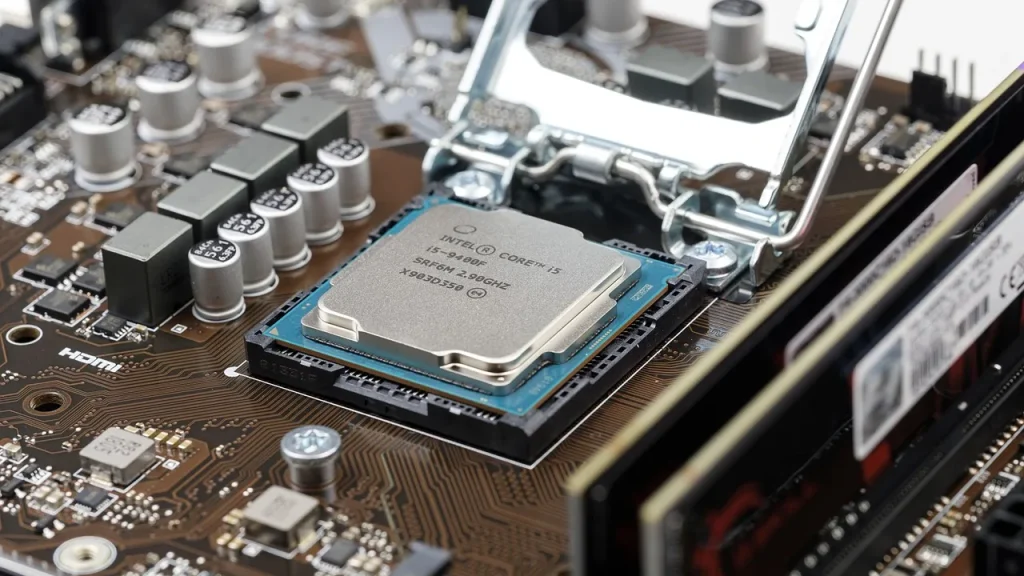
A motherboard with a visible firmware/ROM area
04

What happens next

When you’re choosing a device, consider how you use it. If you multitask heavily or run memory-hungry apps, prioritize more RAM. If you use a device mainly for light tasks, storage size and how fast the storage is can matter more than the RAM amount. In software terms, keeping your system lean and closing unused apps helps your RAM appear to have more free space, even if you don’t upgrade the hardware.

05

Quick answers

What does RAM do for my device?

RAM holds the data your processor is actively using, enabling faster access and smoother multitasking. Data disappears when power is off.

Is ROM really read-only anymore?

Not always. Modern devices use flash memory for firmware and system codes that can be updated, so ROM is a label rather than a strict rule.

End with a concrete detail: if you’re shopping this season, check both RAM and the type of storage when comparing laptops or smartphones, because both influence speed and long-term performance.

You're reading the quick version.