Friday, 13 November 2026

Surface Laptop Ultra vs MacBook Pro: AI memory or a better screen

Microsoft's $2,599.99 Nvidia laptop wins on local AI and Windows gaming. Apple's MacBook Pro wins on screen, weight and entry price. Here's who should buy which.

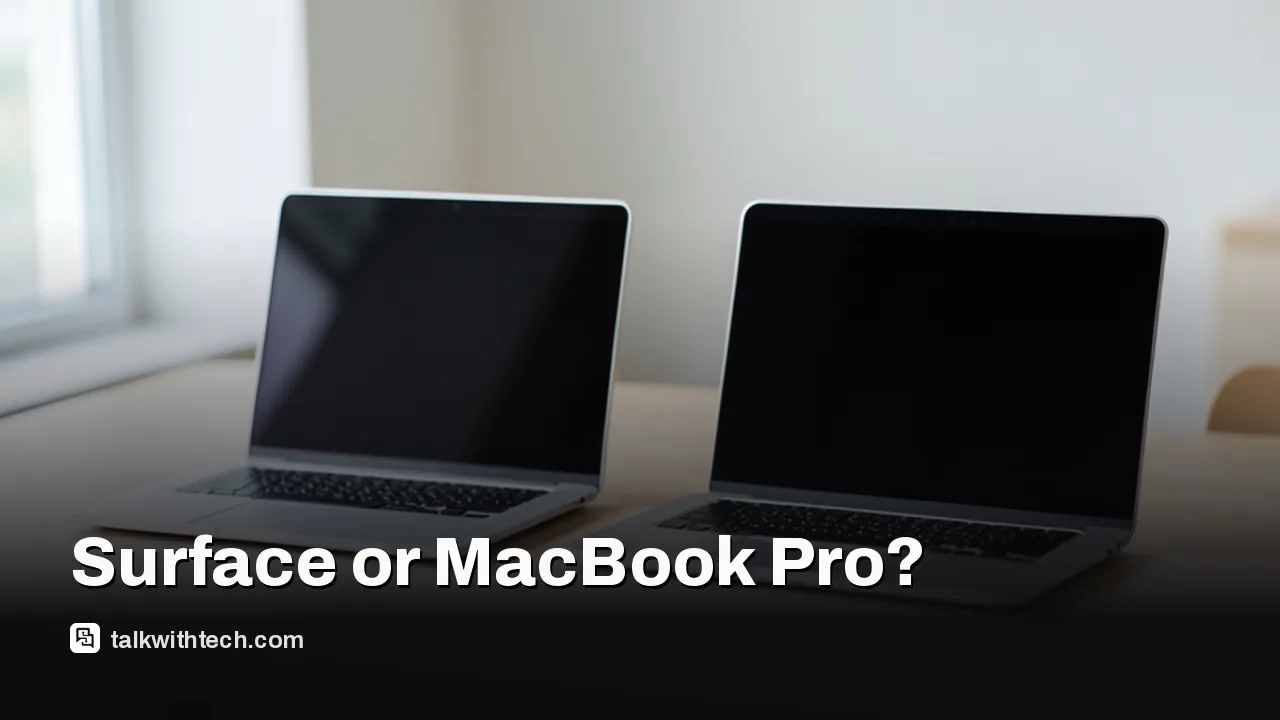
Two premium aluminum laptops open side by side on a wooden desk

The short version

  • The Surface Laptop Ultra starts at $2,599.99 and can be configured with up to 128GB of unified memory.
  • Apple's MacBook Pro starts at $1,999 with the M6 chip, and the touchscreen PROLED model starts at $2,899.
  • Apple's tandem OLED screen beats the Surface's mini-LED on contrast, while both peak at 2,000 nits.
  • The Surface suits local AI and Windows gaming; the MacBook Pro is lighter and better for photo and video work.
Quick read · 1 min

Microsoft's Surface Laptop Ultra and Apple's MacBook Pro now compete head to head at the top of the laptop market. The Surface starts at $2,599.99 and uses Nvidia's RTX Spark chip with up to 128GB of shared memory, which lets it run big AI models locally and play games at roughly RTX 5070 laptop level.

Apple's MacBook Pro starts at $1,999 with the M6 chip. The new touchscreen PROLED model starts at $2,899 and has the better screen, with deeper blacks than the Surface's mini-LED, plus a lighter body.

  • Choose the Surface for local AI, CUDA tools and Windows gaming.
  • Choose the PROLED MacBook Pro for photo and video work.
  • Choose the M6 MacBook Pro for value.

One catch for the Surface: its Arm chip runs older Windows apps through emulation, so check your software first. Microsoft is also offering up to $1,000 back for a traded-in MacBook.

The Surface Laptop Ultra vs MacBook Pro choice comes down to what you’ll run on it. Microsoft’s new 15-inch laptop starts at $2,599.99 and can hold up to 128GB of shared memory, enough to run large AI models on the machine itself, and its Nvidia graphics play games at roughly RTX 5070 laptop level. Apple’s MacBook Pro starts lower, at $1,999 for the 14-inch M6 model, and the new touchscreen PROLED version starts at $2,899 with a screen that reviewers rate above the Surface’s.

Short answer: pick the Surface Laptop Ultra if you build or run local AI models, rely on Nvidia’s CUDA tools, or want one Windows machine for both work and gaming. Pick a MacBook Pro if you edit photos or video, care about weight, or want the most polished laptop for the money. Below is how the two compare on price, screen, speed, and the catches that don’t show up on a spec sheet.

01

Surface Laptop Ultra vs MacBook Pro prices in the US

The Surface isn’t the budget pick here. Microsoft’s laptop is priced as a flagship, and the bill climbs quickly once you add memory. Apple’s range is wider, running from a $1,999 entry Pro to a maxed-out model priced in five figures.

  • MacBook Pro 14-inch with M6: $1,999, the least expensive Pro laptop Apple sells right now.
  • MacBook Pro 14-inch with M5 Pro: $2,499 in the older design without touch.
  • Surface Laptop Ultra, entry model: $2,599.99 with a 512GB drive, 24GB of memory, 5,120 GPU cores and an 18-core CPU. It ships with Windows 11 Home, while every other configuration gets Windows 11 Pro.
  • MacBook Pro with PROLED XDR Display: $2,899 for the 14-inch and $3,399 for the 16-inch.
  • Surface Laptop Ultra, faster chip: $3,699.99 for a 1TB drive, 32GB, 6,144 GPU cores and 20 CPU cores.
  • Surface Laptop Ultra, top model: $5,899.99 with 1TB of storage and 128GB of memory.
  • 16-inch PROLED MacBook Pro, fully loaded: $14,549, mostly because of a 16TB drive.

Two things change the math. If you hand over a qualifying MacBook, Microsoft will credit up to $1,000 against the Surface Laptop Ultra, which narrows the gap a lot if you have a recent Mac to hand over. And memory costs are pushing every price up. Apple raised Mac prices in late June, pointing to AI data centers soaking up memory and storage supply, which is why the entry MacBook Pro now starts at $1,999.

Hands typing on a large laptop keyboard at a desk at night
02

Which screen is better, mini-LED or tandem OLED?

The MacBook Pro with PROLED XDR Display has the better screen, though the Surface gets close. Both reach 2,000 nits at their brightest, which is very bright for a laptop. Apple’s tandem OLED, which stacks two OLED layers for extra brightness, gives deeper blacks and higher contrast than the Surface’s mini-LED panel, where a backlight split into many small zones sits behind an LCD.

The Surface display still has real strengths. It’s a 15-inch touchscreen at 3,270 by 2,180 pixels in a tall 3:2 shape, so you see more rows of a document or spreadsheet than on a widescreen. It refreshes at up to 120Hz and covers the full DCI-P3 color range. Two downsides: it doesn’t work with a pen, and the glossy glass can act like a mirror in direct sunlight.

Apple’s PROLED panel covers both the P3 and Adobe RGB color ranges, which is useful for photographers and designers, and the 16-inch version’s screen measures 16.3 inches. The cheaper M6 MacBook Pro keeps the older mini-LED screen with a 120Hz ProMotion refresh rate and no touch. It isn’t as bright as the PROLED panel, but it’s still bright enough to use outside.

03

Performance: Nvidia RTX Spark vs Apple M5 and M6

The Surface Laptop Ultra runs on Nvidia’s RTX Spark chip, which combines up to 20 Arm-based CPU cores with a Blackwell graphics processor of up to 6,144 CUDA cores. Its gaming performance sits around an RTX 5070 laptop GPU, which suits 1440p play, with Nvidia’s DLSS upscaling helping at higher resolutions.

Apple’s chips split by price. The M6 in the $1,999 model has 12 CPU cores and 12 GPU cores and maxes out at 32GB of memory. The M5 Pro goes up to 64GB. To reach 128GB, you need the M5 Max with the 40-core GPU, a chip that also has an 18-core CPU and 614GB/s of memory bandwidth.

Here’s a detail the price tag hides: the touchscreen MacBook Pro doesn’t use Apple’s newest chip. It keeps the M5 Pro and M5 Max, while the M6 went into the cheaper non-touch model. With the PROLED model, you’re paying for the screen and a lighter body, not a new processor.

A thin laptop being packed into a backpack sleeve at a cafe table
04

The local AI question that decides most buyers

Memory is the Surface Laptop Ultra’s biggest edge. RTX Spark uses unified memory, a single pool that the CPU and graphics share, and with 128GB Microsoft says the laptop can run AI models of up to 120 billion parameters without touching the cloud. One reviewer ran a 70-billion-parameter model on it, a size most laptops can’t hold.

Nvidia’s software is the other draw. Developers can use the tools they already know, such as PyTorch, llama.cpp and TensorRT, then move the same work to Nvidia workstations and data center systems later. One benchmark had a 35-billion-parameter coding agent producing 89 tokens per second on it, which is fast for a portable machine. Keeping that work on the laptop can also cut cloud bills and keep sensitive files off outside servers.

A MacBook Pro can run local models too, because Apple’s GPU also draws from one shared memory pool. The catch is cost. Only the top M5 Max takes 128GB, and moving that chip from 48GB to 128GB adds $2,000 on its own.

For built-in Windows AI features, reviewers found the hardware ahead of the software. Windows doesn’t yet make much use of what RTX Spark can do, so everyday browsing and office work don’t feel transformed. The extra muscle pays off mainly when you run your own models or play demanding games.

05

Weight, ports and the Arm catch

The MacBook Pro is the easier laptop to carry. The 14-inch PROLED model weighs 3 pounds and the M6 model 3.4 pounds, while a 16-inch PROLED model with the M5 Max weighs 4.1 pounds and is 0.63 inches thick. The Surface Laptop Ultra weighs 4.41 pounds and is about 0.71 inches thick, partly because it carries the largest fans Microsoft has fitted to a Surface.

Ports are close, and both keep the ones creators actually use:

  • Surface Laptop Ultra: a headphone jack, a full-size SD card reader, HDMI, USB-A and USB-C, with one USB-C port using Microsoft’s magnetic breakaway charger.
  • MacBook Pro with PROLED: three Thunderbolt 5 ports plus HDMI, a headphone jack, an SD card slot and MagSafe 3.
  • MacBook Pro with M6: three Thunderbolt 4 ports plus HDMI, an SD card slot, MagSafe and a headphone jack.

The Surface has a removable SSD you can upgrade yourself. Its webcam is a standard 1080p camera, and all four of its speakers sit on the underside of the case.

The bigger catch is software. RTX Spark uses an Arm processor, so Windows apps and drivers written for Intel and AMD chips run through emulation, a translation layer. Microsoft’s emulation has improved a lot, and anti-cheat games such as Fortnite now work on Arm Windows machines, but niche apps and poorly supported drivers can still cause bugs. Check that your must-have programs and accessories support Windows on Arm before you buy.

06

Which one should you buy?

  • Buy the Surface Laptop Ultra if you run large language models locally, depend on CUDA, or want one Windows machine for work and 1440p gaming. One reviewer called the 64GB model the sweet spot; with the faster 20-core chip and a 1TB drive it costs $4,299.99.
  • Buy the MacBook Pro with PROLED if you edit photos or video and want the best screen, with touch and a lighter body as bonuses.
  • Buy the M6 MacBook Pro if you want a fast, dependable Mac and don’t need OLED, touch or huge amounts of memory. At $1,999 it costs far less than either flagship.
  • Skip both if you mostly want to play games. A regular gaming laptop with similar graphics costs much less than the Surface.

If you’re set on the top Surface, order early: lead times for the $5,899 configuration were already stretching to late December.

07

Quick answers

Is the Surface Laptop Ultra better than a MacBook Pro?

For local AI and Windows gaming, yes, thanks to up to 128GB of unified memory and Nvidia graphics. For screen quality, weight and entry price, the MacBook Pro comes out ahead.

Is the Surface Laptop Ultra worth it?

Only for demanding users. At $2,599.99 and up, it makes most sense for AI developers and creators who need lots of memory. Most gamers would do better with a cheaper gaming laptop.

Does the Surface Laptop Ultra have an OLED screen?

No. It uses a 15-inch mini-LED touchscreen that peaks at 2,000 nits. Apple’s MacBook Pro with PROLED XDR Display is the one with tandem OLED.

You're reading the quick version.