Live Rewind turns the last 15 seconds of nearby speech into a text snippet when you double-press the Digital Crown.
It works only on the Apple Watch Series 12 and Ultra 4, paired with an iPhone 16 or later running Apple Intelligence.
Apple says no audio is recorded or stored, and the watch plays a chime and shows a mic indicator whenever Live Rewind runs.
The feature is in the watchOS 27.3 developer beta now, with the public release expected in December.
Quick read · 1 min
Live Rewind is a new Apple Watch feature that turns the last 15 seconds of speech into text when you double-press the Digital Crown. It's handy for the moment you miss a name, a gate number or the daily specials. You can read the snippet, ask Siri about it or save it; otherwise it vanishes soon after the screen dims.
It comes with Siri Recap, an opt-in background mode that writes short summaries of your conversations and deletes unsaved ones after seven days. Apple says no audio is ever saved, raw sound stays inside a sealed part of the watch chip, and Live Rewind always plays a chime and shows a mic light.
Works on: Apple Watch Series 12 and Ultra 4 only.
Needs: iPhone 16 or later with Apple Intelligence, English language.
Arrives: watchOS 27.3, expected in December.
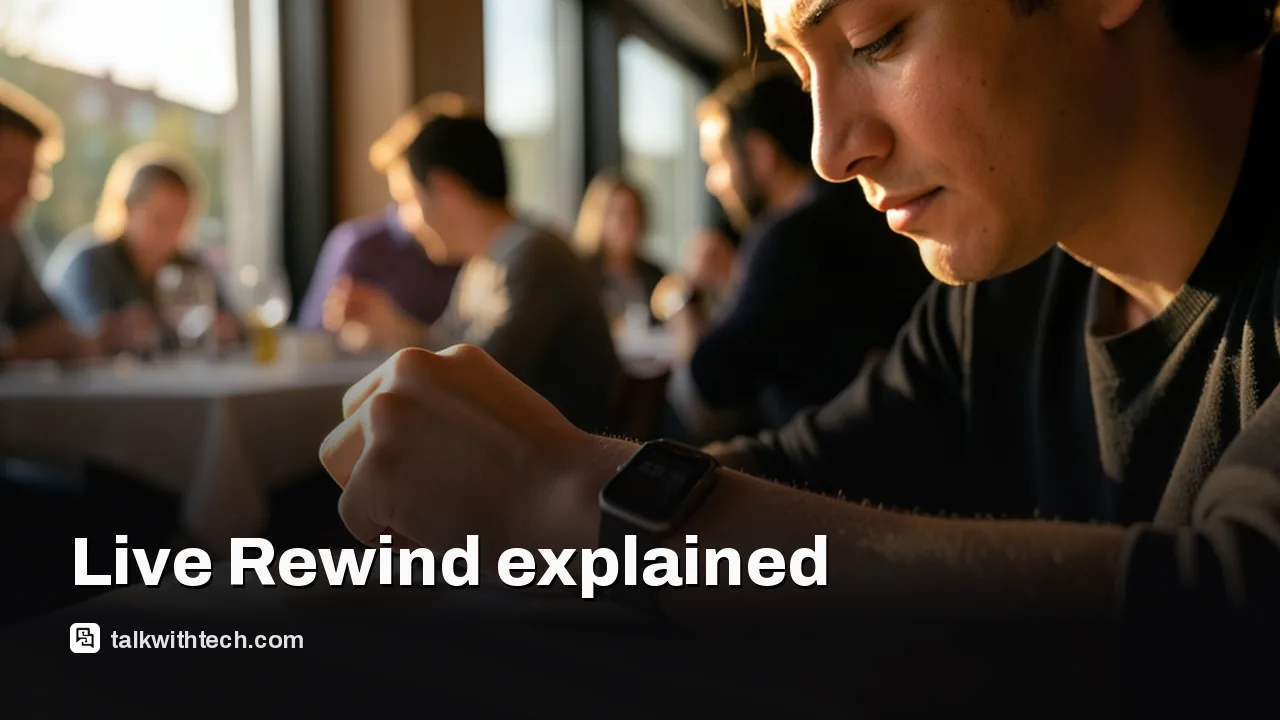
Missed what the waiter just said? Live Rewind is a new Apple Watch feature that shows the last 15 seconds of a conversation as text the moment you double-press the Digital Crown. So if you’re asking what is Live Rewind on Apple Watch, that’s the short answer: a quick written replay of speech you just didn’t catch, without making anyone repeat themselves.
It arrived on November 3 in the first developer beta of watchOS 27.3, together with a bigger sibling called Siri Recap. Both live under a new label, Audio Intelligence. The catch is the hardware list: only the newest watches can run it, and the always-listening idea behind Recap has already drawn warnings from lawyers. Here’s what each feature does, who can use it, and what happens to your words.
01
What is Live Rewind on Apple Watch, exactly?
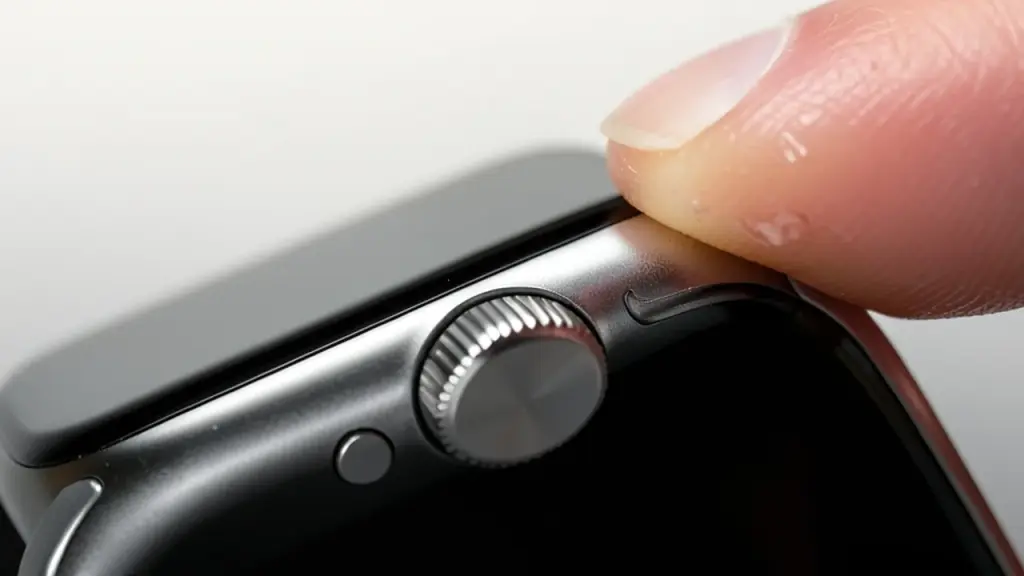
Live Rewind is an on-demand transcript of the last 15 seconds of audio your watch’s microphone picked up. You trigger it with a double-press of the Digital Crown, read the snippet on your wrist, and carry on.
From there you have three options. You can just read it and let it go, ask Siri a question about what was said, or save the snippet to the new Siri app to look at later. If you do nothing, the text disappears about 30 seconds after the watch display dims, according to Apple’s support notes.
Apple’s own example is a server reading out the daily specials. Other obvious uses: a gate change announced at the airport, a name you didn’t catch at a party, or a phone number someone rattled off too quickly.
It does not keep running after that one snippet. Transcription stops at the 15-second window, and the watch only listens back when you press the crown.
Siri Recap: the always-on half of Audio Intelligence
Siri Recap is the feature that listens in the background. When it’s switched on, the watch follows your conversations through the day, and after each one Apple Intelligence writes a short title plus key points, such as dates, deadlines or prices that came up.
These are summaries, not transcripts. Recap never produces a word-for-word record, and neither feature labels who said what, so you won’t see a speaker’s name or “Speaker A” next to a line.
You get a fair amount of control over when it runs:
Schedules: set Recap to work only at certain times, in certain places, or both. Work hours only is the obvious setup, and you can block it at night.
Manual switch: turn it on or off from Control Center whenever you like.
Cleanup: summaries you don’t save delete themselves after seven days. You can review and delete them sooner in the Siri app, or keep the important ones in Notes or Journal.
Apple also says Recap filters out sensitive material, such as financial details, personal identifiers and login information, so those may be left out of a summary.
02
Which Apple Watch models get Live Rewind?
Only two: the Apple Watch Series 12 and the Apple Watch Ultra 4. Apple previewed Audio Intelligence for these models in September, and it depends on the S11 chip inside them.
That means older watches, such as the Series 11 and Ultra 3, are not on the list. The phone matters too. You need:
an Apple Watch Series 12 or Ultra 4;
a paired iPhone from the 16 lineup or newer that runs Apple Intelligence and Siri AI (the 16e doesn’t qualify);
English as your language for now, since the tools launch in English first;
to be 13 or older. Child Accounts under 18 need a parent’s approval.
Apple’s notes describe the limits by language rather than by country, so English speakers in the US, UK and Canada should be in the first wave. The separate Siri AI assistant is not offered in the European Union on watchOS for now, which is a reminder to check availability if you travel.
03
Is your watch recording everyone? Here’s what Apple says
No audio file is ever made, according to Apple. The raw sound goes into what Apple calls the Secure Exclave, a walled-off part of the S11 chip that handles sensor data apart from the rest of the system. Apple says that audio can’t be reached by apps, by watchOS or by Apple itself, and it is thrown away after processing.
Where the text goes depends on the feature:
Live Rewind is handled on the watch. Text only leaves it if you send the snippet to Siri or save it.
Siri Recap uses Private Cloud Compute, Apple’s own servers for heavier AI jobs. Condensed text from your iPhone is sent there to build the summary and then deleted.
Saved items sync between your devices with end-to-end encryption, as long as you use iCloud with two-factor authentication and a device passcode.
Apple also built in signals for the people around you. Live Rewind plays a chime from the watch speaker even in silent mode, runs a full-screen animation, and lights up a microphone indicator.
04
What this means for you, and the people you talk to
For anyone with hearing loss, a noisy job, or a habit of zoning out in meetings, Live Rewind is a genuinely handy safety net. It asks nothing of you until you press the crown, and the chime makes it hard to use secretly.
Siri Recap is the one to think about. Lawyers in several US states have warned that ambient summaries could run into state eavesdropping rules, where recording a chat is only legal if every person in it consents. Apple’s answer is that nothing is recorded, but that argument hasn’t been tested in court yet.
A sensible approach: tell people when Recap is on, keep it on a work-hours schedule, and switch it off in Control Center for private chats. Treat summaries as notes to jog your memory, not as a record. These are beta features, so double-check anything important, like a deadline or a price, before acting on it.
Apple is expected to ship watchOS 27.3 and iOS 27.3 to the public in December. Right now both are in developer beta only. A public beta could come first, possibly in mid-December, but Apple hasn’t given a date.
If you own a Series 12 or Ultra 4, the simplest move is to wait for the December update, then look for the Audio Intelligence options. Both features are off until you opt in.
06
Quick answers
Does Live Rewind work on Apple Watch Series 11?
No. Live Rewind and Siri Recap need an Apple Watch Series 12 or Ultra 4, because they rely on the S11 chip.
Does Live Rewind record audio?
Apple says no. It turns the last 15 seconds into text on the watch and saves nothing unless you send the snippet to Siri or save it.
How do you use Live Rewind?
Double-press the Digital Crown. The last 15 seconds of speech appear as text, with a chime and a mic indicator so others know.