Thursday, 29 October 2026

Apple OLED MacBook Pro could get a touchscreen and Dynamic Island

The rumors were right: Apple's MacBook Pro with PROLED XDR has a tandem OLED touchscreen and a Dynamic Island, and it starts at $2,899.

MacBook Pro
Photo: Jack Baty from Grand Rapids, MI / CC BY-SA 2.0 (modified)

The short version

  • Apple unveiled the MacBook Pro with PROLED XDR, its first Mac with a touchscreen, at its Pro and Tell event in Los Angeles.
  • The tandem OLED screen reaches 2,000 nits, and a Dynamic Island around the webcam replaces the old notch.
  • The 14-inch model starts at $2,899 in the US and $3,999 CAD in Canada; the 16-inch starts at $3,399.
  • Pre-orders opened Oct. 28, and the laptop reaches stores and buyers on Friday, Nov. 6.
Quick read · 1 min

Apple's long-rumored OLED MacBook Pro is here, and it really does have a touchscreen. The MacBook Pro with PROLED XDR was the big reveal at Apple's Pro and Tell event in Los Angeles on Oct. 28, and it's the first Mac you can tap and swipe.

The laptop uses tandem OLED, the screen type found in the iPad Pro, with up to 2,000 nits of brightness. A Dynamic Island replaces the notch. It's lighter too, with the 14-inch model at 3 pounds, and it runs M5 Pro or M5 Max chips.

  • Price: from $2,899 (14-inch) and $3,399 (16-inch) in the US, $3,999 CAD in Canada.
  • Release: pre-orders open now, in stores Friday, Nov. 6.
  • Cheaper option: a non-touch M6 MacBook Pro starts at $1,999.

For most people, the cheaper model makes more sense. The touchscreen version is aimed at creative pros who want the best screen Apple sells.

Apple has finally put a touchscreen on a Mac. The new MacBook Pro with PROLED XDR pairs a tandem OLED display with touch input and a Dynamic Island, and the 14-inch model starts at $2,899, the highest opening price any MacBook Pro has carried.

When we first wrote about this laptop, it was a rumor with a late-October date attached. Now it’s official, and it matters if you’ve been holding off on a new laptop or you’ve ever wished you could just tap the screen on your Mac. It also marks a real change of heart: Steve Jobs dismissed touchscreen laptops at an Apple event back in 2010, and current CEO John Ternus had been among the executives waving the idea away for years.

01

The Apple OLED MacBook Pro is official, and it does have touch

Yes, the touchscreen MacBook Pro is real. Apple revealed it at its Pro and Tell event in Los Angeles on Wednesday, Oct. 28, as the last and biggest announcement in a busy week. It’s the first major redesign of the MacBook Pro in more than five years.

The touch sensor sits inside the display panel itself, which Apple says keeps lag low. Because macOS treats a tap as a click, every app responds to touch, even ones that were never built for it. Apple’s own apps have been tuned for fingers, and well-known third-party apps such as Canva, Notion, Zoom, Blender, DaVinci Resolve and Microsoft Office already support touch.

Apple’s demo video showed people dragging files, scrolling and using two-finger gestures like pinch-to-zoom while the laptop sat open in its normal position. It isn’t a 2-in-1 that folds into a tablet. To stop the screen wobbling every time you poke it, Apple redesigned the hinge so the display stays steady, which also helps keep your picture stable on video calls.

Dynamic Island
Photo: SploopyDoppy / CC0 (modified)
02

How the PROLED XDR display compares to today’s MacBook Pro

The screen is the headline upgrade. PROLED XDR is Apple’s name for tandem OLED, which stacks two layers of light-emitting pixels so the panel can get brighter and last longer. It’s the same kind of technology Apple already uses in the iPad Pro.

  • Brightness: up to 2,000 nits at peak, for both HDR video and everyday SDR content.
  • Contrast: Apple claims a 10,000,000:1 ratio, because OLED pixels switch fully off to show black.
  • Refresh rate: ProMotion now scales from 10Hz up to 120Hz, so scrolling stays smooth while static screens save power.
  • Color: full coverage of the P3 and Adobe RGB color ranges, aimed at photographers and video editors.

Thinner bezels let Apple grow the screens slightly, to 14.2 inches and 16.3 inches. A nano-texture option to cut glare is available, and this time it’s etched straight into the cover glass. Apple mentioned protection against burn-in, the ghost images OLED panels can develop over time, but didn’t say how it works.

03

The Dynamic Island finally comes to the Mac

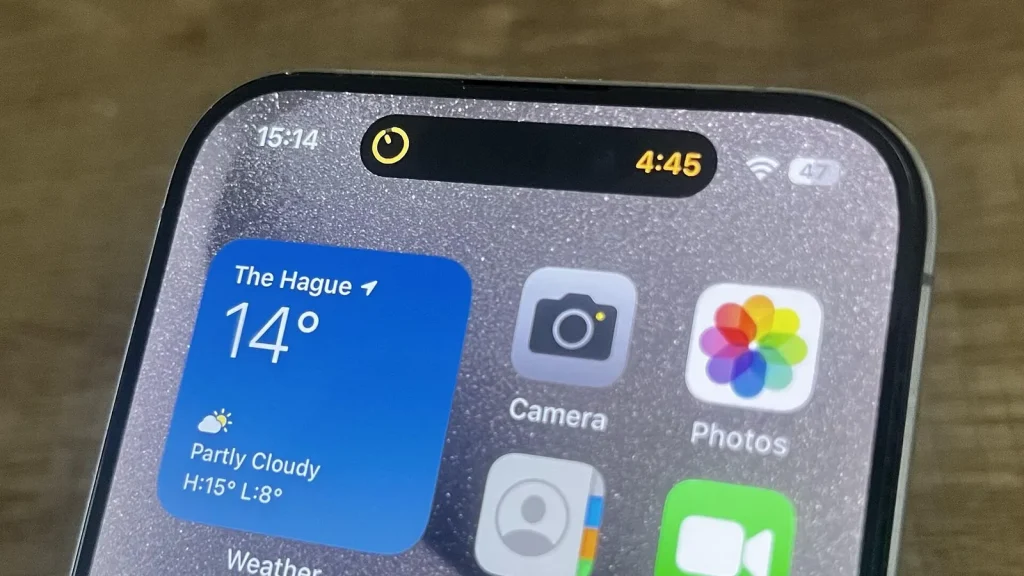
The rumored replacement for the notch turned out to be true. A Dynamic Island now wraps around the webcam, the same idea iPhone owners know, where a black area around the camera expands to show live information.

On the Mac, it becomes a home for Spotlight search, Live Activities (like a delivery tracker or a sports score that updates in real time) and Siri AI. It’s a small touch, but it turns dead space at the top of the screen into something you can use.

A modern laptop with a vibrant OLED screen in a bright room
04

How much the touchscreen MacBook Pro costs

This is where many buyers will pause. The 14-inch model starts at $2,899 in the US and the 16-inch at $3,399. Canadian pricing starts at $3,999 CAD for the 14-inch with an M5 Pro chip and $4,799 CAD for the 16-inch, before tax. UK pricing wasn’t in the launch coverage we reviewed, so check Apple’s UK store.

Top-end builds get far more expensive. A fully loaded 16-inch model with the M5 Max chip, 128GB of memory and 16TB of storage runs well into five figures, which puts it in workstation territory rather than family-laptop territory. Rising memory prices across the industry are part of the reason.

Here’s a twist: the new laptop runs the M5 Pro and M5 Max, not the newer M6. Apple launched a separate 14-inch MacBook Pro with M6 the same week, starting at $1,999, with a regular Liquid Retina XDR screen and no touch. So the most advanced display comes with last generation’s chip.

05

What the new MacBook Pro means for you

If you mainly browse, write and stream, the touchscreen model is a lot of money for a nicer screen and a new way to scroll. The M6 MacBook Pro, or even an older model, will handle that work for far less.

If you edit photos or video, the case is stronger. The brighter, higher-contrast screen and wide color coverage are built for that work, and creative apps are adding touch features of their own. Subscribers to Apple’s Creator Studio app bundle will get free updates in November that use the new display and touch.

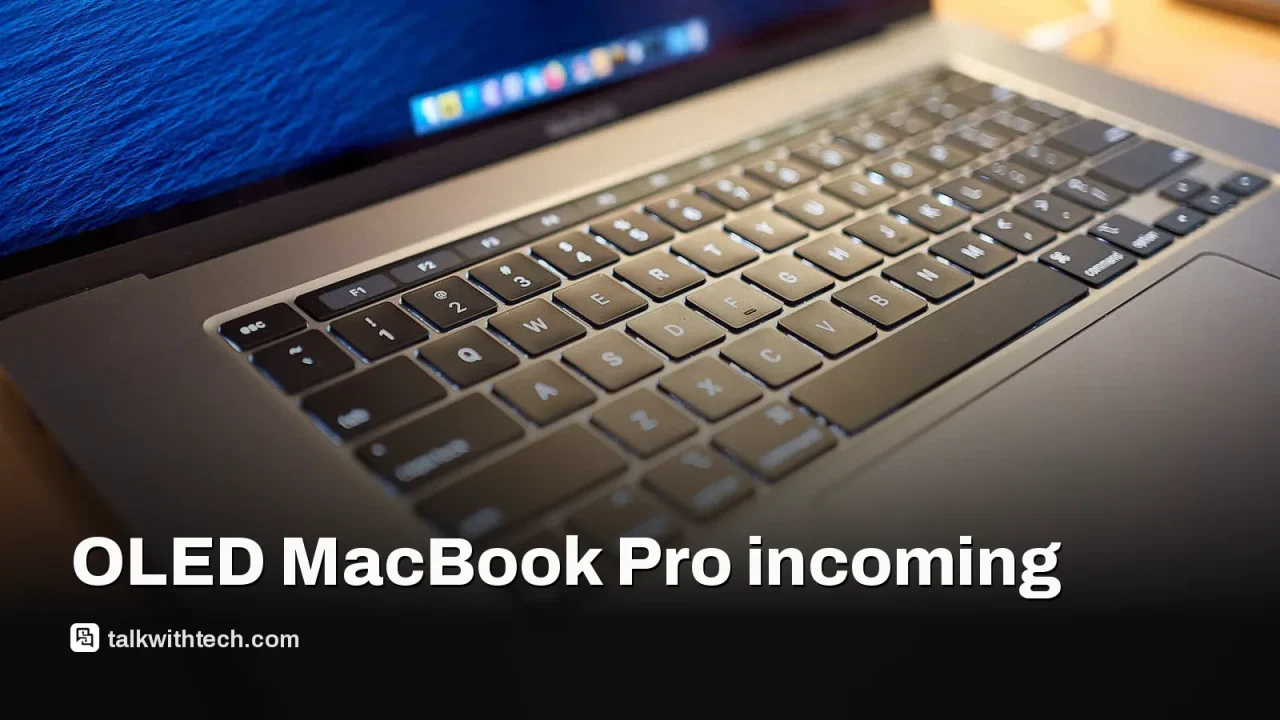
The weight cut is real too. The 14-inch model weighs 3 pounds, down from 3.4 pounds, and the 16-inch weighs 4 pounds, down 0.7 pounds. Apple rates battery life at up to 24 hours. You still get a useful set of ports: three Thunderbolt 5 USB-C ports, MagSafe, HDMI, an SDXC card slot and a headphone jack. The rear Apple logo lights up again, a nod to older MacBooks, and colors are space black and silver.
06

Quick answers

Does the new MacBook Pro have a touchscreen?

Yes. The MacBook Pro with PROLED XDR is the first Mac with a touchscreen, and macOS treats taps as clicks so every app responds to touch.

When can I buy the OLED MacBook Pro?

Pre-orders opened on Oct. 28, and the laptop arrives in stores and with customers on Friday, Nov. 6.

Is it a 2-in-1 that folds into a tablet?

No. It’s a regular clamshell laptop with a sturdier hinge, so you reach up to touch the screen while it sits open.

You're reading the quick version.