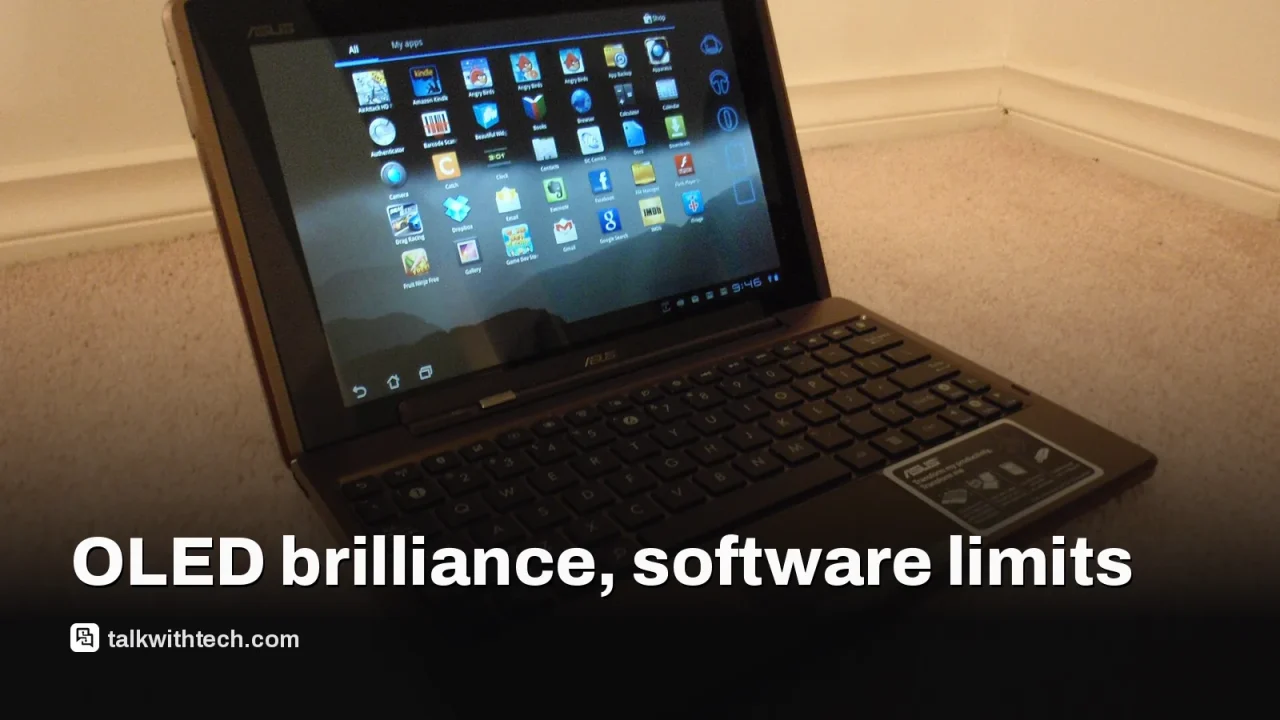
The ASUS Pad pairs a 12.2-inch OLED display with a 144Hz refresh rate for smooth visuals and strong contrast.
Performance is solid thanks to the Dimensity 8300, making everyday multitasking and media use easy.
Software experience lags behind the hardware, limiting multitasking and overall polish.
Expandable storage and a robust bundled case add real value, though the Pen is sold separately.
Quick read · 1 min
The ASUS Pad proves hardware quality can shine in a mid-range Android tablet. It sports a bright 12.2-inch OLED screen with a 144Hz refresh rate, and the Dimensity 8300 chip keeps everyday tasks smooth. The speakers surprised the reviewer with their clarity and volume, and microSD expansion adds practical storage flexibility. The big caveat is software: multitasking isn’t as intuitive as it could be, and ASUS doesn’t include the stylus in the box. Fingerprint unlock is missing too. Pricing in the tested market was around $403, but US, UK, and Canada pricing will vary when it lands there. If you want a big screen for media or productivity and don’t mind a bit of setup, the Pad is worth a look. What’s next? Watch for US availability and pricing, plus updates to improve multitasking flow.
Big OLED screen
Strong mid-range performance
Software needs polish
The ASUS Pad review unit arrived with a lot to like: a big, vivid 12.2-inch OLED screen and a fast, mid-range processor that keeps everyday tasks feeling snappy. The display’s contrast and color punch are standout features, and a 144Hz refresh rate makes scrolling and UI motion feel unusually fluid for a tablet in this price bracket. Add in a sturdy, thoughtfully designed case and microSD expansion, and you’ve got a device that’s genuinely useful for media and light productivity.
On the inside, the Dimensity 8300 keeps things moving without stuttering. In practice, the Pad handles web browsing, video streaming, and document work with ease. The speakers also punch above what you’d expect, delivering clear mids and decent bass for a tablet’s size. If you’re chasing a big Android option that can double as a portable media hub, this is a compelling choice.
But there’s a tension here. ASUS has done the hardware really well, yet the software experience doesn’t fully unlock the Pad’s potential. Multitasking feels clunky to set up, and the OS can feel less intuitive than rival tablets that focus more on polish and flow. The device ships without a fingerprint reader, which is a noticeable omission for quick unlocks, even if face unlock performs reliably. And while there’s microSD expansion, ASUS doesn’t include the stylus, ASUS Pen is sold separately, so productivity features feel a step behind where they could be.
In the India-only review unit used for this test, pricing was roughly 38,990 INR, which translates to around $403 using local conversion. International pricing and availability can vary, so buyers in the US, UK, and Canada should expect different numbers when the product hits those markets. Still, the Pad’s combination of a big OLED panel, strong speakers, and expandable storage makes it a strong candidate for anyone who wants a big Android tablet for media or productivity in quick-gain packages.
01
Which phones or tablets get the update first
ASUS emphasizes the Pad’s hardware performance, but software support plans aren’t clearly outlined in the materials available. The review notes that software support commitment remains unclear, which matters for long-term value if you expect OS updates or feature adds beyond initial shipping.
02
What people can actually do with it
The Pad is best used as a media and light-productive tablet. The 12.2-inch OLED display with a 3:2-ish aspect ratio makes reading and document work comfortable, while the 144Hz panel keeps UI responsiveness snappy. The microSD slot is handy if you shoot lots of video or store big files, and the included protective case helps cushion everyday use. If you want a stylus-driven drawing or note-taking workflow, you’ll want to budget for the separate ASUS Pen.
03
What could be better for everyday users
Software flow is the biggest bottleneck. Multitasking requires more setup than it should, and some productivity features don’t feel as polished as rival tablets. The lack of a fingerprint sensor also takes away a quick unlock option that many people rely on daily. Finally, market availability and official pricing for the US, UK, and Canada aren’t confirmed in the materials we have, so you’ll want to wait for local details before buying.
04
How it compares to rivals
Compared with mainstream Android tablets and popular iPad options, the Pad trades a little polish for a standout display and solid core performance. If you prize an outstanding OLED panel and expandable storage at a mid-range price, it’s worth considering. If you want the smoothest software experience and built-in biometric security, you may prefer other tablets that emphasize software refinement and integrated stylus support.
For anyone who reads, streams, or does light work on a big Android tablet, the ASUS Pad offers a compelling screen and sturdy performance. The big caveat is software usability; you’ll likely have to work a bit to assemble a productive setup, and you’ll want to factor in the pen accessory separately. If you buy, you’re getting a big, bright display and good speakers first, with software smoothness as the likely next upgrade to watch for in future updates.
06
What happens next
If you’re curious about US availability and exact pricing, wait for official US, UK, and Canada announcements from ASUS and local retailers. In the meantime, you can keep an eye on early impressions of the Pad’s software experience and whether ASUS extends its update cycle to address multitasking quirks.
07
Quick answers
What makes the ASUS Pad stand out?
Its 12.2-inch OLED display with 144Hz refresh rate and solid mid-range performance are the main strengths.
Is the software good enough?
The hardware is strong, but the software experience isn’t as polished as some rivals, especially for multitasking.
Should I buy it now?
If you want a big Android tablet with a great screen and expandable storage, it’s worth waiting for US pricing and local availability details.
Samsung's built-in news feed on Galaxy phones and tablets ends in December. Here is the exact cutoff, what gets deleted, and how to switch in under a minute.