Saturday, 14 November 2026

How to find Apple TV remote: Find My steps and the iPhone catch

Apple's newest Siri Remote can ring and guide your iPhone straight to it. Older remotes now appear in Find My too, with fewer tricks.

A silver TV remote half hidden between sofa cushions in a dim living room

The short version

  • The fourth-generation Siri Remote has a built-in speaker and supports Precision Finding in the Find My app.
  • Precision Finding needs an iPhone 17 or 17 Pro, iPhone Air, iPhone Duo or iPhone 18 Pro, and not the iPhone 17e.
  • Second- and third-generation Siri Remotes now appear in Find My with iOS 27.2 and tvOS 27.2, but they cannot play a sound.
  • The new remote sells on its own for $59 and works with every Apple TV 4K and the Apple TV HD.
Quick read · 1 min

Lost your Apple TV remote? Open the Find My app on an iPhone with iOS 27.2 or later, go to Devices, choose the Siri Remote and tap Find. Your Apple TV also needs tvOS 27.2, and you should be signed in as its default profile or a family group member.

The newest, fourth-generation Siri Remote can play a sound, and on an iPhone 17 or 17 Pro, iPhone Air, iPhone Duo or iPhone 18 Pro it gives step-by-step Precision Finding. The iPhone 17e is left out, and older phones only show near or far.

  • Older second- and third-generation remotes now appear in Find My but can't ring.
  • The new remote costs $59 on its own and works with every Apple TV 4K and the Apple TV HD.
  • With Siri AI on, you can just ask "Where's my remote?"

If you want to know how to find Apple TV remote hardware that has slipped into the sofa, the answer finally lives in the Find My app on your iPhone. Open Find My, tap Devices, pick your remote and tap Find. With the newest Siri Remote, your phone can ring it and walk you to it step by step.

That second part is the catch. The ringing and the arrow-style guidance only work with the fourth-generation Siri Remote that ships with the new Apple TV 4K, and the guidance needs a recent iPhone. Older remotes show up in Find My now too, but they stay silent. Here’s exactly what works with the remote and phone you own, and what to try when the remote won’t appear at all.

01

How to find Apple TV remote with the Find My app

You find an Apple TV remote by opening Find My on an iPhone running iOS 27.2 or later and selecting the remote from your device list. The steps are short:

  1. Update your iPhone to iOS 27.2 or newer, and your Apple TV to tvOS 27.2 or newer.
  2. Open the Find My app and switch to the Devices tab.
  3. Tap the name of your Siri Remote in the list.
  4. Tap Find. On the newest remote, your phone can play a sound on it and start guided directions.
  5. Walk around the room slowly and aim your phone in a few different directions so it can lock on to the remote.
  6. When you have the remote in hand, tap the X to close the search.

There’s one account rule that trips people up. You need to be signed in on the Apple TV 4K either as its default profile or as part of the family group linked to it. If someone else set up the box under their own account and you aren’t in their family group, the remote may not show up on your phone.

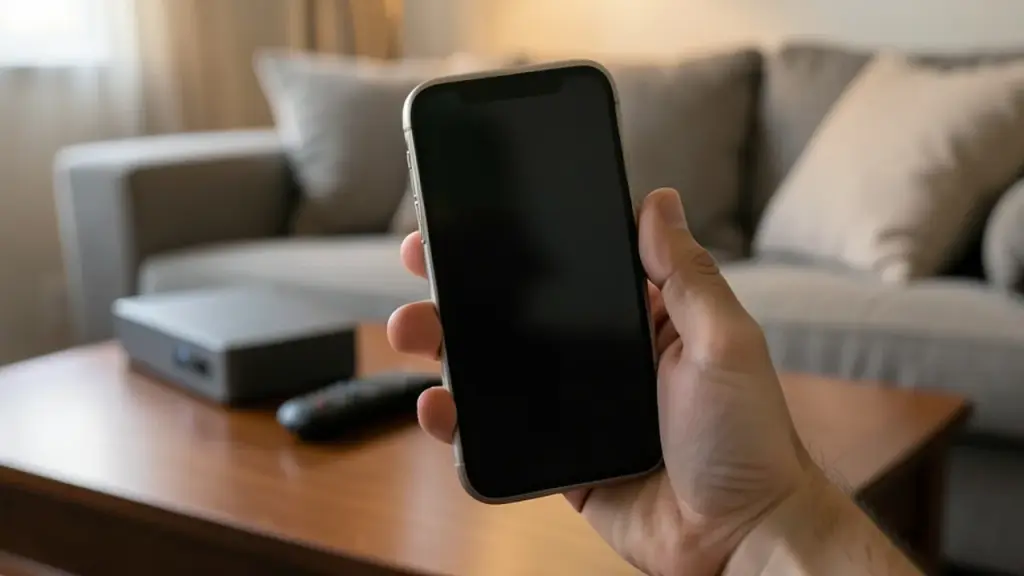
A hand points a smartphone across a living room while searching for a remote
02

Which iPhones get Precision Finding for the Siri Remote

Precision Finding for the new Siri Remote works only on iPhones with Bluetooth 6. That means:

  • iPhone 17 and iPhone 17 Pro models
  • iPhone Air
  • iPhone Duo
  • iPhone 18 Pro models

The budget iPhone 17e is not on the list, even though it shares the iPhone 17 name. Precision Finding is the same idea you may know from AirTags: an on-screen arrow and distance readout that lead you right to the item instead of just saying it’s somewhere in the house.

On any older iPhone, Find My still helps, just less precisely. It tells you whether the remote is near, far or right there, based on how close you are. Combine that with the remote’s speaker and you can usually narrow it down to one couch or one room. The guided search can also run on an Apple Watch, which is handy when your phone is charging in another room.
03

Ask Siri: “Where’s my remote?”

You can also skip the app and ask Siri. With Siri AI turned on for your Apple TV 4K, you can say “Where’s my remote?” and the newest Siri Remote plays its sound. On an iPhone with Siri AI switched on, asking Siri the same thing starts both the sound and Precision Finding.

The Apple TV version has an unusual requirement buried in Apple’s fine print. The person listed as the home’s owner in the Home app must have an iPhone or iPad that supports Apple Intelligence, running current software, with Siri AI turned on in a supported language. So in a shared house, voice finding depends on the owner’s device, not yours.

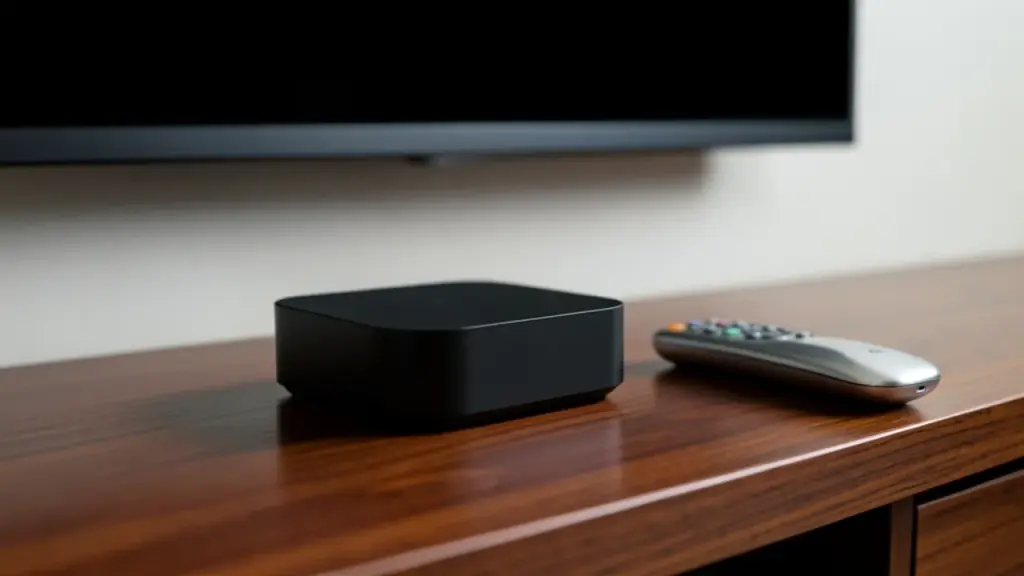
A small streaming box on a TV stand beside a silver remote control
04

What older Siri Remotes can still do

If you own a second- or third-generation Siri Remote, iOS 27.2 and tvOS 27.2 add it to Find My for the first time. Before that update, the only way to hunt for a lost remote with a phone was a little-known option inside the Apple TV Remote control in Control Center, which has existed since iOS 17. Most people never knew it was there.

What older remotes can’t do is make a noise. They have no built-in speaker and no Precision Finding, so Find My shows roughly how close you are and leaves the rest to you. Apple’s support list starts at the second-generation remote, so the original Siri Remote isn’t included.

If your remote is missing from the list after you update, don’t panic. After installing tvOS 27.2, the Siri Remote may need its own firmware update before it appears in Find My, and that can take a while to arrive.

05

Is a $59 Siri Remote worth it for your old Apple TV?

You don’t need a new Apple TV to get the better remote. Apple sells the fourth-generation Siri Remote on its own for $59, and it works with every Apple TV 4K model and the older Apple TV HD. It shipped on November 13, the same day as the new box.

Here’s how to decide:

  • You lose the remote often and own an iPhone 17 or newer (not the 17e), an Air or a Duo: the $59 remote gets you both the speaker and Precision Finding, which is the full experience.
  • You lose it often but have an older iPhone: you still gain the speaker, which is the bigger day-to-day help, but only the rough near or far reading.
  • You rarely lose it: your current second- or third-generation remote already shows up in Find My after iOS 27.2, so you may not need to spend anything.

The full Apple TV 4K (fourth generation) costs $299 in the US and £299 in the UK and includes the new remote. The box itself adds faster A19 chip performance and Siri AI, but if finding the remote is the only problem you want solved, the remote alone is the cheaper fix.

06

Remote not showing in Find My? Check these first

When the remote won’t appear, the cause is almost always software or accounts. Work through this list:

  • Both devices updated: your iPhone needs iOS 27.2 or later, and the Apple TV needs tvOS 27.2 or later. One without the other isn’t enough.
  • Remote firmware: after the tvOS update, the remote may need time to receive new firmware before it lists in Find My.
  • Right account: be signed in on the Apple TV as the default profile or as a member of the connected family group.
  • Supported remote: only second-generation Siri Remotes and newer are listed.
  • No sound option: if you see the remote but can’t ring it, you have an older remote without a speaker. That’s expected, not a fault.

If the arrow-style guidance doesn’t appear on the new remote, check your iPhone model against the list above. Older phones fall back to near and far readings by design.

07

Quick answers

Can I find my Apple TV remote without an iPhone?

With the newest Siri Remote and Siri AI on your Apple TV 4K, you can say “Where’s my remote?” to make it play a sound. Precision Finding can also guide you from an Apple Watch.

Why can’t my Apple TV remote play a sound?

Only the fourth-generation Siri Remote has a built-in speaker. Second- and third-generation remotes appear in Find My after iOS 27.2 but stay silent.

Does the new Siri Remote work with my old Apple TV?

Yes. The $59 fourth-generation remote works with every Apple TV 4K and the Apple TV HD, and its speaker works with any iPhone that runs iOS 27.2.

You're reading the quick version.