Kindle Paperwhite Signature vs regular: who should pay $50 more?
Both 2026 Kindles share the same 7-inch screen and 12-week battery. The $249.99 model wins on looks, storage and one accessory that matters to button lovers.
The 2026 Kindle Paperwhite costs $199.99 and the Paperwhite Signature Edition costs $249.99 in the US.
Both share a 7-inch, 300ppi flush-front screen, IPX8 waterproofing and up to 12 weeks of battery life.
The Signature Edition adds an aluminum back, 32GB, auto brightness, auto-rotate and an ad-free lock screen.
Only the Signature Edition works with the new $79.99 Page Turn Cover, which brings back physical buttons.
Quick read · 1 min
Amazon's 2026 Kindle Paperwhite costs $199.99 and the Paperwhite Signature Edition costs $249.99. They share the same 7-inch, 300ppi flush-front screen, warm light, IPX8 waterproofing and up to 12 weeks of battery, so reading feels the same on both.
The extra $50 buys an aluminum back, a seaglass green option, 32GB instead of 16GB, auto brightness, auto-rotate and a lock screen without ads. Most importantly, only the Signature Edition has the pogo pins for Amazon's $79.99 Page Turn Cover, which brings back physical page buttons.
Pick the Paperwhite for plain, lighter reading.
Pick the Signature Edition if you want buttons or audiobook space.
Check wireless charging details first, as reviews disagree.
Either way, you can read library books through Libby with no subscription.
In the Kindle Paperwhite Signature Edition vs Paperwhite choice for 2026, the reading itself is the same: same 7-inch screen, same sharpness, same waterproofing, same battery. What the extra $50 buys is everything around the screen, and for the first time in years, some of it is worth paying for.
The standard Paperwhite costs $199.99. The Signature Edition costs $249.99. If you’ve been missing physical page-turn buttons since Amazon dropped the Kindle Oasis, the cheaper model can’t help you, and that one detail decides it for a lot of readers. If you just read in bed with the lights low, you can keep your $50.
01
Kindle Paperwhite Signature Edition vs Paperwhite: what’s the same
Start with what doesn’t change, because it’s most of what you’ll notice day to day. Both 2026 Paperwhites have:
A 7-inch, 300ppi e-ink screen with a new flush front, so there’s no raised edge around the display
Front lighting you can make warmer or cooler
IPX8 water resistance, fine for the bath, the pool or the beach
Up to 12 weeks of battery on a charge, by Amazon’s estimate, with USB-C charging
Bluetooth for wireless headphones, so you can listen to audiobooks
A power button moved to the top right edge, where it’s harder to hit by accident
Back panels that are easier to open, which makes battery replacement simpler
They also run the same Kindle software, with the same store, Send to Kindle for your own documents and Libby support for library books. Reviewers who tested the Signature Edition next to a 2024 Paperwhite couldn’t see a difference in text sharpness, and didn’t find it noticeably faster either.
02
What the extra $50 gets you
The Signature Edition’s upgrades fall into three groups: build, convenience and accessories.
Aluminum back: the Signature Edition swaps plastic for metal, and it now feels closer to a small tablet than a gadget. It’s about one millimeter thinner than the last Signature Edition.
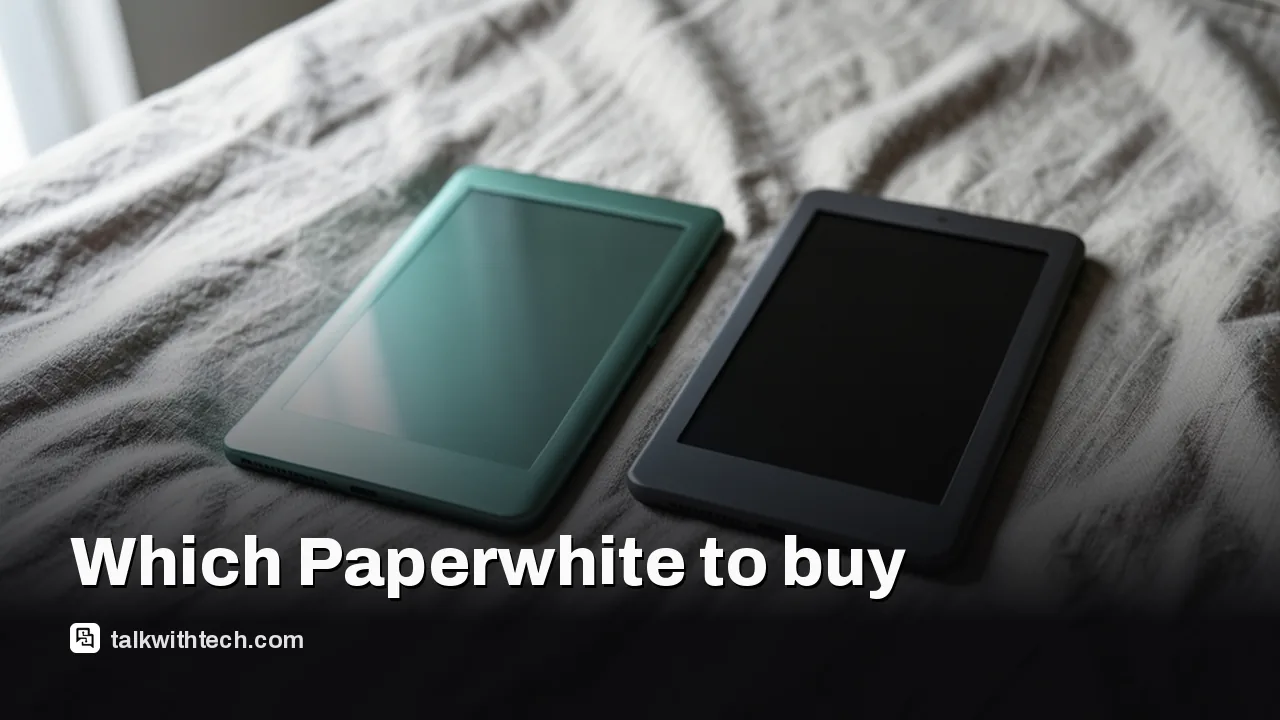
Colors: seaglass green or graphite. The cheaper Paperwhite comes in graphite only. On the green model, the front bezel is now colored to match the back.
Storage: 32GB against 16GB. For e-books alone, 16GB is plenty. It matters more if you keep a lot of audiobooks on the device.
Auto brightness: a light sensor brightens the screen outdoors and dims it at night.
Auto-rotate: an accelerometer flips the page when you turn the Kindle around, with a lock in the pull-down menu if you don’t want that.
No lock screen ads: the Signature Edition doesn’t show ads when it’s asleep.
Double-tap page turns: a new gesture lets you turn pages without touching the text area.
The trade-off is weight. The Signature Edition weighs about 8.1 ounces against roughly 7.2 ounces for the plastic models, which you may feel during a long read held in one hand.
03
The Page Turn Cover is the real reason to pay more
The biggest difference between the two Kindles is a set of four small metal contacts on the back of the Signature Edition. Those pogo pins connect accessories, and the standard Paperwhite doesn’t have them.
The headline accessory is the $79.99 Page Turn Cover. It snaps on magnetically and adds physical buttons for turning pages, the feature fans have asked for since the Oasis went away. Amazon has said it won’t build buttons into Kindles, so this cover is the way back.
Auto-rotate makes the cover more useful. Roll over in bed, switch hands, flip the Kindle around, and the screen turns with you so the buttons stay under your thumb. Amazon is also planning a $60 charging stand that uses the same pins, though it isn’t on sale yet.
If you only want buttons sometimes, there’s a cheaper path. Amazon’s Kindle Click remote works with any Kindle from 2024 or later, including the standard Paperwhite.
A note on wireless charging
Reviews disagree on this one. Some list wireless charging as a Signature Edition feature, while another says Amazon dropped the old model’s standard Qi wireless charging in favor of the pogo pins and the upcoming charging stand. If charging on an ordinary wireless pad matters to you, check Amazon’s product page before you order.
Why this Signature Edition is different from the old ones
Amazon launched the first Paperwhite Signature Edition back in 2021. Its extras were mostly nice-to-haves: triple the storage of the base model at the time, wireless charging, auto brightness and no lock screen ads. Most readers never needed them, which is why the premium was a hard sell.
This year’s model is the first where the Signature Edition can do something the regular one simply can’t, thanks to the cover support and auto-rotate. That’s why several reviewers who used to tell people to save their money now say the upgrade earns its price.
04
The catch with both 2026 Paperwhites
The new flush-front screen is divisive. It removes the raised bezel, but it adds a thin layer of glass over the e-ink, and some readers think that puts the text a touch further from your eye. Not every reviewer can see the difference, but if you’re picky about text clarity, try one in a store first.
Price is the other catch. Amazon raised prices across its devices this year, and a case adds more. One review found the base Paperwhite plus a case lands close to $250, while the Signature Edition plus a case nears $300. Since the Page Turn Cover is a cover too, it can replace a regular case rather than add to it.
Buy the $199.99 Paperwhite if you read mostly e-books, don’t care about buttons, and want the lighter device. You get the same screen and battery.
Buy the $249.99 Signature Edition if you miss physical page-turn buttons, read in bed on your side, keep lots of audiobooks on the device, or hate lock screen ads.
Skip both if you want color for comics or cookbooks. That’s what the Colorsoft line is for, and its Signature Edition also supports the Page Turn Cover.
Whichever you pick, you don’t need a subscription. Kindle+ costs $12 a month for access to millions of titles, but you can borrow from your library through Libby or buy books one at a time.
And if Amazon’s ecosystem is the real problem, look outside it. Kobo’s Clara Colour is a well-liked alternative with its own store, and Android-based readers like the Boox Go 6 (Gen II) run more reading apps and take a microSD card, though that Boox model isn’t water resistant.
06
Quick answers
What is the difference between the Kindle Paperwhite and the Signature Edition?
The Signature Edition adds an aluminum back, 32GB of storage, auto brightness, auto-rotate, no lock screen ads and support for the Page Turn Cover. The screen and battery are the same.
Does the standard Paperwhite work with the Page Turn Cover?
No. The cover needs the pogo pins found only on the Paperwhite and Colorsoft Signature Editions.
Is the Kindle Paperwhite Signature Edition worth it?
Yes, if you want page-turn buttons or the premium build. For plain reading, the $199.99 Paperwhite does the same job.