Sunday, 1 November 2026

LineageOS Pixel 10 10a brings Android 17 builds now

LineageOS 24, built on Android 17, finally supports Google's Pixel 10 family more than a year after launch, with a new way to install it from a web browser.

Pixel 10
Photo: Donald Trung Quoc Don (Chữ Hán: 徵國單) - Wikimedia Commons - © CC BY-SA / CC BY-SA 4.0 (modified)

The short version

  • LineageOS 24, the Android 17 version of the free custom ROM, arrived on October 12, 2026, with Pixel 10 support.
  • Pixel 10 and Pixel 10 Pro nightly builds went live first, while Pixel 10 Pro XL, 10 Pro Fold and 10a builds trailed.
  • The release adds a browser-based installer, a new Canvas photo editor and security patches up to October 2026.
  • The long wait traces back to Google no longer sharing Pixel device trees and driver binaries since Android 16.
Quick read · 1 min

LineageOS 24, the free custom version of Android built on Android 17, now supports Google's Pixel 10 family. It took more than a year after the phones launched, largely because Google stopped sharing the hardware files that custom ROM makers rely on.

At launch, nightly builds were ready for the Pixel 10 and Pixel 10 Pro. The Pixel 10 Pro XL, Pixel 10 Pro Fold and Pixel 10a were listed but had to wait for their builds, so check the device page for your exact model first.

  • New Canvas photo editor and faster streaming updates
  • Security patches through October 2026
  • A new installer that works from a web browser

Installing it wipes your phone, so back up everything before you start. The written wiki guide is still the official way to install, and the browser tool is an easier extra option for beginners.

Pixel 10 owners who want Android without Google’s AI features finally have a real option. LineageOS 24, the Android 17 edition of the most popular free custom ROM, now supports Google’s Pixel 10 family, more than a year after the phones went on sale.

Why should you care? LineageOS replaces the software your phone shipped with. It strips out Google’s preinstalled apps and AI assistants, keeps getting security fixes, and often keeps phones useful years after the maker stops caring about them. For a Pixel 10 owner, it means a cleaner, more private phone. For anyone with an older Pixel, the same release brings Android 17 to hardware Google has long since abandoned.

01

Is LineageOS available for the Pixel 10 and Pixel 10a?

Yes, LineageOS 24 lists the Pixel 10 lineup as supported, but the builds did not all arrive on day one. When the release went out, nightly builds (automatic daily versions, the normal way LineageOS ships) were live for the standard Pixel 10 and the Pixel 10 Pro.

The Pixel 10 Pro XL, the Pixel 10 Pro Fold and the cheaper Pixel 10a were listed as coming but did not have downloadable builds at launch. Some early reports described support for the whole Pixel 10 family, and others said Pixel 10a nightlies were included, so the picture was a little muddled in the first days. The safe move is to check the LineageOS device page for your exact model before you start, because the download button there is the only reliable signal.

If you have a Pixel 10a and your phone is not on the list yet, that does not mean it never will be. Each phone needs a volunteer maintainer to prepare and test a build before it goes official.

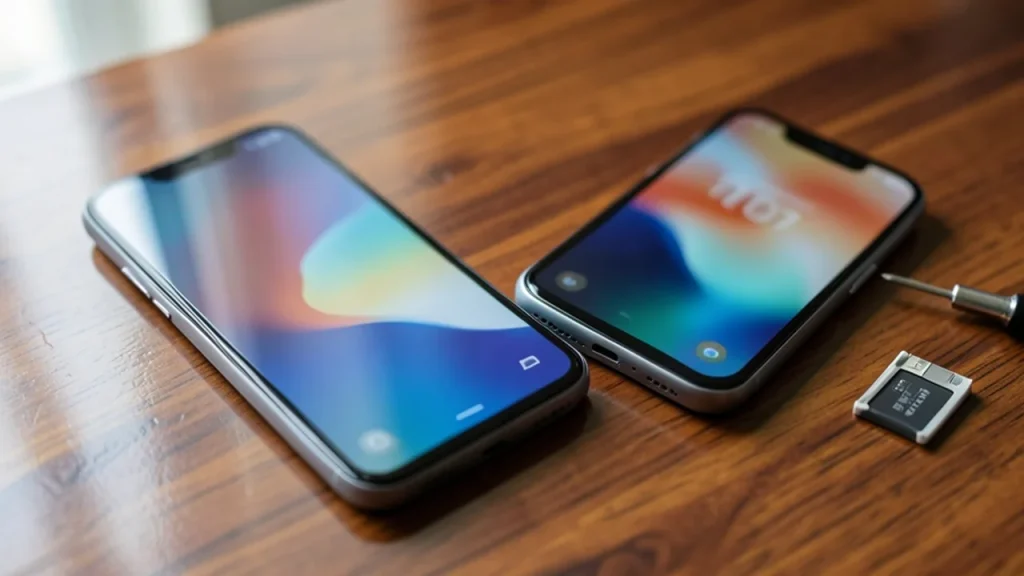
Pixel 10 and Pixel 10a on desk with blurred Android-style wallpaper and phone-repair tools nearby
02

Why LineageOS support for the Pixel 10 took over a year

The delay mostly came from Google, not from the LineageOS team. Around the launch of Android 16, Google stopped publishing the device trees and driver binaries for its Pixel phones. Those files tell a custom ROM how to talk to a specific phone’s hardware, such as its camera, modem and fingerprint sensor.

Without them, volunteers have to rebuild that knowledge on their own, which is slow and fiddly. Delays to Google’s public kernel downloads for Pixel devices made the job harder still. The kernel is the core layer of the operating system that sits between apps and the hardware.

The same change has slowed other privacy-focused projects that build on Pixel hardware, which is why Pixels, once the easiest phones to modify, have become a tougher target. The good news is that Pixel 10 builds landed on the same day LineageOS 24 was announced, rather than months behind it.
Play video: Pixel Update Bulletin: October 2026!
03

What’s new in LineageOS 24 on Android 17

LineageOS 24 rebases the whole system on Android 17, which Google released in early June 2026, and the team says it got there ahead of its usual schedule. The stable build includes security patches from August 2025 through October 2026, so a phone running it is current on Google’s monthly fixes.

The bigger changes are in LineageOS’s own apps:

  • Canvas, a new photo editor for cropping, white balance and filters. It works alongside the existing Aperture camera and Glimpse gallery apps, and it edits photos on the phone instead of in the cloud.
  • A faster Updater. On phones with two system slots (A/B partitions, which all recent Pixels have), updates now stream straight into the spare slot, the same trick Google uses to cut downtime during Pixel updates.
  • A redesigned setup wizard and app suite using Google’s Material 3 Expressive design style, with new layouts and smoother animations.
  • Smaller upgrades, such as home screen web app shortcuts in the Jelly browser and a Most Played section in the Twelve music player.
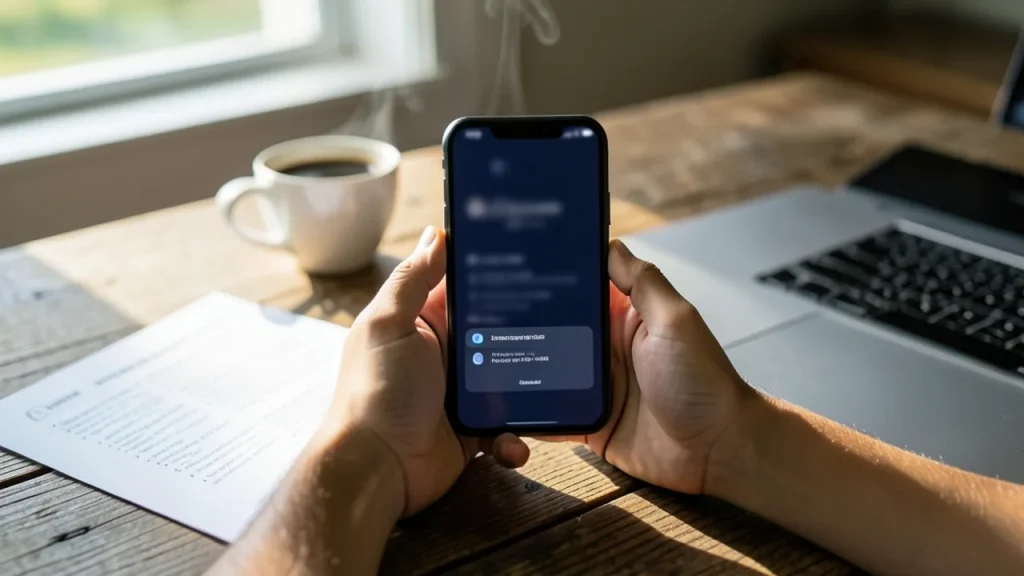
Hands holding phone at kitchen table with blurred instructions, coffee and laptop nearby
04

A new way to install it: flashing from your browser

LineageOS 24 also brings WebUSB Flash Tools, a web-based installer that can talk to your phone over a USB cable directly from a browser. In the past you had to install command-line tools and USB drivers on your computer first, which put off a lot of beginners.

The web tool works with several installation methods, including ADB and Fastboot (the standard Android tools) and Samsung’s Odin. It needs a compatible browser, and whether it works depends on your phone, your computer and even your USB cable. The LineageOS team is clear that the written install guide for each device on its wiki remains the official method. The browser tool is an extra option, not a replacement.

05

What switching to LineageOS means for a Pixel 10 owner

For everyday users, installing LineageOS is a trade. You gain a phone without Google’s AI features and bundled apps, more control over updates, and software that keeps going after official support ends. You give up some things that only Google’s own software provides, and you take on a little risk.

Before you try it, know what is involved:

  • You will wipe your phone. Unlocking the bootloader, the lock that stops unofficial software from loading, erases all data. Back up photos, messages and two-factor codes first.
  • Follow the guide for your exact model. A Pixel 10 Pro build will not work on a Pixel 10 Pro XL, and using the wrong file can leave a phone unbootable.
  • Already on LineageOS? If you run an official build, you usually do not need to wipe your phone to upgrade to version 24, unless the wiki page for your device says otherwise. Unofficial builds need a full fresh install.

If you rely on banking apps or other apps with strict security checks, test carefully, as some of those apps can be picky about modified software.

06

Quick answers

Does LineageOS support the Pixel 10a?

The Pixel 10a is part of the supported Pixel 10 family, but its builds were not live when LineageOS 24 launched in October 2026. Check the LineageOS device list, where a download link appears once the build is ready.

Which older Pixels get LineageOS 24?

The first LineageOS 24 release covers Pixels as far back as the Pixel 4 and Pixel 4a, plus phones like the OnePlus 13 and Fairphone 5. More phones join as maintainers finish their builds.

Is LineageOS 24 free?

Yes. LineageOS is free, open-source software built by volunteers, and the project marks its 10th anniversary on December 24, 2026.

You're reading the quick version.