Monday, 12 October 2026

Debian 13 brings fresher apps and drivers to Raspberry Pi Desktop

After four years, Raspberry Pi Desktop shifts to Debian 13, bringing current software, better security, and improved hardware support for casual and new users alike.

Raspberry Pi hardware, related to: Debian 13 brings fresher apps and drivers to Raspberry Pi Desktop
Photo: Антон Пищулин / CC BY-SA 4.0 (modified)

The short version

  • Raspberry Pi Desktop now runs Debian 13, the first major base refresh in four years.
  • Users gain newer software, stronger security, and updated drivers for common peripherals.
  • Upgrade guidance and potential caveats for existing installations are outlined in the update notes.
Quick read · 1 min

Raspberry Pi Desktop has moved to Debian 13, bringing current software and security updates after four years. The update aims to improve compatibility with modern apps and devices while keeping the familiar desktop feel that helps beginners try Linux.

What this means for you: fresher software, stronger security, and potentially better hardware support on compatible PCs. If you rely on a Pi Desktop setup, back up first and review upgrade notes for any gotchas. Expect follow-up tweaks after launch as early users share experiences.

  • New base: Debian 13
  • Improved security and libraries
  • Upgrade notes and potential clean-install guidance
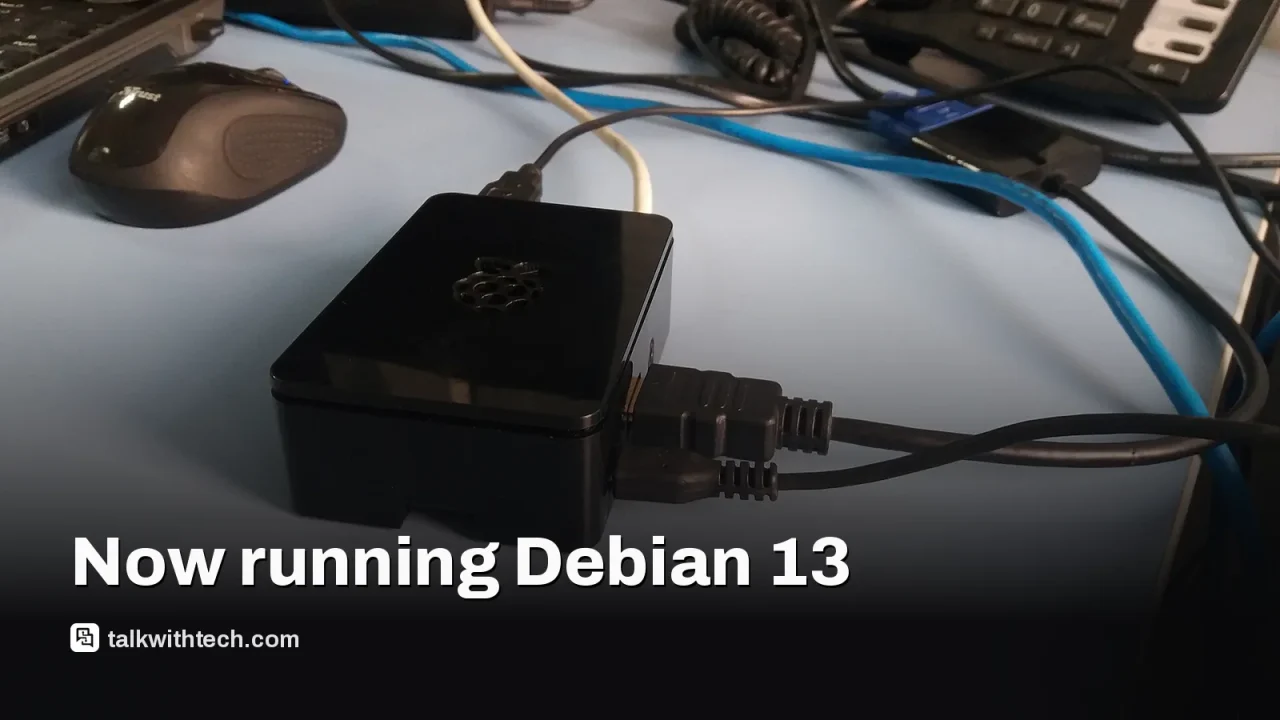
The Raspberry Pi Desktop project has moved its core to Debian 13, ending a four-year interval since the last major Debian base. The update delivers current software, security improvements, and newer hardware support for the popular desktop environment that can run on standard PCs and Macs without needing a Raspberry Pi board.

01

Why this matters to everyday users

Debian 13 brings newer libraries, updated applications, and stronger security tooling. For anyone using Raspberry Pi Desktop on a regular PC, this should translate into fewer compatibility hiccups with modern programs and better protection against common exploits. There’s also improved driver support for a wider range of peripherals and access to newer kernel features that help with system stability on supported hardware.

A desktop computer running a Linux desktop environment
02

What you’ll see and how to get it

The Debian 13-based Raspberry Pi Desktop is designed to run on typical PC hardware, not just Raspberry Pi boards. If you already use Raspberry Pi Desktop, consult the official upgrade notes for the recommended path. New users can download the updated desktop image from the project and install it on a compatible PC or boot drive.

03

Highlights inside Debian 13 on Raspberry Pi Desktop

Expect a newer set of system libraries, refreshed desktop components, and updated security tooling. Users should notice newer versions of common utilities and a smoother experience on supported hardware. If you depend on particular Linux apps, you may need to reinstall or reconfigure some packages to align with Debian 13 defaults.

Smartphone in hand
04

Tips, caveats and best practices for upgrading

<p>Major OS refreshes can nudge some third-party tools or personal configurations off balance. It’s wise to back up important data before upgrading. On older machines, performance or driver behavior could shift; sometimes a clean install yields the most reliable results. Check the project’s notes for any known issues tied to your setup.

05

The broader Raspberry Pi ecosystem

Expanding the desktop experience beyond Raspberry Pi hardware helps spread the Pi software family to more people, offering a familiar Debian-based Linux environment on regular computers. The move also signals ongoing maintenance for Raspberry Pi’s software ecosystem, even as developers explore new variants for dedicated boards.

06

What happens next

Look for follow-up minor updates to address early feedback after Debian 13 lands. The project may publish further upgrade guidance for existing installations and recommendations for clean installs when appropriate.

07

Quick answers

What is Raspberry Pi Desktop?

A desktop Linux setup that runs on ordinary computers, giving users a Raspberry Pi-like experience without a Pi board.

When did the Debian 13 update arrive?

The Raspberry Pi Desktop base has moved to Debian 13 after a multi-year gap.

You're reading the quick version.