Tuesday, 10 November 2026

Why this massive standing desk might be the last you ever need

Uplift's V3 L-shaped desk lifts up to 535 pounds on three motors and starts at $1,000. A three-month review found one real catch: it needs a big room.

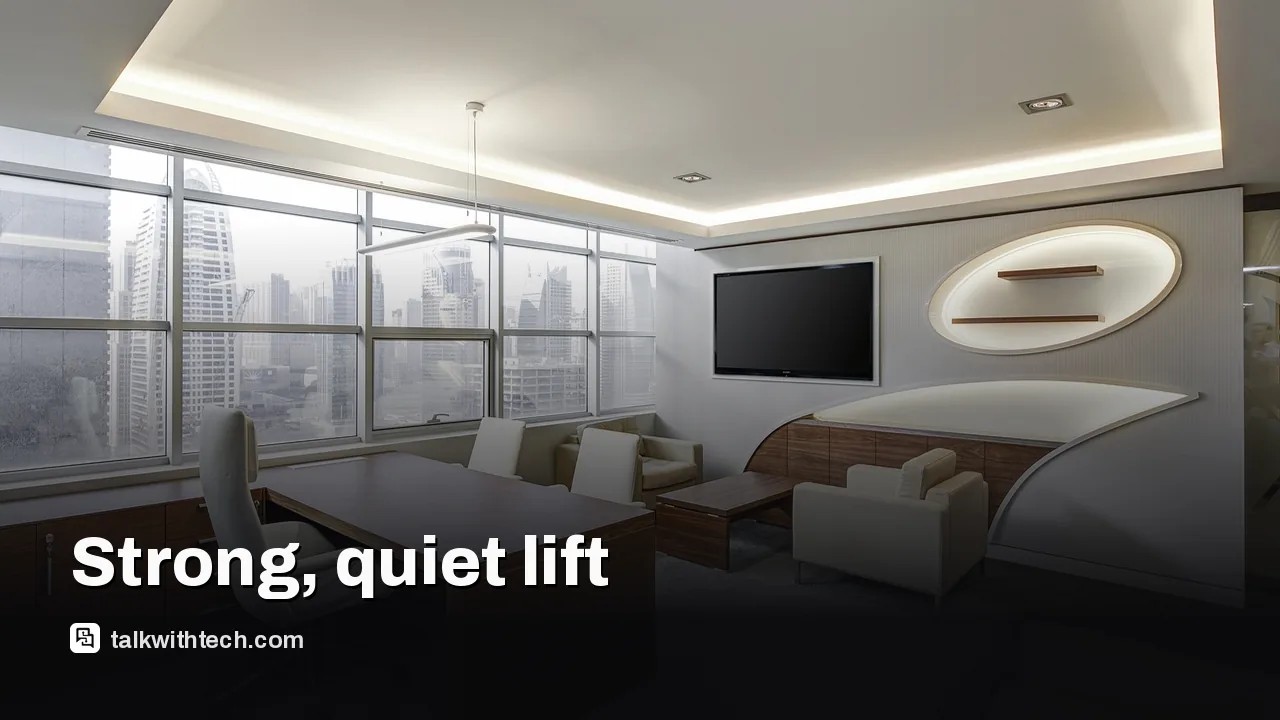
A large L-shaped standing desk setup in a modern office space

The short version

  • The Uplift V3 L-shaped standing desk uses three motors and is rated to lift 535 pounds.
  • It reaches 48.7 inches without casters and stayed steady at full height in a review of more than 90 days.
  • Prices start at $1,000 direct from Uplift, and every Uplift desk carries a 15-year warranty.
  • The main drawback is size: the reviewer said it is probably too big for most offices.
Quick read · 1 min

The Uplift V3 L-shaped standing desk is built for big setups. It uses three motors instead of two, is rated to lift 535 pounds and reaches 48.7 inches without casters. In a review that ran past 90 days, it stayed solid at full height, moved quietly and hit its saved heights without delay.

  • Price starts at $1,000 from Uplift, with frame-only and custom desktop options.
  • Every Uplift desk includes a 15-year warranty.
  • The main downside is its size, which the reviewer said is too big for most offices.

Assembly is easy if you follow the steps in order; the reviewer's one scratch came from rushing the build. If you run several monitors and have a large room, it is a strong long-term buy. If not, a standard rectangular standing desk will fit better and cost less.

Most standing desks are rated to lift a few hundred pounds. The Uplift V3 L-shaped desk is rated for 535, thanks to a third motor in the corner, and after more than three months of daily use in one long-term review, it was still as steady at full height as it was at its lowest setting.

That matters if your desk carries more than a laptop. Two or three monitors, monitor arms, speakers, a desktop PC and a stack of books add up fast, and a weak frame starts to wobble or strain as it rises. The question for most buyers is not whether this desk is strong enough. It is whether you have the floor space, and the budget, to justify an L-shaped corner desk at all.

01

What the Uplift V3 L-shaped standing desk does differently

The L-shaped V3 takes Uplift’s newer V3 frame and adds a corner leg and an extension so the desk wraps around you. Instead of the two motors on Uplift’s standard V3, it uses three, which is where the higher 535-pound lifting capacity comes from. For comparison, the regular two-leg V3 is rated for 355 pounds.

It rises to 48.7 inches without casters, matching the top of the standard V3’s range, which Uplift says suits about 95% of people. The low end on the standard V3 is 22.6 inches. The reviewer called the motors surprisingly quiet and found the extra leg actually made the desk more stable rather than just more complicated, something they said is not true of every L-shaped desk they have tried.

Multi-monitor computer setup on an L-shaped desk with cable management
02

How it held up after three months

This was not a quick first look. The reviewer kept the desk in use for more than 90 days, much of it at maximum height while adjusting cables. They reported no trouble changing height, no lag when pressing the buttons and a desk that went straight to its saved preset heights every time.

Later, a colleague took it over for everyday work with a laptop, a pile of research books and some photos, and the desk kept working without problems. The only flaw after several months was a gouge in the desktop, and that was caused during assembly, not by the desk itself. A desk mat now covers it. The reviewer’s verdict after nearly 100 days was that the desk did not just look good on day one but kept running well after months of hard use.

03

The assembly lesson to learn from

Uplift’s instructions get high marks, but the reviewer admits they ignored them. Rushing, they built the whole desk upside down on the floor, then had to flip the heavy finished unit, nearly injuring a foot and damaging the top with a misplaced screw.

The takeaway is simple: follow the steps in order and get a second person to help with anything this size. Owners of the standard V3 describe a similar experience. Key parts come partly assembled, the frame goes together with the included Allen key, and a drill helps but is not essential. One owner said a two-person build of a standard desk took a little over an hour and a half. Expect an L-shaped model, with its extra leg and extension, to need more time and more floor space while you build it.

Once finished, the power bar fitted easily, a small desk shelf gave gear a raised spot and the desktop material lived up to expectations.

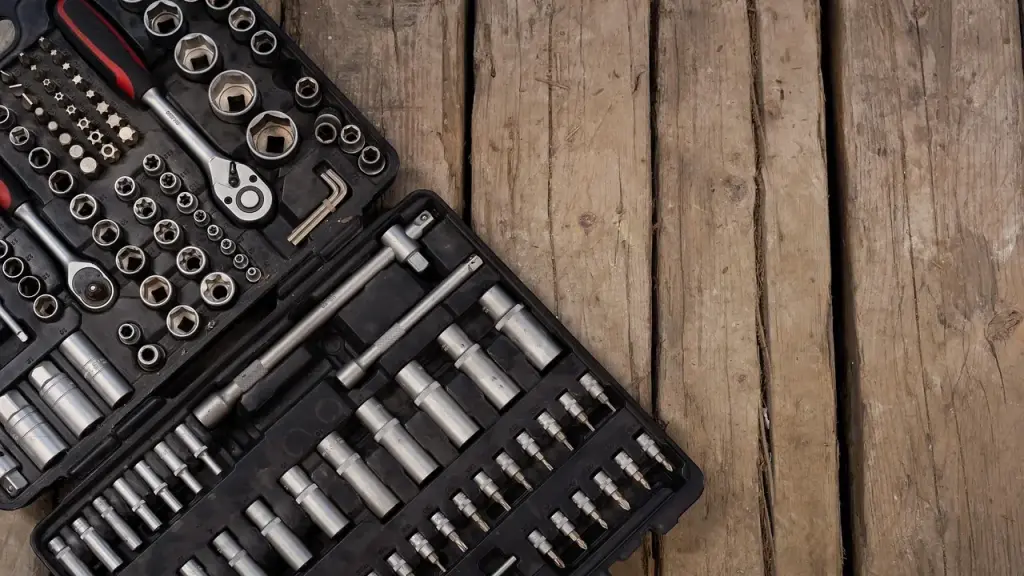
Tools and components laid out for assembling a standing desk
04

What it costs, and what you get for the money

The V3 L-shaped desk sells direct from Uplift’s website, with prices starting at $1,000. You can buy just the frame and supply your own top, or pick from Uplift’s desktops, frame styles and add-ons, so the final price depends heavily on the options you choose. Every Uplift desk comes with a 15-year warranty.

The V3 family brings some useful extras across the range. On the standard V3, Uplift offers 30 desktop surfaces, a keypad with four height presets and a height display, and an anti-collision system with a six-axis motion sensor that stops the desk if it hits something. There are 48 mounting points on the frame for accessories, many of which clamp on without screws, and a felt cable pouch that holds up to 10 pounds of chargers and power bricks.

05

Who should buy this desk, and who should not

This is the desk for people who genuinely use a lot of surface: multi-monitor setups, a computer plus a separate space for paperwork or drawing, or a home studio with audio or video gear. If you are tall and like to stand often, the stability at full height is a real plus.

For most people, though, it is simply too much desk. The reviewer said plainly that it is probably too big for most offices, and a small apartment corner or a shared bedroom will struggle to fit it. If you just need to switch between sitting and standing with one or two screens, a standard rectangular desk will be cheaper and easier to place.

Measure before you shop. Mark out the footprint with tape on the floor, check that chairs and doors can still move, and plan where cables will run so the desk can travel its full height without pulling anything loose.

06

Quick answers

How much weight can the Uplift V3 L-shaped desk lift?

It is rated for 535 pounds, using three motors. The standard two-leg V3 is rated for 355 pounds.

How much does the Uplift V3 L-shaped desk cost?

It starts at $1,000 from Uplift’s website, and the final price rises with the desktop, frame and accessories you pick. A 15-year warranty is included.

Is the Uplift V3 L-shaped desk hard to assemble?

Not if you follow the instructions in order. Building it on the floor and flipping it later is what caused the reviewer’s damage, so get help with the heavy lifting.

You're reading the quick version.