Tuesday, 13 October 2026

AirPods beta firmware 9B5043a appears with no patch notes yet

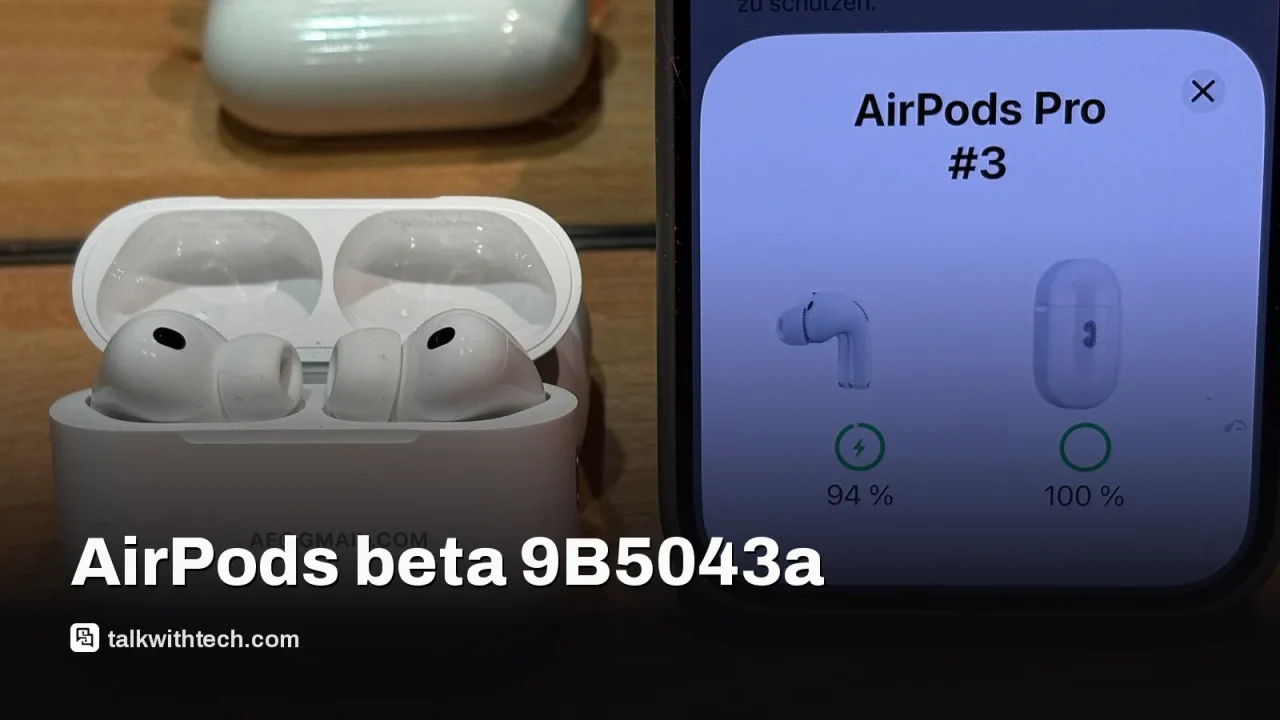
Apple is testing beta firmware for a broad range of AirPods models, including Pro and standard variants, with build 9B5043a available to developers and public testers.

AirPods Pro, related to: AirPods beta firmware 9B5043a appears with no patch notes yet
Photo: Burkhard Mücke / CC BY-SA 4.0 (modified)

The short version

  • Apple released new beta firmware for multiple AirPods models with build number 9B5043a.
  • Firmware is available to both developers and public beta testers, with no official notes on changes yet.
  • Updating requires pairing AirPods with a device running a compatible macOS/iOS/iPadOS version and joining the beta program.
Quick read · 1 min

Apple has released a new beta firmware for several AirPods models, labeled 9B5043a. The update is available to developers and public beta participants, but Apple hasn’t shared specific notes on what changes it includes. To try it, join the AirPods beta program and install the update from a connected device. Installation can take several hours.

Why it matters: beta firmware can bring new features or fixes, but it also risks bugs. If you depend on your AirPods for work or important calls, you may want to wait for a more stable update with clear details.

  • AirPods Pro 2, AirPods Pro 3, AirPods 4, AirPods 5, and AirPods Max 2
  • Build number 9B5043a
  • Beta program required

Apple today released a new beta firmware update for a wide range of AirPods models, including AirPods Pro 2, AirPods Pro 3, AirPods 4, AirPods 5, and AirPods Max 2. The builds are labeled 9B5043a and are rolling out to both developers and public beta testers, as part of Apple’s ongoing beta cycle ahead of general releases.

As with most AirPods beta releases, Apple has not published detailed release notes outlining what’s in this update. That means early adopters may see behind-the-scenes tweaks without a formal changelog to guide them. The company typically reserves notes for broader iOS or macOS betas, not individual accessory firmwares, so users often learn about improvements only after trying the update.

If you want to try the beta firmware on your AirPods, you’ll need to enroll in Apple’s beta program for AirPods. The process mirrors other betas: you enable the beta option in the AirPods settings on a connected iPhone, iPad, or Mac running the corresponding beta OS, then connect the AirPods to power and to a device to download the update. It can take a few hours for the firmware to install, depending on your setup.

Apple issued no official guidance on which exact features or fixes are included in this 9B5043a build. For AirPods users, that means you should proceed with caution if you rely on your earbuds for work or critical calls. If you’re not part of the beta program, you’ll likely have to wait for the next public release to get any potential improvements.

01

Which AirPods models get the beta firmware

The beta shows up for a broad lineup: AirPods Pro 2, AirPods Pro 3, AirPods 4, AirPods 5, and AirPods Max 2. This mirrors Apple’s practice of pushing betas to both newer and last-generation accessories that support their latest system software.

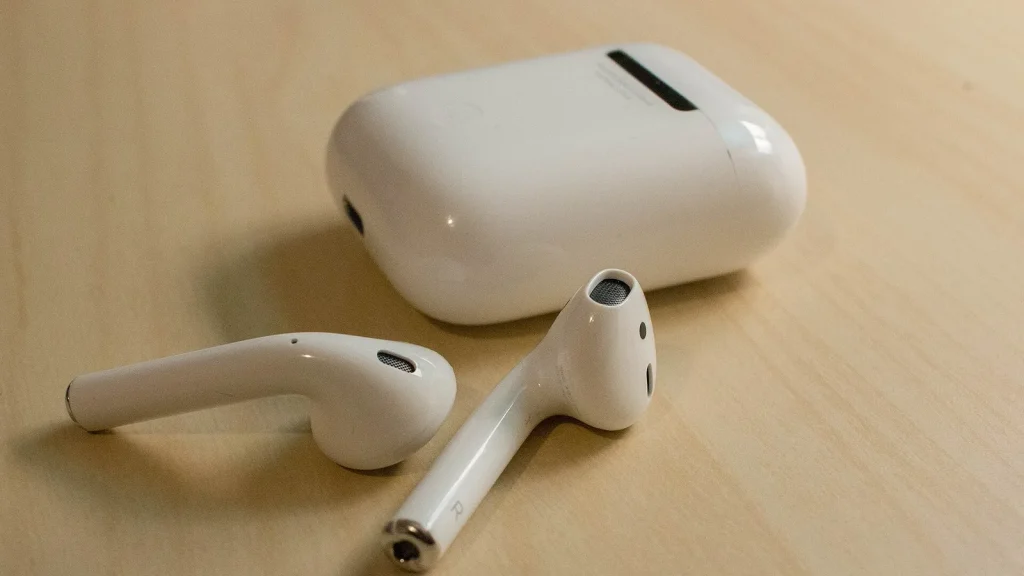
AirPods
Photo: LWYang from USA / CC BY 2.0 (modified)
02

How to join the AirPods beta program

To try the beta, you’ll typically enable a beta option from the AirPods settings on a device running the latest developer or public beta OS. After you enable it, connect your AirPods to power and a nearby device to start the update. Expect a wait time of several hours for the installation to complete.

03

What this means for everyday users

For most people, this is a wait-and-see story. If you rely on AirPods for daily calls, podcasts, or music, beta firmware can bring bug fixes or small improvements, but it can also introduce new issues. If you’re not comfortable troubleshooting potential glitches, you might want to skip the beta and continue using the stable release of iOS, iPadOS, or macOS until Apple publishes official notes for a later update.

As always with betas, back up any important settings or data linked to your AirPods, and consider holding off on using betas for mission-critical tasks until Apple confirms what’s changed.

Smartphone in hand
04

What happens next

Apple tends to publish notes for betas after broad testing, but that isn’t guaranteed for every AirPods firmware release. Expect the 9B5043a build to be evaluated alongside subsequent betas, with a broader public update likely to follow if testers report stable improvements.

05

Quick answers

What models are included in this AirPods beta?

AirPods Pro 2, AirPods Pro 3, AirPods 4, AirPods 5, and AirPods Max 2 are listed for this beta with build 9B5043a.

How do I install the beta firmware?

Join Apple’s AirPods beta program, enable the beta option in AirPods settings on a connected device, then update while the AirPods are charged and nearby a device.

You're reading the quick version.