Tuesday, 24 November 2026

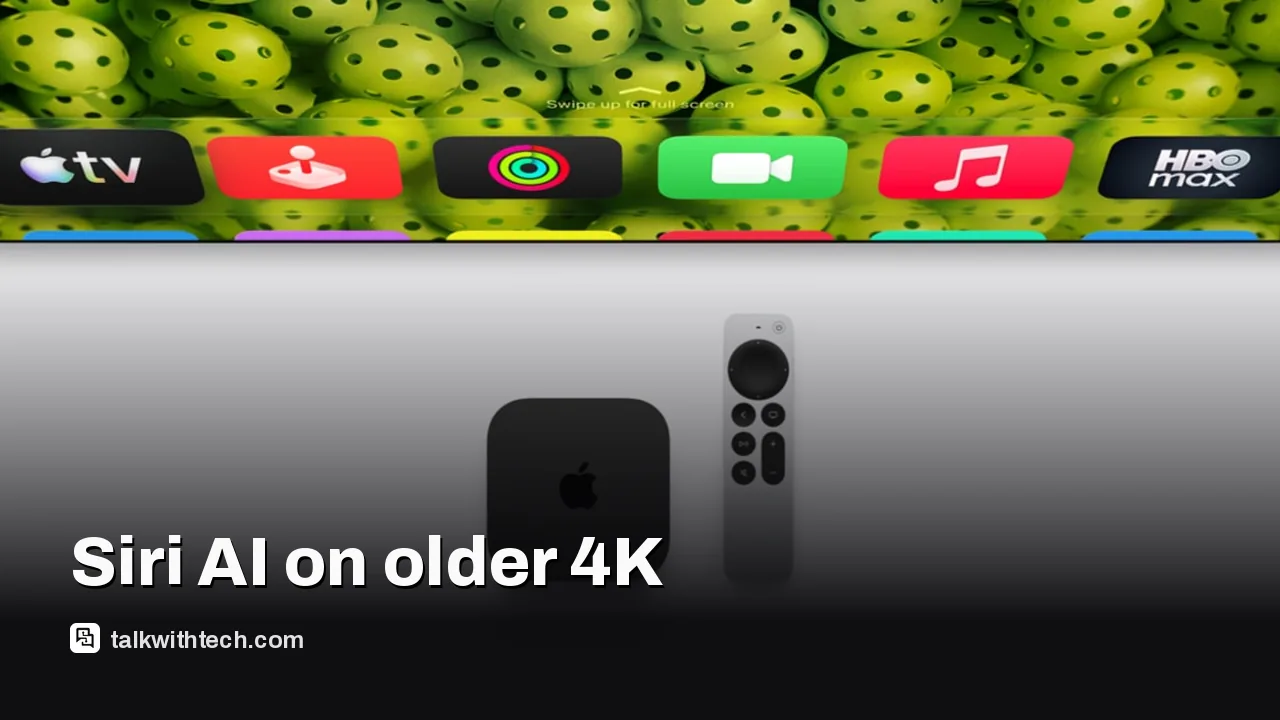
Apple TV Siri AI comes to older 4K boxes via tvOS 27.2

Apple switched on Siri AI for 2021 and 2022 Apple TV 4K boxes on November 13, but it needs a follow-up update, a paired iPhone and a settings change.

Apple image for: Apple TV Siri AI comes to older 4K boxes via tvOS 27.2

The short version

  • Siri AI reached the second and third-generation Apple TV 4K on November 13 through a follow-up update to tvOS 27.2.
  • The feature is off by default and needs a nearby paired iPhone or iPad with Siri AI enabled.
  • Older boxes lack the far-field microphones of the new $299 model, so voice requests still go through the remote.
  • The first-generation Apple TV 4K and the Apple TV HD stay on classic Siri.
Quick read · 2 min

Owners of older Apple TV 4K boxes now have Siri AI. Apple turned it on for the second-generation model from 2021 and the third-generation model from 2022 on November 13, the day its new $299 box went on sale.

The catch is that tvOS 27.2 alone did not include it. Older boxes need the follow-up update Apple released that Friday, and then three more things:

  • a paired iPhone or iPad nearby with Siri AI enabled, such as an iPhone 15 Pro or later;
  • a trip to the Siri settings to switch the new assistant on, because it is off by default;
  • the remote for voice requests, since older boxes have no built-in microphones.

The first-generation Apple TV 4K and the Apple TV HD stay on classic Siri. Siri AI is still a beta, and it works in English in the US, the UK, Canada and five other countries. The HomePod mini 2 is still waiting for it.

If you bought an Apple TV 4K in 2021 or 2022, you now own a Siri AI box, and the upgrade was free. Apple switched the feature on for older models on Friday, November 13, the same day its new $299 streamer reached buyers.

That matters because the new box is expensive. One early hands-on review pointed out that it costs twice what the previous model did a year ago, and concluded that owners of the last two generations probably don’t need to upgrade. The free update gives those owners the headline feature anyway, with a few catches worth knowing before you go looking for it.

01

Which older Apple TV 4K boxes get Siri AI

Siri AI works on the second-generation Apple TV 4K from 2021 and the third-generation model from 2022, plus the new fourth-generation box. When Apple announced the feature on October 13, it said the assistant would be offered as a beta on the second-generation Apple TV 4K and anything newer.

Two devices miss out. The original Apple TV 4K and the older Apple TV HD stay on the classic version of Siri, even though both can still pair with Apple’s newest remote.

There is a regional limit too. At launch, Siri AI on Apple TV works in English only, in the US, the UK, Canada, Australia, New Zealand, India, Singapore and South Africa.

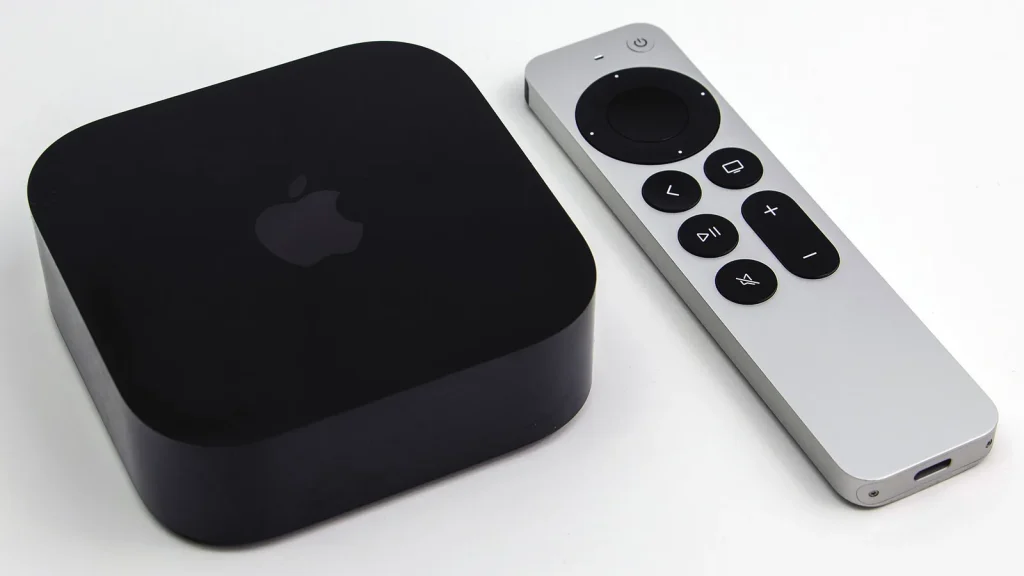
Apple TV 4K, related to: Apple TV Siri AI comes to older 4K boxes via tvOS 27.2
Photo: Dillan Payne / CC BY-SA 4.0 (modified)
02

Why tvOS 27.2 wasn’t enough on its own

Apple first said Siri AI would arrive on older boxes with tvOS 27.2, and that is where things got confusing. The update came out in late October for the second-generation Apple TV 4K and newer, but the assistant was not switched on. Its release notes covered other things: links for joining FaceTime calls from the TV, support for sign language interpreters and captioning on calls, new screen saver options, and a way to locate a lost Siri Remote with Find My.

The missing piece came nearly three weeks later. On November 13, Apple released tvOS 27.2.1, a small follow-up whose main job is turning on Siri AI for the 2021 and 2022 boxes. The timing looks deliberate. Older models got the assistant only once the new hardware was in customers’ hands.

The new fourth-generation box is handled a little differently. Most launch-week reports say it gets Siri AI through its own build of tvOS 27.2 and is not offered the follow-up at all, though one report describes the newer version as covering all three models. Either way, the practical step is the same: install whatever update your box offers.
Play video: The new Apple HomeView: Keep the whole home connected, entertained, and in the know.
03

How to turn on Siri AI on an older Apple TV

Getting Siri AI running takes three steps, and the update alone won’t do it.

  1. Open Settings, pick System, then Software Update, and install the latest version.
  2. Check that a paired device with Siri AI enabled is nearby. Apple’s support page lists this as a requirement, and compatible devices include the iPhone 15 Pro and later.
  3. Go back to Settings, open General, then Siri, and switch the new assistant on. The Apple TV downloads some extra content before it is ready.

Siri AI is not on by default, even on the brand-new box, so skipping that last step leaves you with the old assistant. Once it is on, you can choose whether to allow explicit language, sensitive topics and answers drawn from broad world knowledge. Those controls exist because anyone in the room can talk to a TV, including children and guests.

Beta testers hit a snag here. The first tvOS 27.3 beta came out in early November, before the follow-up update, so it left older boxes without Siri AI. Apple fixed that with the second beta a few days after the public release. It adds a setup screen that offers a choice between the new assistant and the classic one.

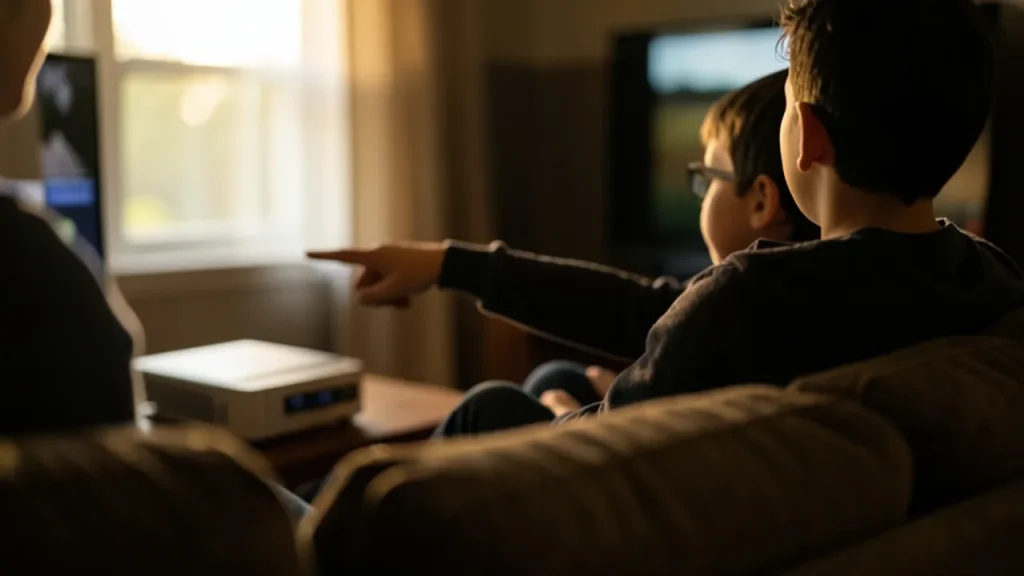
Two people on couch pointing toward TV area with set-top box in foreground
04

What older boxes can’t do

The biggest gap is hands-free control. The new Apple TV 4K has far-field microphones, which pick up your voice from across the room, so you can call out to Siri without touching anything. Older boxes have no microphones built in. You talk to them through the remote, as before.

There is also a difference under the hood. Only the new model’s A19 chip can handle Siri AI processing on the box itself. The 2021 model runs an A12 Bionic with 3 GB of memory, so the older boxes lean more heavily on the owner’s Apple Intelligence-ready iPhone or iPad. One report says they also likely pass more requests to Apple’s Private Cloud Compute servers.

Surround sound with four HomePod speakers is limited to the newest model as well.

One upgrade does carry over. The new Siri Remote, which costs $59 in the US, works with every Apple TV HD and Apple TV 4K released since 2015. It has a built-in speaker that plays a sound when it goes missing, and it supports Precision Finding, which guides you to the remote with arrows on your phone screen. That part needs an iPhone Duo, an iPhone Air, or an iPhone 17 or later, and the iPhone 17e is excluded.

05

What this means if you already own an Apple TV

For most owners of a 2021 or 2022 box, the update means a smarter assistant without a new purchase. Siri AI understands more conversational requests than the old version. You can ask about movies and shows, get recommendations based on your interests, and ask follow-up questions about what you’re watching. It can also track down a show that someone recommended to you in a message, using context from your paired phone.

Temper your expectations, though. Apple still labels Siri AI a beta. A hands-on test of the new box found it better than the old Siri at pulling up recommendations and answering questions about content, but follow-up questions only worked some of the time. That was on Apple’s fastest hardware.

If your Apple TV is a first-generation 4K or an HD model, the choice is different. Those boxes stay on classic Siri, so the new assistant means buying the $299 model.

06

What Apple still hasn’t delivered

The Apple TV is now ahead of Apple’s newest smart speaker. The HomePod mini 2 received its own software update on November 13, but that update did not add Siri AI. Apple has promised the assistant will come to the speaker in a future update and has not given a date.

For Apple TV owners, the next thing to watch is tvOS 27.3, which is in beta testing now with Siri AI included for the 2021 and 2022 boxes.

07

Quick answers

Does my Apple TV 4K get Siri AI?

Yes, if it is a second-generation model from 2021 or newer and you install the November 13 update. The first-generation Apple TV 4K and the Apple TV HD do not get it.

Why don’t I see Siri AI after updating?

It is off by default. Turn it on in the Siri section of the General settings, and make sure a paired iPhone or iPad with Siri AI enabled is nearby.

Is Siri AI on Apple TV available in the UK and Canada?

Yes. Both are on the launch list alongside the US, and the assistant works in English.

You're reading the quick version.