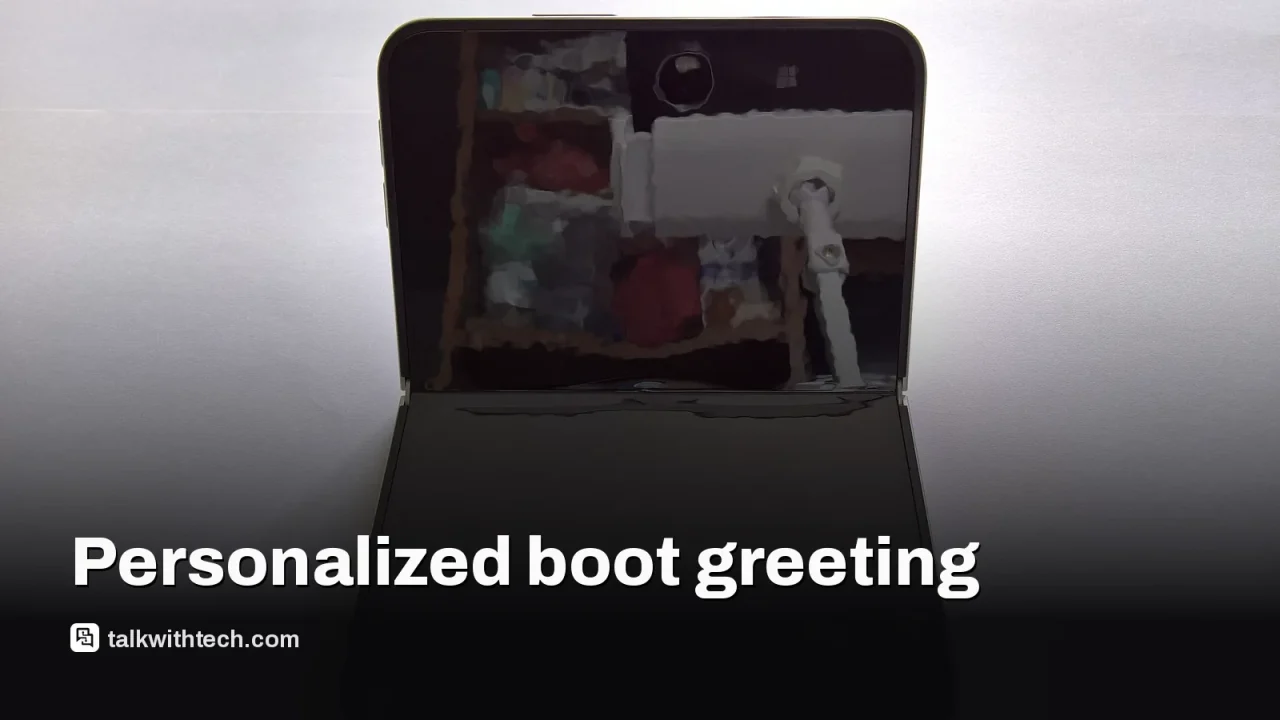
iPhone Duo buyers at US Apple Stores can have the phone's first startup screen greet them by name, in English or Spanish.
The greeting is exclusive to the iPhone Duo and to in-store purchases in the US, according to Bloomberg's Mark Gurman.
Apple says stores will have only limited walk-in stock when the $1,999 foldable launches on Friday, October 23.
Walk-in sales are planned in the US, Canada and the UK, while online delivery dates stretch into next year.
Quick read · 1 min
Apple's first foldable, the iPhone Duo, comes with a small perk for people who buy it in person. According to Bloomberg's Mark Gurman, US Apple Stores can personalize the phone's first startup screen so it greets the owner by name, in English or Spanish.
The feature is exclusive to the iPhone Duo and to US Apple Store purchases. Apple hasn't said how it works, but stores already use a system called Presto to update iPhones still sealed in their boxes.
Launch: Friday, October 23.
Price: from $1,999 in the US and $2,999 CAD in Canada.
Walk-in stock: limited, in the US, Canada, the UK and other countries.
Online preorders sold out fast, so a store visit may be the quickest way to get one. Arrive early.
A new phone normally starts up with a generic welcome. The iPhone Duo can say hello to you personally. According to Bloomberg’s Mark Gurman, people who buy Apple’s first foldable iPhone in a US Apple Store can have its very first startup screen show a greeting with their name, such as “Hello, Chris.”
It is a small touch, but it says a lot about how Apple is treating this launch. The iPhone Duo starts at $1,999, stock is tight, and Apple wants the store visit to feel special. If you are planning to line up when the iPhone Duo goes on sale on Friday, October 23, here is what the personalized boot screen does, who gets it and what your chances are of walking out with one.
01
How the iPhone Duo boot screen greeting works
Gurman reports that Apple retail stores will have a system that customizes how the device boots, so the iPhone Duo displays your name the first time you turn it on. It works in English and Spanish, and it is exclusive to the iPhone Duo. Other iPhone models do not get it.
Apple has not explained how it will do this. One likely candidate is Presto, a system Apple Stores already use. Presto lets staff power on an iPhone, install software updates and switch it off again, all while the phone is still sealed in its box. It was first reported in 2023 and started appearing in stores in March 2024. That same idea could, in theory, let a store write your name into the setup screen before you even open the box.
Gurman did not say whether the greeting can be changed or turned off after you buy the phone.
02
Who gets the personalized greeting
Where: Apple Stores in the United States only.
What: the iPhone Duo only.
How: bought in person at the store, rather than through a carrier or delivered from an online order.
Languages: English or Spanish.
So if you are in Canada or the UK, or you ordered online for home delivery, expect the standard welcome screen. Apple has not said whether the feature will expand later.
Fun little touch for the iPhone Duo launch: Apple retail stores will have a system to customize the boot of the device with the buyer's name so it says "Hello, Mark" (for example) when it turns on for the first time. (US only, Duo only, English and Spanish).
Yes, but supply will be tight. Online preorders opened on Friday, October 16 at 8 a.m. Eastern and sold out almost immediately, with some delivery estimates pushed into next year. Apple has since confirmed it set aside some units for walk-in shoppers, but says stores will have only limited iPhone Duo stock and expects it to sell out quickly.
Supply has been a worry for weeks. Gurman reported that Apple at one point feared it would not have enough phones until later in November, before deciding it had just enough to launch in October. Apple calls the preorder demand extraordinary, and limiting walk-in sales in some countries is also a way to manage crowds and discourage resellers.
Walk-in sales are planned in the US, Canada, the UK, Mexico and Australia, plus several European countries including Germany, Spain and the Netherlands, and most stores in Italy. In some markets, including France, Japan, India and mainland China, you can only collect an online order with a pickup slot.
For Canadians, a walk-in could be the best shot this year. Online orders there have shown February 2027 delivery dates since shortly after preorders opened, and Apple caps purchases at two per customer. In Canada the iPhone Duo starts at $2,999 CAD for 256GB, rising to $4,799 CAD for 2TB.
04
What else to expect at the Apple Store
Even if you are only curious, stores are set up to let you try one. Gurman says most Apple Stores will add a second spotlight table just for the iPhone Duo, with a new fixture that shows the phone folding and unfolding. Demo units vary a lot by store:
About 20 at a typical Apple Store.
Around 30 to 40 at busy locations like Chicago’s Michigan Avenue and The Grove in Los Angeles.
Close to 100 at the Apple Park Visitor Center.
150 or more at Apple Fifth Avenue in New York, which also gets a dedicated takeover area.
Tables will also get a new MagSafe stand that shows an open iPhone Duo next to two regular iPhones for comparison, and you can try the Duo’s StandBy mode without it being tied down. The phone itself has a 5.4-inch outer display and a 7.6-inch inner screen.
The greeting is a nice bonus, not a reason to buy. If you already want an iPhone Duo and live in the US, getting it from an Apple Store gives you the personal welcome, the chance to try it first and possibly a much shorter wait than an online order.
If you go, arrive early, know which storage size you want, and have a backup plan, since there is no word on how many units each store will get. If you miss out, delivery dates on some online orders have been moving earlier, so keep checking your order status.
06
Quick answers
What is the iPhone Duo personalized boot screen?
It is a first-startup greeting that shows your name, available when you buy an iPhone Duo at a US Apple Store. It supports English and Spanish.
When does the iPhone Duo go on sale in stores?
Friday, October 23, 2026, with limited walk-in stock in the US, Canada, the UK and other countries.
How much is the iPhone Duo?
It starts at $1,999 in the US for 256GB, and at $2,999 CAD in Canada.
Apple finally sells its long-promised memory upgrade, and the memory alone now costs more than a fully loaded Mac Studio used to. Every price step, and a cheaper route.
Both 2026 Kindles share the same 7-inch screen and 12-week battery. The $249.99 model wins on looks, storage and one accessory that matters to button lovers.