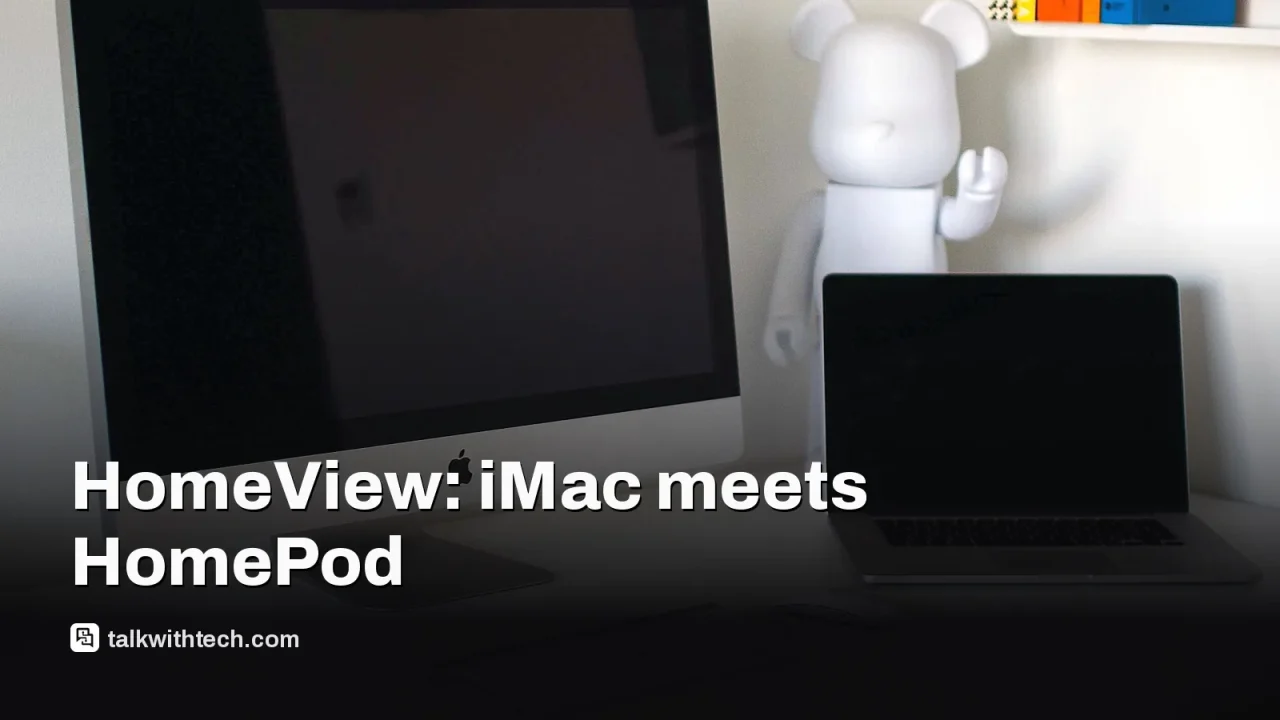
Apple HomeView smart display blends iMac and HomePod for $299
Apple’s new HomeView brings together elements of iMac, HomePod, iPad and Apple Watch in a single home display for $299, but questions remain about practicality and value.
HomeView is Apple’s new home display that fuses features from iMac, HomePod, iPad and Apple Watch.
Priced at $299 in the US and £299 in the UK, with portability limited by its USB-C power setup.
It supports calls, media, and CarPlay apps, but third-party app support is restricted to CarPlay-compatible options.
Quick read · 1 min
Apple has introduced HomeView, a desk-sized smart display that blends features from iMac, HomePod, iPad and Apple Watch. It focuses on personalized screens, FaceTime handoffs, and CarPlay apps, powered by Siri AI. Priced at $299 in the US and £299 in the UK, it targets households already invested in Apple’s ecosystem. Third-party apps are CarPlay-only, which narrows app choices. For everyday users, it could simplify calling, cooking, and calendar tasks, but it isn’t a portable device and adds another gadget to consider in your budget. Look for regional availability and early hands-on reviews to see if it fits your home setup.
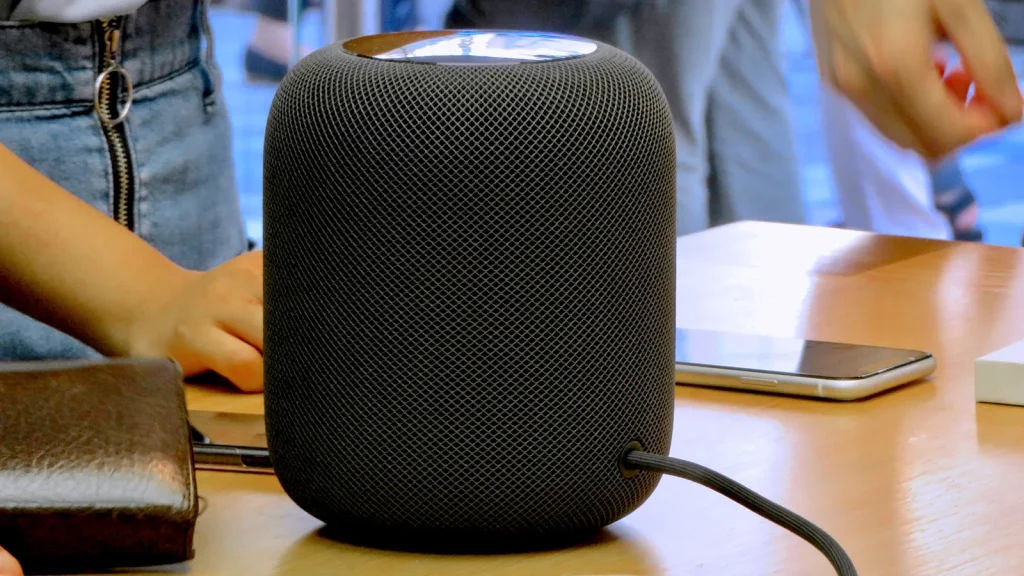
Apple has unveiled HomeView, a home-focused smart display that combines several familiar Apple devices into one rounded, desk-friendly package. The device looks and feels like a mashup of an iMac’s profile with a larger Apple Watch-esque screen and a HomePod-like speaker, all designed to live in a kitchen, office or living room. It runs Apple’s software stack and leans on Face ID-style personalization, CarPlay apps, and Siri AI to control your day. Price and availability vary by region, with a launch price of $299 in the US and £299 in the UK mentioned by Apple.
In practical terms, HomeView lets you take calls, view personal content, and stream media to its built-in display and speakers. Third-party apps, however, are limited to CarPlay-compatible options, which constrains which services you can run beyond Apple’s own ecosystem. The device’s screen can tilt up or down but isn’t designed to detach from its base for handheld use, and its USB-C power requirement makes true portability unlikely. Apple emphasizes a multi-user experience, so different people in your home see different personalized screens when they approach the device.
Where HomeView stands out is in its attempt to unify several jobs you already do across Apple hardware. Handoff can move a FaceTime call from your iPhone onto HomeView’s larger screen, and recipes from the web can appear in a more readable format on the display. Siri is built in, tying into Apple’s AI ambitions and the broader home automation story.
As with many new product category bets, the appeal hinges on your current setup and how much you value a single, fixed-home device that nudges more Apple-friendly behavior into daily life. Some readers will see a natural extension of their existing ecosystem, while others may view HomeView as extra hardware without a clear, practical use case beyond impulse interest.
01
What HomeView is and how it works
HomeView sits on a desk or kitchen counter and acts as a smart display with speaker capabilities. It connects to your Apple devices and uses facial recognition to tailor the home screen to whoever is looking at it. It supports calling, media sharing, and certain apps through CarPlay. It isn’t meant to be a portable device; its power needs are tied to a USB-C supply, and you can’t detach the screen to use it like a handheld tablet.
Do: receive calls, show personalized app screens, hand off a FaceTime call from iPhone, show recipes reformatted for readability, and use Siri for voice control. Can’t: run non-CarPlay apps, detach into a truly portable setup, or replace multiple other devices with a single gadget in every scenario. The CarPlay-only approach for third-party apps means your choices will be constrained to CarPlay-compatible services.
03
Pricing and where it fits in your home setup
Apple has price guidance at $299 in the US and £299 in the UK. Availability details beyond that will depend on regional release plans and any regional feature tweaks Apple applies. The device is pitched as a complementary addition, not a replacement for existing Apple hardware like iPad or Mac, which means it may appeal most to households already invested in Apple services and devices.
04
What this means for everyday users
If you already rely on Apple devices every day, HomeView could simplify some routines. It acts as a quick hub for video calls, a better-visual reading surface for recipes or calendars, and a centralized way to control smart-home devices using Siri. On the flip side, if you don’t primarily use CarPlay-compatible apps or you don’t want another Apple gadget in the home, HomeView may feel like extra clutter. For budget-minded buyers, the $299 price tag is a real consideration, especially if you’re weighing it against continuing to use existing devices you already own.
If you’re curious, watch for regional availability details and early reviews once HomeView lands in stores. Apple’s broader strategy with HomeView will hinge on how well users actually adopt its multi-device, AI-assisted approach and whether CarPlay’s app ecosystem expands to cover more everyday needs.
06
Quick answers
What is HomeView?
HomeView is Apple’s new smart display that merges ideas from iMac, HomePod, iPad and Apple Watch into a single home device with CarPlay app support and Siri AI.
How much does it cost?
Apple has listed a price of $299 in the US and £299 in the UK. Availability varies by region.
Who should buy it?
People already using Apple devices and services who want a centralized, visually rich hub for calls, media and smart-home control may find it appealing. Those not tied to Apple or who value broader app choices may skip it.
OpenAI wanted $30 billion from private investors before going public. It has about $11 billion so far, and the timing of its listing now looks more delicate.
Waymo has picked a right-hand-drive Toyota for Britain and Japan. London rides still wait on three approvals, and the original timetable has already slipped.
5 min read
We use cookies to understand how readers use Talk With Tech, so we can make it better. Is that OK? Privacy policy
The Daily Brief
Today's biggest tech stories, in 5 minutes
Every morning, the news that matters from AI, phones, apps and the people shaping tech. Explained in plain English. Free.
One email a day. No spam, unsubscribe anytime. Privacy policy