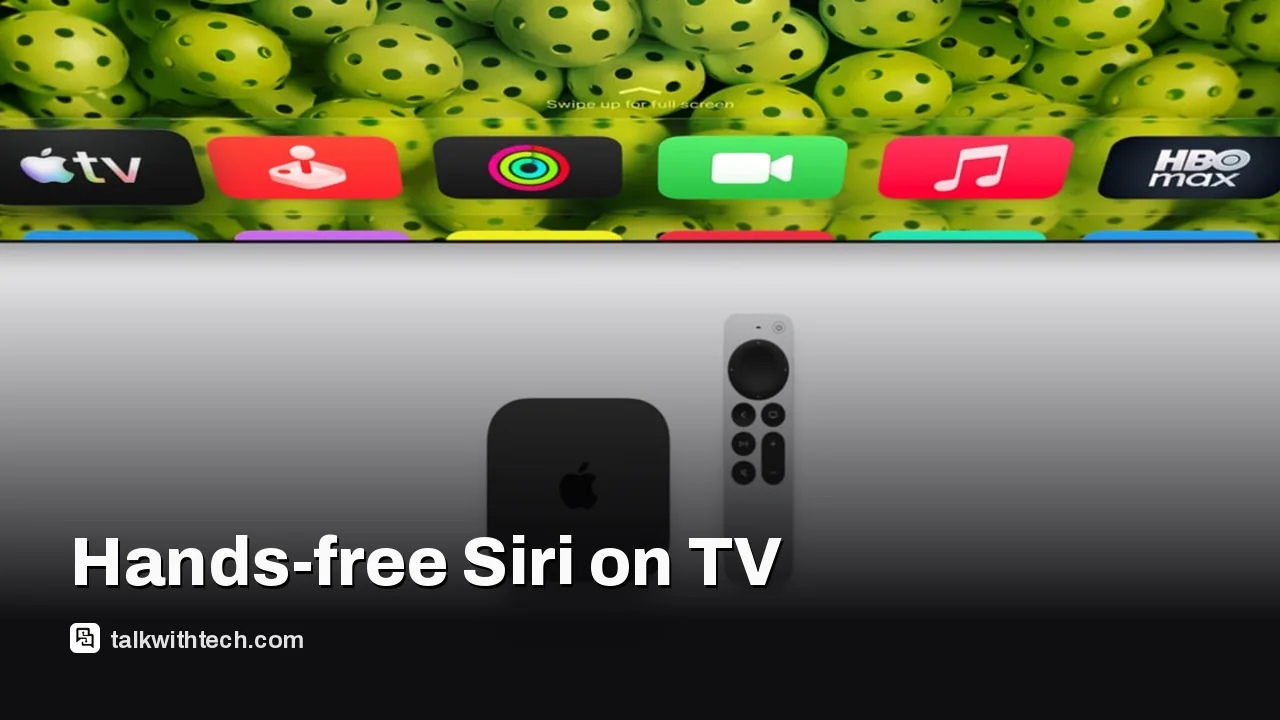
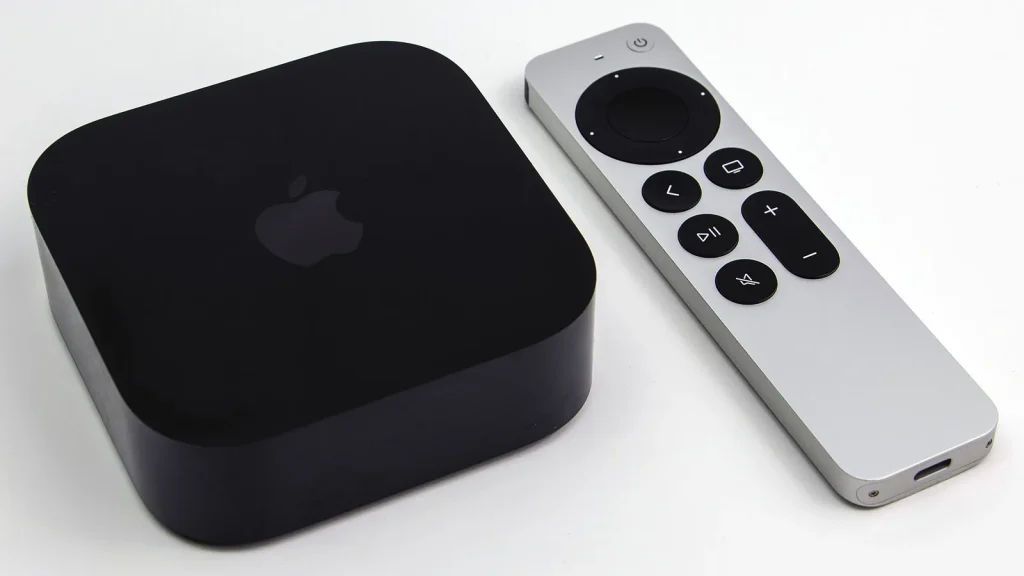
The fourth-generation Apple TV 4K went on sale on November 13 for $299 with Siri AI and built-in microphones.
Its new Siri Remote can play a sound when lost and be tracked in the Find My app.
Siri AI also works on the 2021 and 2022 Apple TV 4K models after a free software update.
Reviewers praise the speed and the remote finder but say Siri AI, still in beta, gets some answers wrong.
Quick read · 2 min
Apple's fourth-generation Apple TV 4K went on sale on November 13 for $299. Its main addition is Siri AI, a more conversational assistant that helps you search for shows in plain language and answers questions in text on screen without interrupting what you're watching.
Built-in microphones let you talk to Siri from across the room, no remote needed.
The new remote can play a sound when it goes missing and shows up in the Find My app.
Four HomePod speakers can now be paired for surround sound.
Before you buy, check what you own. Siri AI also works on the 2021 and 2022 Apple TV 4K after a free software update, and the new remote is sold separately for $59. Reviewers like the speed and the remote finder, but they say Siri AI is still in beta and sometimes gets answers wrong. You also need a recent iPhone or iPad to switch it on.
You can now ask your TV where the remote is, and the remote will answer with a beep. That small trick may be the most useful thing about the new Apple TV 4K, a $299 streaming box that Apple rebuilt around Siri AI and put on sale on November 13.
The bigger pitch is voice search that understands normal speech, heard by microphones in the box itself so you never have to pick anything up. If you’re weighing whether Apple TV 4K Siri AI is worth the money, here’s the part Apple doesn’t shout about: much of it also works on boxes you may already own.
01
What Siri AI does on the Apple TV 4K
Siri AI on the Apple TV 4K is mostly a smarter way to find something to watch. It’s Apple’s rebuilt, more conversational assistant, and on the TV you can ask in plain language for things like the best nature documentaries available right now, then narrow the results with follow-up requests.
It can also answer questions about what’s on screen, such as where a show was filmed or whether it suits a teenager. Unlike on a HomePod, Siri doesn’t talk back. Search results fill the screen, and general answers appear as a small block of text in a corner so the picture keeps playing.
The most personal feature leans on your phone. With a compatible iPhone, you can ask for the show a friend recommended in a text, and Siri will look through your messages to find it. The box can recognize up to six people, so recommendations and context can differ for each member of the household.
Apple labels Siri AI a beta, meaning it’s still being tested. It works in English only for now, in the US, UK, Canada, Australia, New Zealand, India, Singapore and South Africa.
Hands-free voice search, with no remote in your hand
The new box has three far-field microphones built in, so you can say “Hey Siri” from the couch instead of holding a button on the remote. Far-field simply means the mics are designed to pick up a voice from across a room. One reviewer notes that they sit on the front, left and right sides of the box.
Apple says the audio from those mics is handled in a walled-off part of the A19 chip, and that tvOS, apps and Apple itself can’t get at it.
The microphones are the one Siri feature you can’t get without buying the new hardware. Testers who tried it say hands-free control works fairly well and is handy for pausing or searching when the remote isn’t nearby.
03
How the Find My remote works
The new Siri Remote can be found in two ways: it can play a sound, and it can be tracked in the Find My app on an iPhone. It looks the same as the old one, but ask Siri where the remote is, on the TV, your phone or a HomePod, and it starts chirping.
One reviewer buried it in a blanket and pushed it between couch cushions and could still hear it from a few feet away, though the beep isn’t especially loud. If that fails, Precision Finding in the Find My app points you toward it. That part needs a recent phone: an iPhone 17 or later (but not the iPhone 17e), an iPhone Air or an iPhone Duo.
You don’t have to buy the whole box to get it. Apple sells the new remote on its own for $59, and it works with every earlier Apple TV 4K.
04
What else changed, and what it costs
The price is the sticking point. At $299, the box costs $100 more than the starting price of the model it replaces, and more than twice what that earlier generation cost when it first arrived. There is only one version this time, with 128GB of storage, an Ethernet port, Wi-Fi 7 and Bluetooth 6.
Inside is the A19 chip, replacing the A15 Bionic. Apple claims up to 50 percent faster processor speed and up to 2x the graphics power. Reviewers describe menus as quick and fluid, though one noted that everyday streaming doesn’t really push the chip, and its main benefit may be keeping the box useful for years.
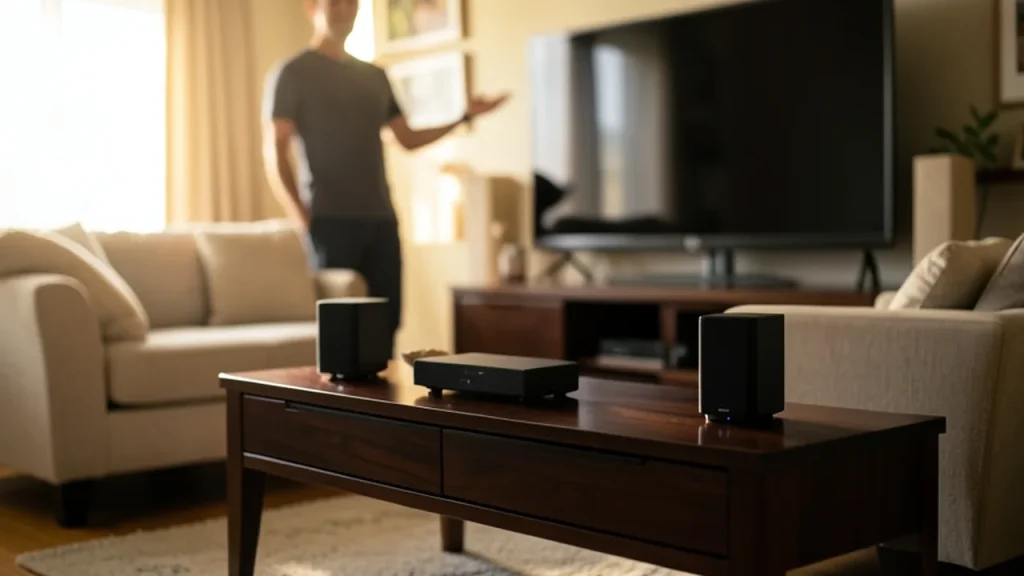
There’s a sound upgrade too. The box can use four HomePod speakers for surround sound, up from two. They must be second-generation HomePods or HomePod mini 2s, and the front pair and the rear pair each have to match. The box then plays test tones to work out where each speaker sits and tunes the sound for the room.
You may not need to spend anything. Siri AI also runs on the 2021 and 2022 Apple TV 4K models once you install the tvOS 27.2.1 update and opt in under Siri settings. On those boxes you talk through the remote’s Siri button instead of out loud to the room. The Apple TV HD and the first Apple TV 4K are left out.
There’s one requirement that catches people out. Whoever is listed as the home’s owner in Apple’s Home app needs an iPhone or iPad that supports Apple Intelligence, with Siri AI switched on. That means an iPhone 15 Pro, any iPhone 16 or newer model, or an iPad with an M1 chip or later, among others. For requests about your own messages or calendar, your own compatible device has to be nearby.
Early verdicts on the assistant are mixed. It beats the old Siri at pulling up recommendations, but one tester found it often misidentified what was playing and gave wrong answers about it, and another said follow-up questions only worked part of the time. A fair summary of the reviews: a great streaming box, a welcome remote finder, and an assistant that still needs work.
So the sensible order is this. Update the box you have and try Siri AI for free. If the lost remote is your real problem, the $59 remote solves it. Pay $299 only if you want the room microphones, the extra speed or the four-speaker surround setup.
06
Quick answers
Do I need the new Apple TV 4K to use Siri AI?
No. The 2021 and 2022 Apple TV 4K models get Siri AI with the tvOS 27.2.1 update. Only the built-in microphones for hands-free use need the new box.
How do I find a lost Apple TV remote?
With the new Siri Remote, ask Siri to find it and it plays a sound, or open the Find My app on a recent iPhone to track it. The remote costs $59 on its own.
Does Siri AI on Apple TV work in the UK and Canada?
Yes. It’s available in English in both countries, as well as in the US, Australia, New Zealand, India, Singapore and South Africa.
Plex stops pulling TV show details from TheTVDB on December 3. Nothing gets deleted, but shows still airing need one setting changed, and some should wait.