Tuesday, 20 October 2026

Google Home Speaker data usage spikes to 132GB: check yours now

Some idle Google Home Speakers are pulling tens of gigabytes a day in the background. Google says a fix is rolling out. Here's how to check your home network.

A fabric smart speaker on a kitchen counter at night

The short version

  • Some Google Home Speakers are downloading huge amounts of data in the background while nobody uses them.
  • One idle speaker used 17GB in a day and 132GB over 30 days, with a single 41GB day on October 13.
  • Google acknowledged the problem and says a fix is already rolling out, but has not named a cause.
  • Owners on capped internet plans should check per-device usage in their router or the Google Home app.
Quick read · 1 min

Some of Google's new Home Speakers have been downloading huge amounts of data in the background, even when nobody is using them. One idle speaker used 17GB in a day, 41GB on October 13 and 132GB over 30 days. Another lightly used unit in a different home used just 2GB in the same month.

Google has acknowledged the problem and says a fix is already rolling out. It hasn't named a cause, though one theory is that speakers keep retrying a firmware download that fails. If your internet plan has a data cap, check your speaker's usage now.

  • Nest Wifi owners can see per-device usage in the Google Home app.
  • Other routers usually list data use per connected device.
  • Unplug an affected speaker until the fix arrives if you're near your cap.

A smart speaker sitting silently in a kitchen shouldn’t be one of the hungriest devices on your Wi-Fi. Yet some owners of Google’s new Home Speaker found theirs quietly pulling tens of gigabytes a day, with one idle unit chewing through 132GB in a month. Google has now admitted the problem.

If your home internet plan has a monthly data cap, this matters. A speaker that downloads in the background all night can push you toward overage fees or slower speeds without you ever saying “Hey Google.” And if you have several of them, the numbers add up fast.

01

How much data the Google Home Speaker is using

The Google Home Speaker data usage problem surfaced over the past week as owners compared router logs on Reddit. One well-documented case shows a speaker that wasn’t used for voice commands or music for a full day but still downloaded 17GB in 24 hours. A full 9.99GB of that came in a single session around 3am Pacific time.

The same speaker downloaded 41GB on October 13 alone and 132GB over 30 days. Other owners have shared similar stories. One reader with 14 Google speakers said the newest one had moved 25GB in a day despite nobody using it, and one Reddit user said three speakers used a combined 6TB in a month.

For comparison, a lightly used Home Speaker in a different household used only 2GB in the same 30-day period. Several Nest Hub displays sitting on the same network as the problem speaker showed no unusual spikes, which suggests the issue is tied to the Home Speaker rather than every Google device.

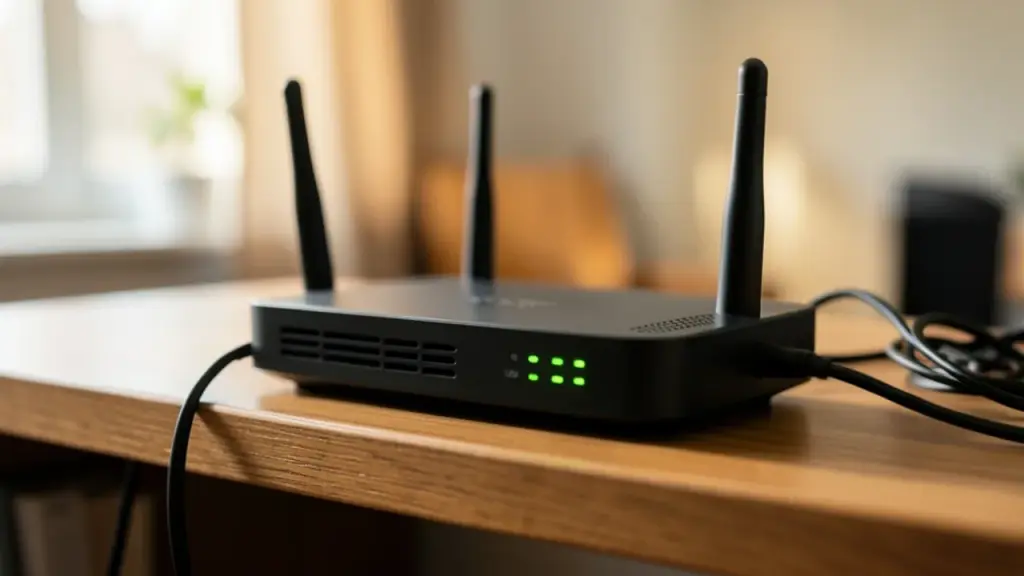
A home wifi router with blinking lights on a shelf
02

What’s causing the background downloads

Google hasn’t said. The most likely theory is that affected speakers are trying to download a firmware update, failing partway through and starting over again. Each failed attempt would burn through data without the speaker ever saving the update, which fits the overnight timing when devices usually update. Reddit users also described speakers repeatedly requesting data from Google Play services.

That theory is plausible but unconfirmed. Google hasn’t explained the fault, listed which models are affected or said how many people are hit.

There’s a separate update in the background that may cause confusion. Google has been testing a 3.79 firmware build for older speakers, including the Nest Audio, Nest Mini, Home Mini and the first Google Home. Its public change list covers Wi-Fi setup, audio streaming, Assistant and stability, and says nothing about data use. Don’t assume that update is the fix.
03

Google says a fix is rolling out

Google has confirmed it knows about the bug. In a statement, the company said a fix is already on its way to owners and should solve the problem. There’s no timeline for when every speaker gets it, and no way to force the update manually.

One early sign is encouraging. A Reddit user enrolled in Google’s preview program reported that their speaker started downloading far less data after it received newer firmware. One person’s result isn’t proof that every affected device is fixed, so it’s worth checking for yourself over the next week.

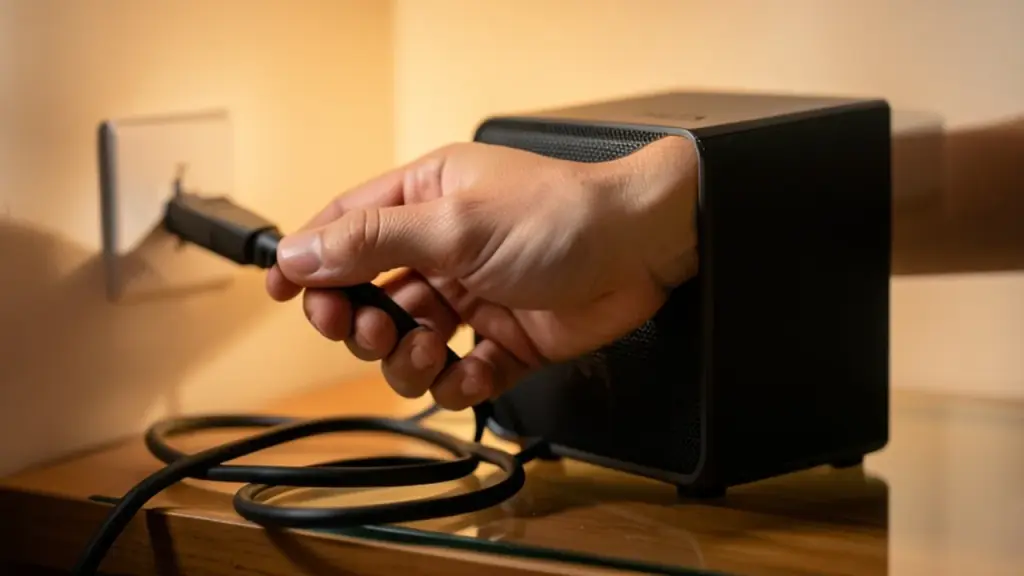
A hand unplugging a power cable from a wall socket
04

How to check your speaker’s data usage

Most home routers can show how much data each connected device has used. Here’s how to find out if your speaker is affected:

  1. If you use Nest Wifi or Google Wifi: open the Google Home app, go to the Wifi tab, tap Devices, choose your speaker and open its usage graph. You can switch between 1-day, 7-day and 30-day views.
  2. If you use another router: sign in to its app or admin page and look for a list of connected devices or clients, then find the speaker by name.
  3. Look for spikes while it’s idle. Large downloads at night or on days you didn’t use it are the red flag. A screenshot with the date and time helps if you need to complain to Google or your provider.
  4. Check your provider’s usage meter. If your internet company tracks monthly data, compare its total with what your speaker used.
05

What this means for you if you have a data cap

If your plan is unlimited, this is mostly an annoyance, though it can still eat into your bandwidth. If you’re on a capped plan, a mobile hotspot or a fixed wireless service with a limit, it’s worth acting now.

  • Unplug the speaker for now if you see repeated huge downloads and don’t rely on it daily. You can plug it back in once Google’s fix reaches your device.
  • Turn on usage alerts with your internet provider so you’re warned before you hit the cap.
  • Ask your provider about any overage fees caused by the bug. Your router screenshots are your evidence.
  • Recheck in a few days. If usage drops back to a few gigabytes a month, the fix has probably landed.
06

Quick answers

Why is my Google Home Speaker using so much data?

Some Home Speakers appear stuck repeatedly downloading data in the background, possibly a failed firmware update. Google has acknowledged the issue but hasn’t confirmed the cause.

Has Google fixed the Home Speaker data bug?

Google says a fix is already rolling out. It hasn’t given a timeline, so check your speaker’s usage over the coming days to confirm it has calmed down.

Are Nest Mini and Nest Hub affected?

Reports so far point to the new Google Home Speaker. Nest Hubs on the same network as an affected speaker showed no unusual data use.

You're reading the quick version.