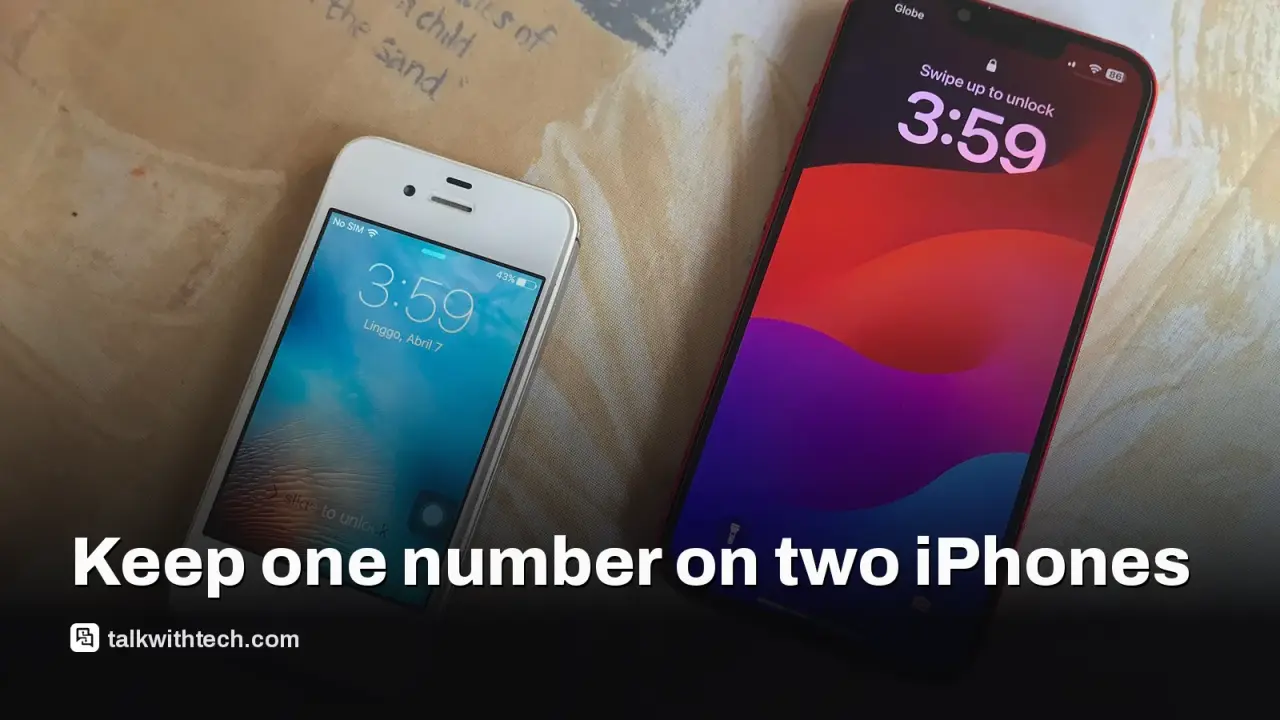
Apple introduced a feature called iPhone Handoff that lets a main iPhone keep your number active on a secondary iPhone.
T-Mobile is the first U.S. carrier to support it, charging an extra $5 per month; Verizon plans to support it by year’s end; AT&T currently isn’t listed as supported.
The feature is likely most useful for people who want a lighter or secondary device with the same number, but it comes with some practical caveats.
For most users, simpler options like swapping eSIMs or using a smartwatch to carry calls and messages may fit better.
Quick read · 2 min
Apple’s iPhone Handoff lets a second iPhone share your number. You pick a main iPhone and set up the other as a secondary device so calls and Find My work on both.
Carriers set the price. T-Mobile charges an extra $5 per month for the secondary line. Verizon plans to support it by year’s end; AT&T isn’t listed as supported at launch. For many, a wearable or a simple eSIM swap may be a cheaper, simpler alternative.
What you do next is decide if a second active iPhone line is worth the cost and how you’ll use it day to day. If you’re curious, try a weekend with a spare iPhone to test the workflow before committing.
The moment you unlock a second iPhone, your number can be active on that device too with Apple’s new iPhone Handoff. In practice, you pick one iPhone as the main phone and set up the other as a secondary device. The secondary keeps your number for calls and Find My, so you can switch between phones without losing your line. The key point is that this is carrier-delivered, not a software-only trick.
So who is this for? Apple’s aim seems to be people who want a lighter device for weekends, a work phone that isn’t always on your hip, or a second iPhone that simply mirrors your number so you don’t have to move between SIMs. The practical question is whether the extra phone is worth the hassle and the ongoing cost.
How you pay for it matters. T-Mobile is the first U.S. carrier to support iPhone Handoff and will charge an extra $5 per month for the secondary line. Verizon has confirmed plans to support it by the end of the year, but AT&T isn’t offering it at launch. If you’re shopping around, you’ll want to compare the total cost of keeping two lines on one plan versus carrying a single line and using other options for a lighter device.
Apple’s approach is a pair-or-ditch setup: you can unlock one iPhone and have the number active on the other device, with calls routed through the secondary and Find My working across both. But the practical setup requires a dedicated secondary iPhone that isn’t tied to other services or a business account, at least at launch. In other words, this isn’t a simple toggle for everyone; there are real-world limits on who can use it and how it’s billed.
In everyday terms, you’ll need to evaluate your own phone habits. If you routinely carry a lighter secondary phone or want a separate device for family use without juggling two numbers, Handoff could be handy. If you rarely use a secondary phone, or you’re already effectively splitting use with a watch or a single eSIM, the value drops.
What happens next depends on your carrier. Verizon’s upcoming support will extend the option beyond T-Mobile, but you’ll still pay a monthly fee for a second active line on that device. If you’re on AT&T, you’ll want to watch whether a future update brings this capability to your account. For now, the decision comes down to cost versus convenience: is paying $5 a month worth not swapping SIMs or carrying two iPhones differently?
For most people, two quick, practical routes exist. One, use a wearable like a smart watch for calls and messages when you want to stay hands-free, which often covers many daily needs. Two, simply switch eSIMs between iPhones when you need a different device or different context, which Apple notes can be reliable and free, though it does require you to remember to switch when you change roles for the day.
Either way, the next steps are simple: check if your carrier supports iPhone Handoff on the second device, confirm any monthly fees, and compare the total cost of keeping two lines versus your current setup. If you’re curious about the practicalities, try configuring a spare iPhone for a weekend and see whether you really end up using the second line enough to justify the price.
In practical terms, consider whether a second active iPhone line will fit into your budget and daily routine. If you decide to test it, set up a spare iPhone for a weekend and monitor how often you actually rely on it before you commit to the ongoing fee.