Monday, 9 November 2026

MOZA AY210 review: pro cockpit feel with a steep cost

MOZA’s force feedback yoke makes Microsoft Flight Simulator 2024 feel startlingly real, but it costs far more than a regular yoke and needs one setting changed first.

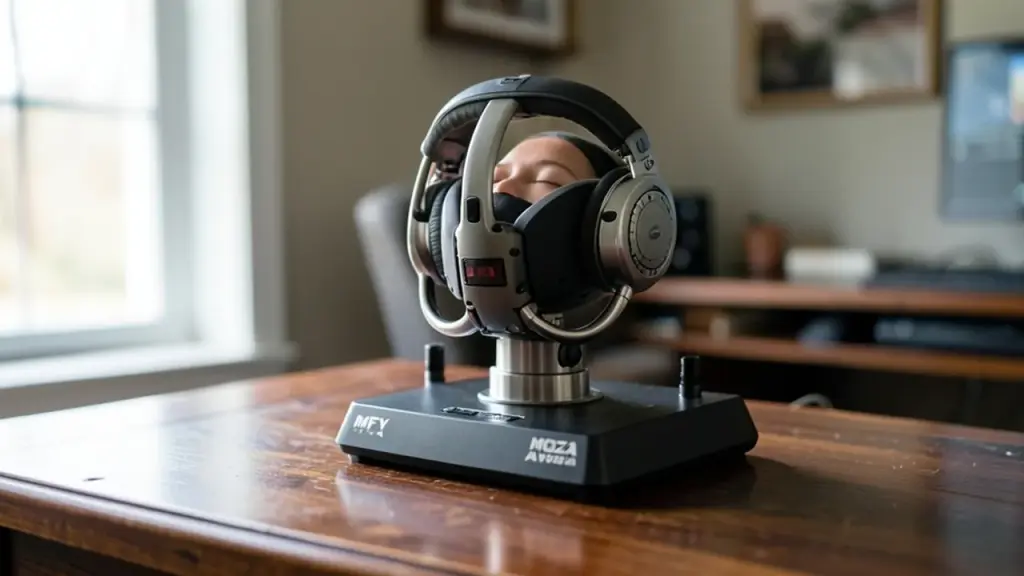
MOZA Racing, related to: MOZA AY210 review: pro cockpit feel with a steep cost
Photo: Solomon203 / CC BY-SA 4.0 (modified)

The short version

  • The MOZA AY210 base pairs with the MFY Yoke to push up to 9 Nm of torque and 210 N of force into your hands.
  • In Microsoft Flight Simulator 2024 testing it conveyed turbulence, stalls, touchdowns and autopilot movement through the controls.
  • Out of the box the pitch axis feels sticky; turning on Pitch Friction Correction in MOZA Cockpit Software fixes most of it.
  • MOZA launched the AY210 base at $699 and the MFY Yoke at $149, putting it well above popular non-force-feedback yokes.
Quick read · 1 min

The MOZA AY210 is a force feedback yoke base that, paired with the MFY Yoke, makes desktop flight sims feel much closer to a real cockpit. Its motors deliver up to 9 Nm of torque, so the controls get heavier with speed, shake near a stall, thump on landing and even move on their own when autopilot is flying.

In Microsoft Flight Simulator 2024 with PMDG’s 737 and 777, it handled a gusty Las Vegas approach and a tight curved landing into San Francisco smoothly, beating a popular cheaper Thrustmaster yoke.

  • Turn on Pitch Friction Correction, or pitch feels sticky.
  • The base launched at $699 and the yoke at $149.
  • You need a sturdy desk or rig for the heavy base.

It is a serious buy for serious sim pilots, not casual flyers.

Most desktop yokes are springs and plastic. The MOZA AY210 pushes back. Fly a Boeing 737 faster and the column gets harder to move, hit a thermal over Las Vegas and you feel it in your wrists, and when the autopilot takes over, the yoke moves by itself.

That matters if you have spent money on a home cockpit and still feel like you are steering a picture. This MOZA AY210 review looks at the AY210 Force Feedback Base paired with the MFY Yoke, what it does better than a normal yoke, the one setting you must change, and whether the price makes sense for you.

01

What the MOZA AY210 actually is

The AY210 is a motorized yoke base for flight simulators, and the MFY Yoke is the handle that clips onto it. You can buy them separately or as a bundle that includes a toolkit, a manual, and the power and USB leads you need to plug it in. Table clamps to fix it to a desk are an extra purchase.

MOZA is better known for sim racing wheels. The company was founded in 2012 by automotive engineers and racing fans, started out making camera gear, and moved into flight sims after showing a flight line at the 2024 Flight Sim Expo.

“Force feedback” means motors inside the base actively push on the controls, so the yoke resists, shakes or moves based on what the plane is doing in the game. A regular yoke only uses springs, so it feels the same on a slow climb as it does in a fast cruise.

User adjusting MOZA MFY Yoke with cockpit software on screen.
02

How the force feedback feels in the cockpit

This is the reason to buy it. The base delivers up to 9 Nm of torque (a measure of twisting force) and 210 N of push and pull force, with 150mm of travel. In practice the controls get heavier in both pitch and roll as speed builds, the way real aerodynamic loads do.

The effects go beyond weight. Testers could feel engine vibration, flaps and spoilers moving, a buffet as the wing neared a stall in a climb, and a bump when the wheels touched the runway. With autopilot engaged, the yoke follows the aircraft’s own control inputs, which is something spring yokes simply can’t show.

Inside, a 280 MHz processor and a 15-bit magnetic encoder (the sensor that reads the yoke’s position) track inputs finely. In basic maneuvering at 5,000 feet, small inputs produced accurate turns and let the pilot set a precise descent rate.

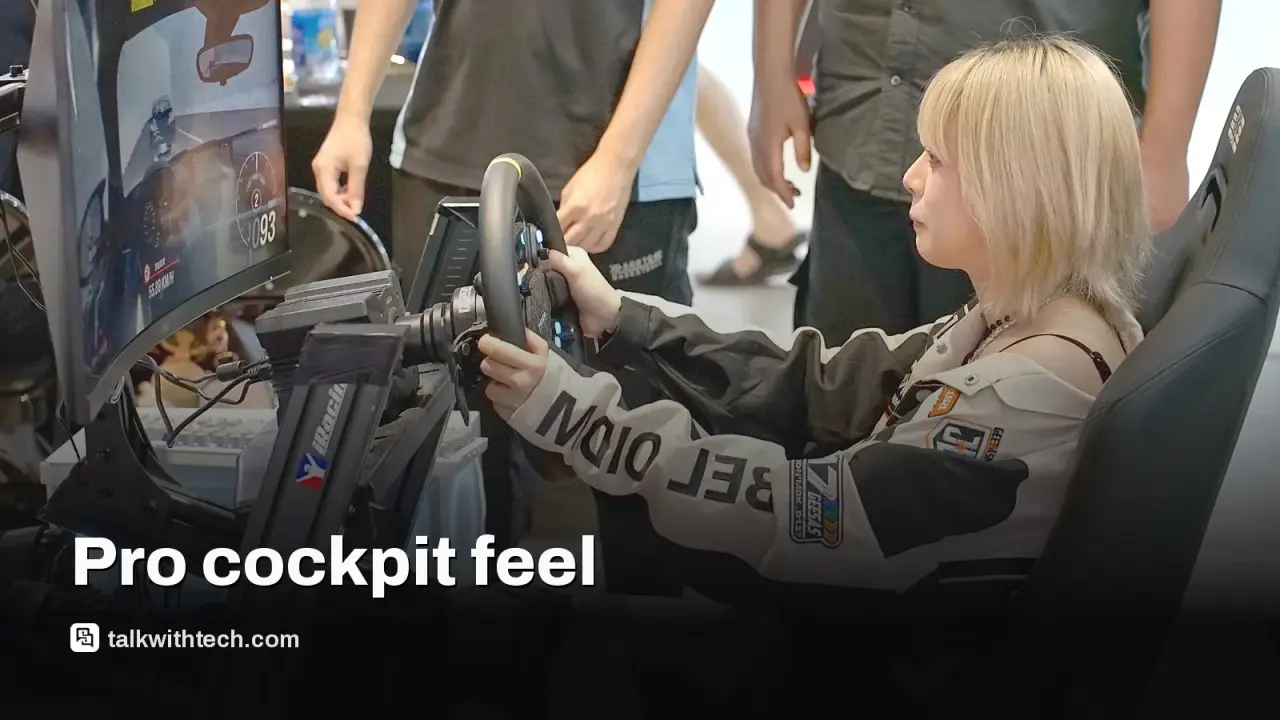
The build backs this up. The base is aluminum alloy with an aluminum quick-release that lets you swap handles fast, and it weighs about 8kg, which keeps it planted. The MFY Yoke is engineering thermoplastic shaped like an airliner yoke, with up to 34 inputs you can assign, hall-effect joysticks (magnetic sensors that don’t drift with wear) and RGB lighting.

03

The sticky pitch problem and how to fix it

The AY210 does not feel right straight out of the box. Pulling or pushing the column for pitch can feel uneven and “sticky,” unlike the smooth, consistent motion of a real 737 control column.

The fix is in MOZA Cockpit Software. Turn on Pitch Friction Correction and the column behaves much more like a full 737 simulator. Some force effects are also a little weaker than they could be, but you can raise them in the same app, which offers individual sliders, MOZA presets and profiles shared by other users.

The testing here used community profiles for the 737 NG and 777 made by a real airline pilot who has flown the 737 and 787. Starting from a profile like that saves a lot of trial and error.

Home flight sim rig viewed at scale with focus on hardware.
04

Microsoft Flight Simulator 2024 results

The AY210 was tested in Microsoft Flight Simulator 2024 with the PMDG 737-800 and the PMDG 777. MSFS 2024 was picked for its more realistic flight dynamics; the iFly 737 MAX was left out because it is not yet built natively for the 2024 version and handles wind and turbulence poorly there.

  • Turbulent approach: a summer landing into Las Vegas with heat, strong wind and thermals from Live Weather. You feel gusts through the yoke instead of only seeing them on instruments, which helps you correct early.
  • Curved approach: the RNAV Visual into San Francisco International’s Runway 1R, which ends in a low, sweeping right turn between the KLAUS and SQIRL waypoints. The AY210 tracked the arc smoothly and lined up for a clean landing.
  • Comparison: on the same approach, the popular Thrustmaster TCA Boeing Yoke felt noticeably jerkier, though it sits in a far cheaper price tier.

One caveat for San Francisco: the Navigraph database in MSFS 2024 was missing the curved RF leg of that approach, so it had to be added to the PMDG navigation data by hand.

05

What it costs and who should buy it

At launch, MOZA priced the AY210 base at $699 in the US (£699 in the UK) and the MFY Yoke at $149 (£149). You will likely want desk clamps too, and if you are building out a cockpit, MOZA also sells an MTP throttle at $329 (£329).

For most people, that is a lot. If you fly a few times a month, a spring yoke will do the job for a fraction of the cost. But if you spend hours on long airliner flights, practice real procedures, or already own a serious home setup, the AY210 changes how flying feels. After using one, going back to a yoke without force feedback is hard.

Before buying, check your space. The base is heavy and needs a solid desk, a cockpit frame or an aluminum profile rig, and the pushing force means a wobbly table will undo the precision you paid for.

06

Quick answers

Is the MOZA AY210 worth it?

For dedicated sim pilots, yes: its force feedback, precision and build are among the best in desktop flight sims. Casual players will get far better value from a cheaper spring yoke.

Why does the MOZA AY210 feel sticky?

The pitch axis can feel uneven with default settings. Turn on Pitch Friction Correction in MOZA Cockpit Software and the column moves much more smoothly.

Does the AY210 work with Microsoft Flight Simulator 2024?

Yes. It was tested in MSFS 2024 with the PMDG 737-800 and 777, and add-ons built natively for the 2024 version get the most from its wind and turbulence effects.

You're reading the quick version.