The Gigabyte A16 Pro 16-inch laptop is on sale at Walmart for $1,449, down from $2,149.99.
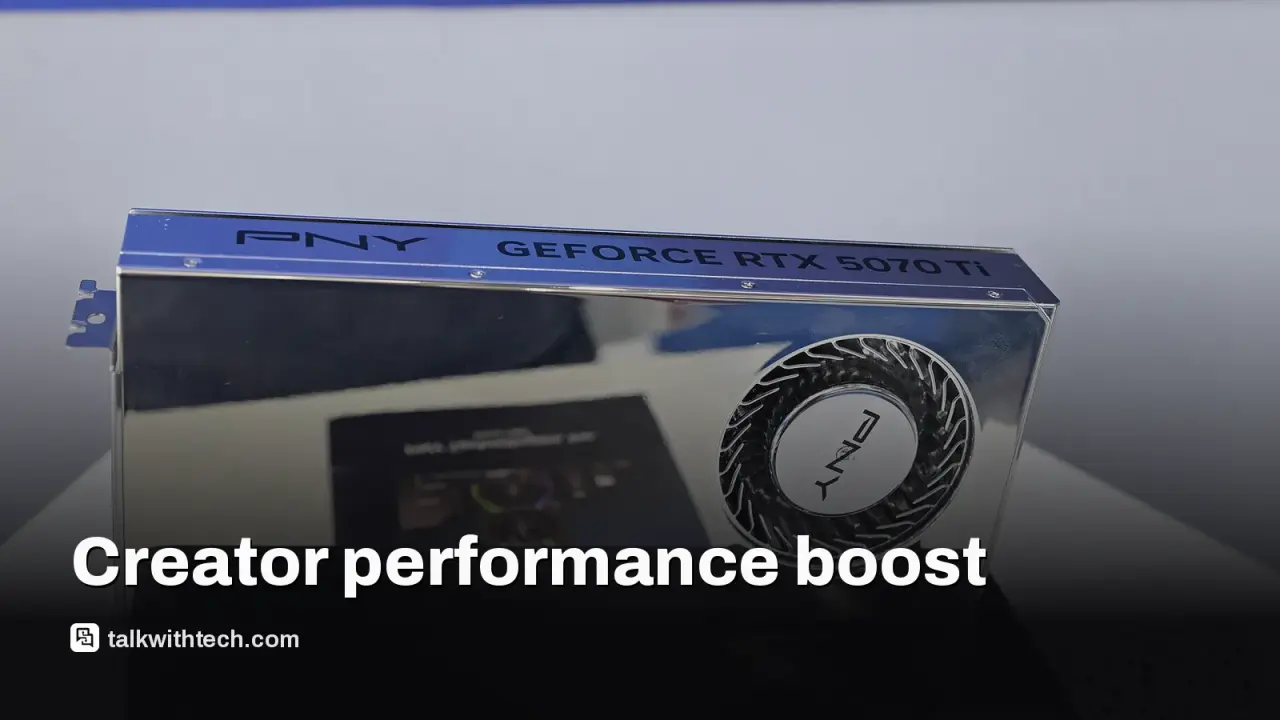
It ships with an RTX 5070 Ti Laptop GPU, 32GB DDR5 RAM, and a 1TB SSD.
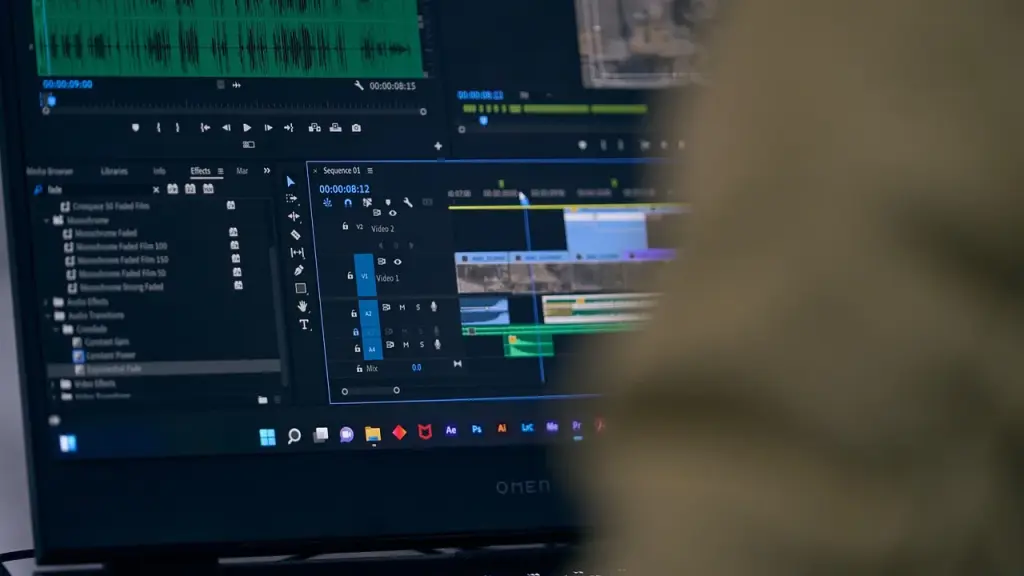
Nvidia’s Studio Driver updates are meant to smooth out common video-editing workflows in apps like Premiere Pro and DaVinci Resolve.
The display is a 16-inch panel at 2560×1600 resolution with a 16:10 aspect and 400-nit brightness.
Quick read · 1 min
Creators get a stronger portable editing rig with the Gigabyte A16 Pro on sale at Walmart for $1,449. It pairs an RTX 5070 Ti with 32GB RAM and a 1TB SSD, plus a 16-inch 2560x1600 screen. Nvidia Studio Driver updates aim to smooth out common editing tasks in apps like Premiere Pro and DaVinci Resolve.
Why it matters: you can handle 4K timelines and multi-app workflows on the go. What happens next: price changes are possible, so shop around and confirm exact specs before buying.
What to check: confirm configuration details and warranty terms, and compare with other sources for this model.
The Gigabyte A16 Pro 16-inch model is currently discounted at Walmart to $1,449, a cut from $2,149.99. That price drop makes a high-powered creator laptop more reachable for editors who need real GPU muscle without stepping up to a desktop workstation.
The star of this configuration is the Nvidia GeForce RTX 5070 Ti Laptop GPU paired with 32GB of DDR5 RAM and a fast 1TB NVMe SSD. For people who edit 4K footage or juggle multiple apps, that combination helps with real-time effects, smoother multitasking, and quicker file handling.
Nvidia’s Studio Driver updates are designed to optimize performance for professional apps. In practice, that can translate to steadier timelines, faster exports, and less time spent tweaking performance settings in tools like Premiere Pro and DaVinci Resolve.
Display quality matters for editing too. The A16 Pro uses a 16-inch IPS panel with 2560×1600 resolution and a 16:10 aspect ratio. It delivers about 400 nits of brightness and wide color coverage, which helps with precise color work and detailed timelines.
Inside, you’ll find an Intel Core 7 240H processor and a suite of ports to connect monitors, storage, and peripherals. The notebook supports modern wireless and wired connectivity options, including Wi‑Fi 6E, plus video- and data-friendly ports for quick file transfers and external displays.
Bottom line: if your work revolves around video editing, color grading, and 3D content, this setup offers strong GPU acceleration, lots of memory, and fast storage at a price point that’s more accessible than a desktop workstation. If your daily tasks are lighter, you might be better off with a simpler model.
01
What makes this deal work for creators
The combination of a capable desktop-class GPU with 32GB of RAM gives you room to scrub timelines, run multiple tracks, and render previews without grinding to a halt. The 1TB SSD keeps project files and media close at hand for faster access during edits.
02
Why Studio Driver matters for your workflow
Nvidia’s Studio Driver is tuned for creative apps, aiming to deliver smoother playback and faster exports in common editors. If you rely on Premiere Pro, DaVinci Resolve, or similar software, you may notice less fiddling with driver settings and more time actually editing.
03
What you get from the screen and battery life
The 16-inch display brings a wide workspace with a 2560×1600 resolution and 400-nit brightness, which helps in color-sensitive work. While gaming refresh rates aren’t the focus here, the 165Hz spec on this class of screen translates to responsive motion when navigating timelines and windows. USB-C charging and other power features add convenience for mobile editing, though actual battery life will depend on workload.
04
What happens next
Prices can shift, so the $1,449 tag may change. If you’re tempted, check Walmart’s listing soon and compare with other retailers for the same spec. If you don’t need the top-end GPU, there are cheaper configurations worth considering.
Seven Nvidia DGX Spark orders ended with one buyer locked out, and Epic's Tim Sweeney says his deliveries kept vanishing. Here is what Amazon's rules allow.
OpenAI wanted $30 billion from private investors before going public. It has about $11 billion so far, and the timing of its listing now looks more delicate.