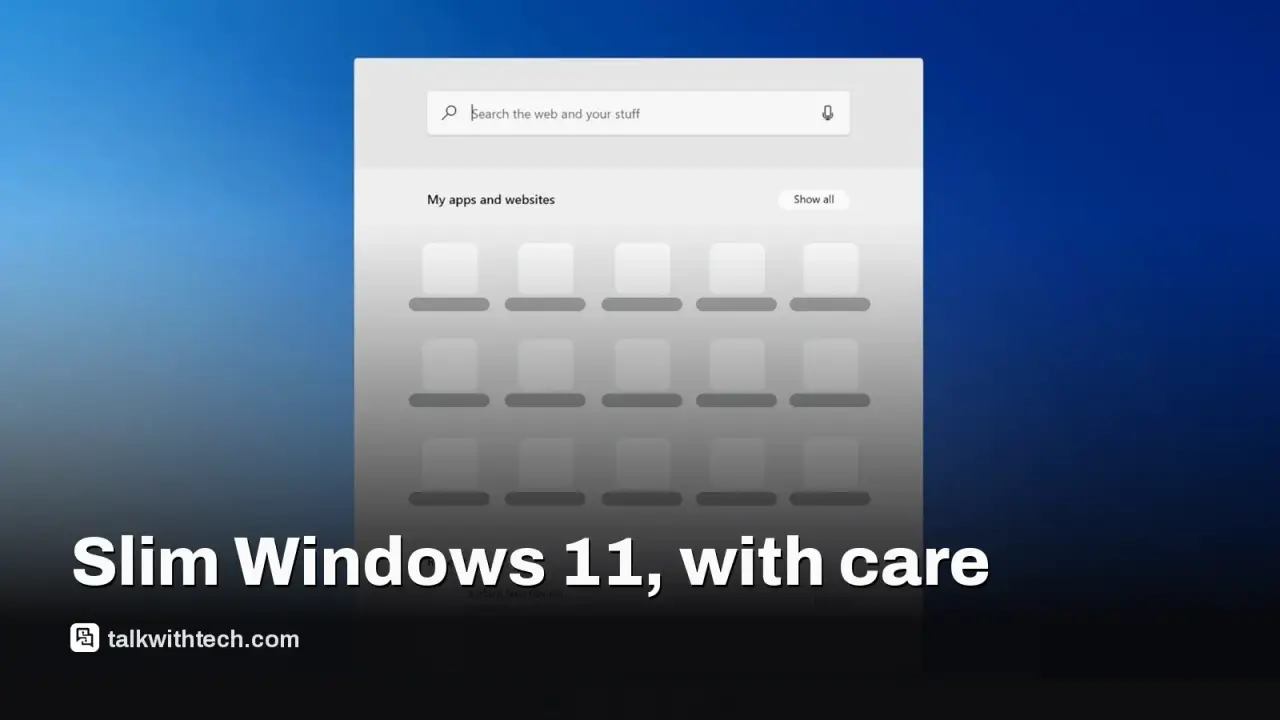
Tiny11 Builder now uses a WinUI 3 desktop app, making it easier to craft slim Windows 11 images.
It removes many built-in apps while preserving Windows Update and Defender for a usable baseline.
Microsoft does not officially back Tiny11, and some configurations can delete features or updates.
Licensing matters: a valid Windows license is still required, and some bypass options aren’t guaranteed to work.
Quick read · 1 min
A redesigned Tiny11 Builder uses a modern WinUI 3 desktop app to help you craft slimmer Windows 11 installations. It’s faster and easier to configure, with the core functions like Windows Update and Defender kept intact.
Why it matters: a lighter Windows 11 can run more smoothly on older machines, but this is a community tool, not an official Microsoft product, and certain configurations may remove features or updates.
Core install targets testing in virtual machines and can disable updates; standard builds remove fewer components but still cut bloat.
Licensing remains essential: a valid Windows license is required, and bypass features aren’t guaranteed to work on all devices.
If your goal is a lighter Windows 11, there’s a new, more approachable way to building one. A fresh release of Tiny11 Builder arrives with a fully redesigned interface and noticeably faster performance. The developer has swapped the old scripting setup for a modern WinUI 3 desktop app, making the process feel less like a hack and more like a guided build experience.
What you get in practice is a smaller Windows 11 image that still keeps essential pieces of the operating system. The builder strips away many built-in apps and extras, while preserving core functions such as Windows Update and the Defender antivirus. For people who want a leaner setup on older hardware or for dedicated tasks, this can translate into quicker boot times and less clutter on disk.
However, it’s important to treat Tiny11 as a community-driven customization rather than an officially supported Microsoft product. The most aggressive option, sometimes labeled Core, is intended for testing in virtual machines because it can remove features beyond the basics, including certain updates. If you stick with a standard Tiny11 build, you’ll still lose some preinstalled apps, but Windows Update and Defender remain in place.
Licensing is another practical piece of the puzzle. You’ll still need a valid Windows license to install Windows 11, and the tool’s bypass options for local accounts or hardware checks are not guaranteed to work on every system. The developer notes these features are best-effort and can lead to instability or missing functionality on some devices.
Who should consider this? It’s a good fit if you’re reviving an older PC for a specific job, like a home media center or a secondary workstation, and you want a lighter footprint. If you rely on a broad mix of apps and features, a standard Windows 11 install may be the safer choice.
What to do next? Back up your data first and test the image in a virtual machine before deploying it on real hardware. Hardware differences and how Windows Update behaves on your device will influence the final result, but the redesigned builder does aim to make the process more approachable without sacrificing essential safety nets.
The completely redesigned tiny11 builder is out! With a stunning (at least for me) new UI, tiny11 builder aims to be the de facto standard for creating lightweight, safe and efficient Windows images. pic.twitter.com/M7NXhs1ntv
Apple's new questionnaire tags dating apps and romantic AI chatbots as adults only, and flags location sharing. Here's what parents and developers face.