Tuesday, 20 October 2026

Turn off ACR on your smart TV: settings for every major brand

Smart TVs can identify everything on screen, even from a console or cable box. Here's where the switch hides on each brand, and why AI hacks are risky.

A hand holding a remote in front of a wall-mounted TV showing a blurred settings menu

The short version

  • Automatic Content Recognition, or ACR, lets smart TVs identify what you watch, including on game consoles and cable boxes.
  • Each brand hides the switch under a different name, such as Viewing Information Services on Samsung and Live Plus on LG.
  • Turning off HDMI-CEC and personalized ads cuts data sharing further, though some features may stop working.
  • A new trend of using AI coding tools to strip TV software is powerful but has bricked some sets.
Quick read · 1 min

Most smart TVs use Automatic Content Recognition, or ACR, to identify what's on screen, including shows from game consoles and cable boxes, and use that data for ads and recommendations. It's often on by default, but you can switch it off.

The hard part is finding it, because every brand names it differently: Viewing Information Services on Samsung, Live Plus on LG, Viewing Data on Vizio and Smart TV Experience on TCL and Roku TVs. Turning off personalized ads and HDMI-CEC cuts data sharing further.

  • Check streaming sticks and apps separately.
  • Recheck settings after big TV updates.
  • Unplugging the TV from the internet is the most private option.

A new trend of using AI coding tools to strip TV software can remove ads and tracking, but some people have bricked their sets. The built-in settings are the safer first step.

Your smart TV may be taking tiny snapshots of whatever is on screen, even when you’re playing a console game or watching a cable box, and sending what it learns to advertisers. The feature is called Automatic Content Recognition, and the good news is you can usually turn off ACR in a few minutes, if you know what your TV maker decided to call it.

This has become a hot topic again because people are now using AI coding tools to strip ads and tracking out of their TVs entirely. That can work, but it can also break your set. Start with the settings below. They’re free, reversible and take far less time.

01

What ACR is and why it matters to you

ACR is software built into most modern smart TVs that identifies what’s playing by taking digital fingerprints of the picture or sound and matching them against a database. Think of it like a music-recognition app, running constantly on your TV.

The catch is that it doesn’t only watch the TV’s own apps. Because it reads the screen itself, it can recognize content from anything plugged in: a streaming stick, a game console, a Blu-ray player or a cable box. University of California, Davis researchers found that ACR tracking still happens even when the TV is used purely as a display for another device.

That data feeds recommendations, ad targeting and audience measurement. It can be tied to your IP address, device IDs and accounts. To give a sense of scale, LG’s website puts its ACR footprint at nearly 216 million TVs around the world, 49 million of them in American homes, plus access to roughly 363 million linked devices such as phones sharing the same Wi-Fi. And on many TVs, it’s switched on by default during setup.

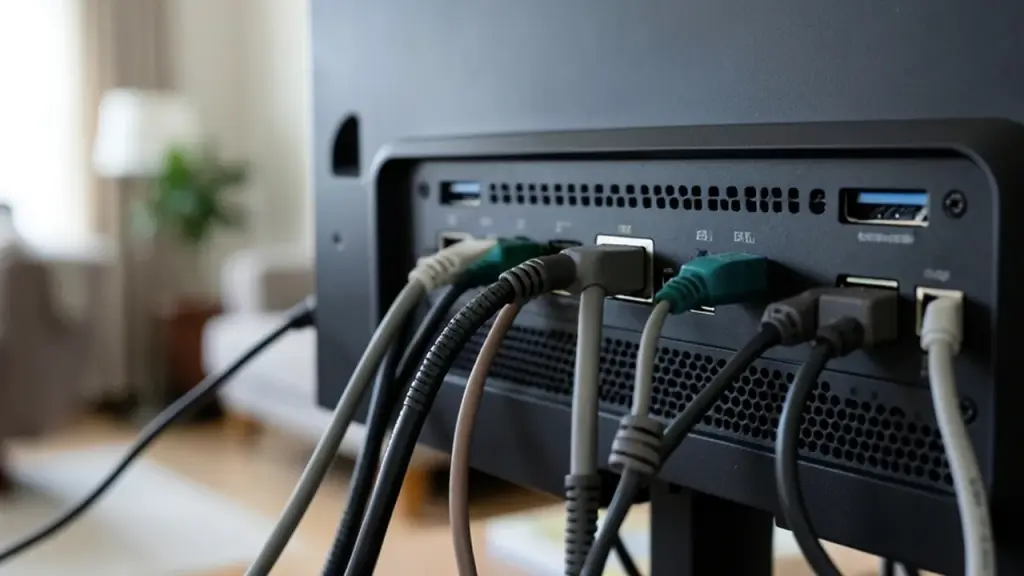
Cables plugged into the back of a television, one with a small adapter
02

How to turn off ACR on each TV brand

Every manufacturer uses a different label, which is the main reason people never find it. Open your TV’s Settings and look for these names, usually inside a Privacy, Terms or Support section:

  • Samsung: Viewing Information Services.
  • LG: Live Plus. On many LG sets the path is Settings, then General, then System, then Advanced Settings, then Live Plus.
  • Vizio: Viewing Data.
  • Sony and other Google TV sets: look under Help & Feedback or Usage & Diagnostics.
  • TCL and Roku TVs: Smart TV Experience.
  • Hisense: Smart TV Experience or Viewing Information Services.
  • Amazon Fire TV sets: Automatic Content Recognition.

Can’t find any of those? Search the menus for words like viewing, interactive TV, enhanced viewing, live plus, advertising ID or personalized recommendations. Menus also change between model years, so the exact spot on a 2026 set may differ from an older one.

Some brands ask you to withdraw consent from an agreement rather than flip a simple switch. That’s fine. Most TVs let you turn off individual permissions without resetting the whole set.

03

Three more settings worth switching off

ACR is the big one, but it isn’t the only way your TV collects data.

Personalized ads and the advertising ID

Many TVs have a separate setting for interest-based ads, often in a Privacy or Advertising menu. Turning it off won’t remove ads, but it limits how much your viewing shapes them. If there’s an option to reset or limit your advertising ID, use it.

HDMI-CEC, the remote-sharing feature

HDMI-CEC lets one remote control your TV and the devices plugged into it. It also passes device information to the TV, including which input you used and for how long. If you don’t mind juggling remotes, turning it off reduces that data exchange. Here’s where it usually lives:

  • Samsung: Settings, Connection, External Device Manager, then Anynet+.
  • LG: the feature is called SimpLink. Open Settings, choose General (Connection on some models), then look under Device Connection Settings, which some sets label External Devices.
  • Vizio: Menu, All Settings, System, then CEC.
  • Sony: Settings, Channels & Inputs, External Inputs, then Bravia Sync.
  • TCL: Settings, Channels & Inputs, Inputs, then Control Other Devices (CEC).
  • Hisense: Settings, System or Connection, then HDMI & CEC.
  • Fire TV: Settings, Display & Sounds, then HDMI CEC Device Control.
  • Roku TV: Settings, System, then Control Other Devices.
  • Google TV: Settings, Display & Sound, then HDMI CEC.

If you’d rather not trust software settings, inexpensive HDMI adapters that block the CEC signal are sold online. They sit between the cable and the port and leave picture and sound alone.

Voice assistants and microphones

If you never talk to your TV, turn off its voice assistant. Also check whether voice recordings are stored or used to improve the service, and opt out if you can.

A laptop showing blurred code on a coffee table in front of a TV
04

Don’t forget your streaming stick and apps

Switching off tracking on the TV doesn’t touch the boxes plugged into it. Roku, Fire TV, Apple TV and Chromecast devices each have their own privacy and advertising settings. Open each one and look for sections on privacy, advertising, usage data and personalized recommendations.

Streaming apps such as Netflix, YouTube and Hulu also collect their own data under their own rules, so the TV setting won’t change what they see. While you’re in the menus, delete apps you no longer use and install any pending software updates, which fix bugs and security holes.

05

The AI hack trend: making smart TVs dumb again

The newest twist is people using AI coding assistants to rewrite their TV’s software. Developers have shared projects on GitHub with names like dumbtv and cleanyourtv that aim to remove the TV’s own ads, kill viewing tracking, block unwanted updates and replace a cluttered home screen with a simple one.

Some results are striking. One user said a single afternoon with an AI coding tool disabled 25 bloat apps and swapped a 192 MB stock launcher for a custom 83 MB one. The cleanyourtv creator says thousands of people tried the approach within two days on sets from Xiaomi, TCL, Sony, LG and Fire TV. The dumbtv project says it has been tested on Fire TV Edition sets and on Android and Google TV models from Sony, TCL, Philips, Hisense and Xiaomi, as well as Shield.

The risks are real, though:

  • It can break your TV. One person said they bricked an Android TV this way, and another got stuck halfway through on a Fire TV.
  • AI tools make mistakes. An agent could disable an app the TV needs to work properly.
  • These are works in progress. Users are still testing and fixing them.

The developers say cleanyourtv doesn’t need root access and you can return the TV to factory settings, which lowers the stakes. Even so, if your TV is still under warranty or you aren’t comfortable fixing a problem from a command line, skip it. For Android and Google TV sets, simpler home screen replacement apps such as ATV Launcher, Projectivity Launcher and FLauncher offer a cleaner screen with far less risk.
06

What you give up, and the most private option

Turning off ACR rarely breaks anything you’d miss. Switching off HDMI-CEC means more remotes, and in some cases features such as voice commands or search may work less well. Your TV may also keep showing recommendations based on data it already collected, so the change won’t feel instant.

Check these settings again after big software updates, because some TVs reset them or nudge you to turn features back on.

If you want the most private setup, there’s a blunt option: don’t connect the TV to the internet at all. Plug in a streaming box you trust, use the TV purely as a screen, and handle privacy settings on that one device. You won’t erase every bit of data collection, but you’ll cut out the layer that tries to identify everything you watch.

07

Quick answers

Does turning off ACR stop all smart TV tracking?

No. It stops the TV from identifying what’s on screen, but streaming apps and devices collect their own data. Turn off personalized ads and check each app’s settings too.

Where is ACR on a Samsung TV?

Look for Viewing Information Services in the privacy or terms section of Settings, and turn it off.

Is it safe to use AI to hack my smart TV?

It carries risk. Some users have bricked their TVs. Changing the built-in privacy settings is safer and covers most of the tracking.

You're reading the quick version.