The star button on Roku remotes isn’t just decorative. It serves as an options shortcut, an app-management tool, and an accessibility trigger, depending on where you are in the interface.
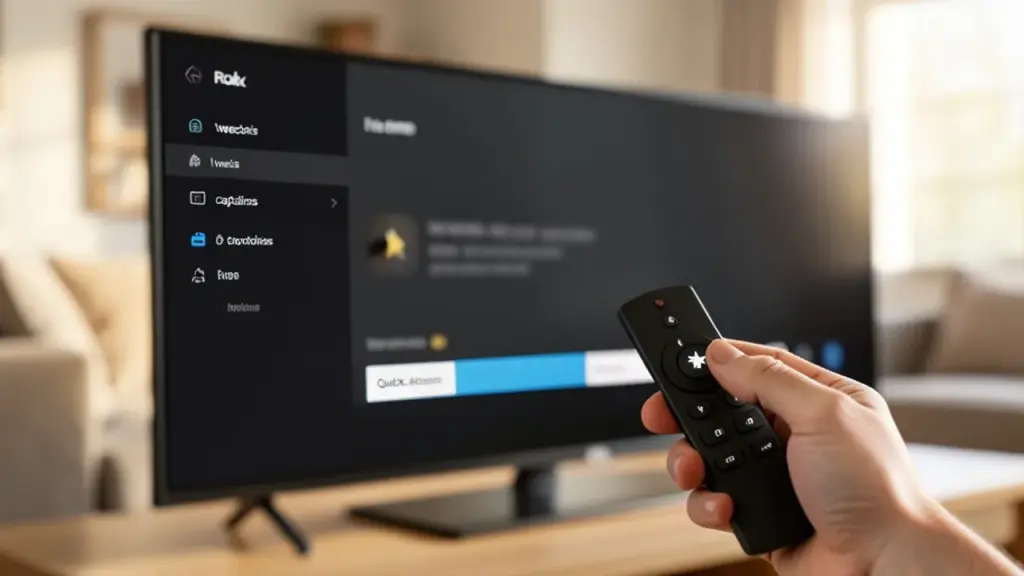
On the home screen you can manage apps and devices; while watching, it opens a sidebar with tweaks like picture settings, captions and sleep timers. For accessibility, four taps can enable the screen reader on supported devices in the U.S.
To use it effectively, try these quick checks: highlight an app to see management options; press star during playback to view tweaks; and test the four-press accessibility shortcut if you rely on screen reader features.
- Home screen: manage apps and devices
- While watching: access quick viewing tweaks
- Accessibility: four taps enable screen reader