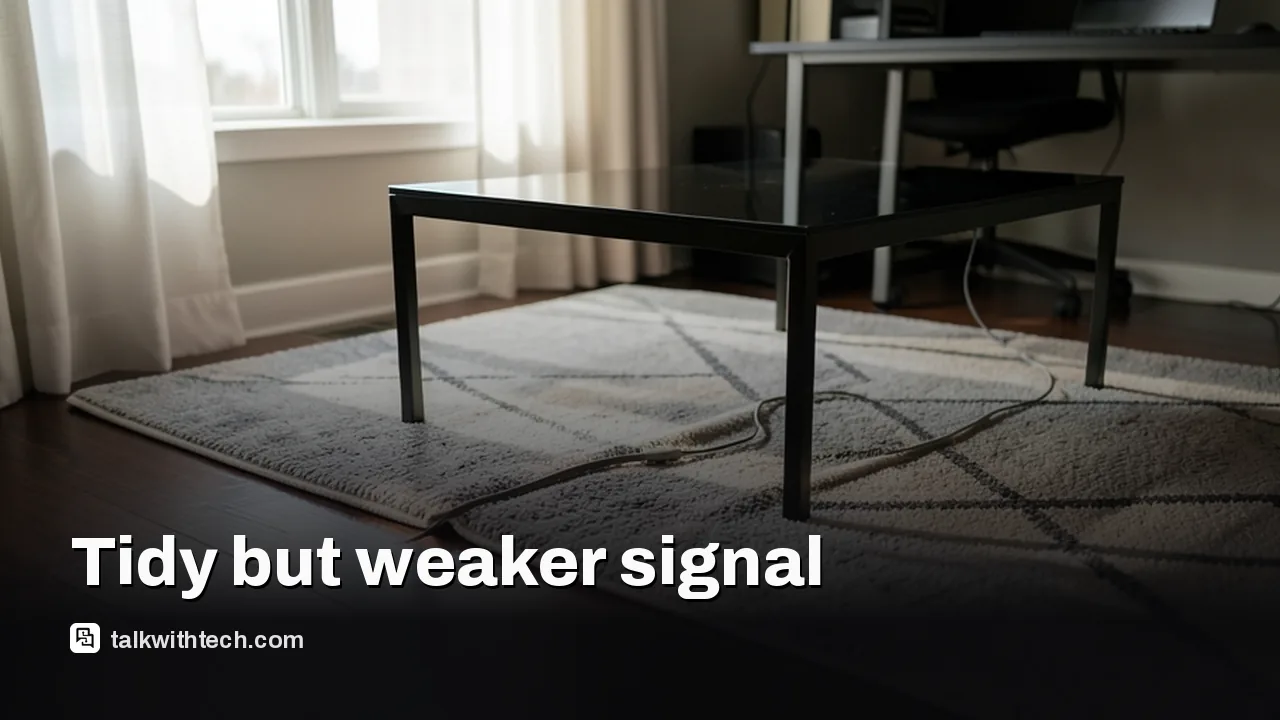
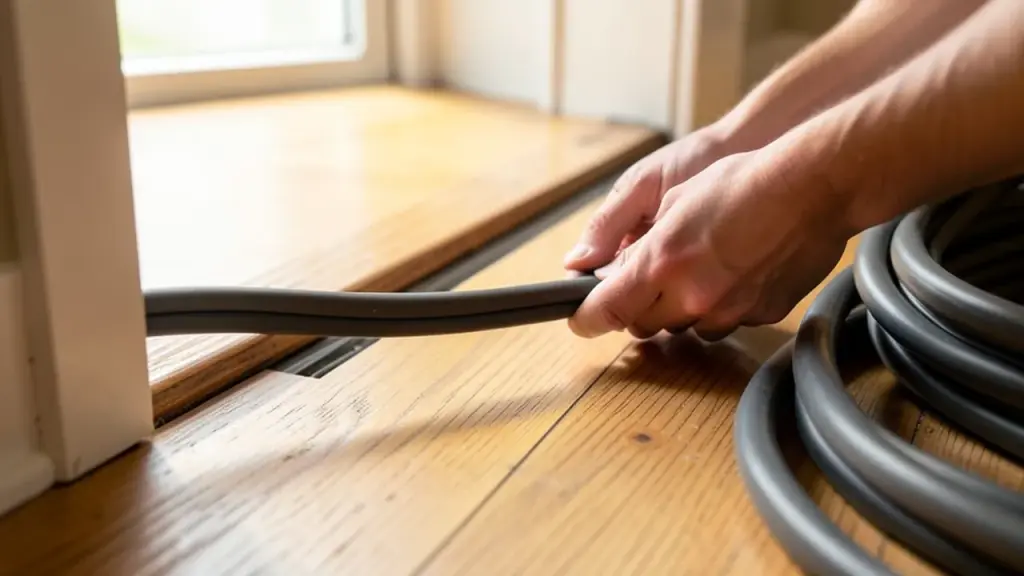
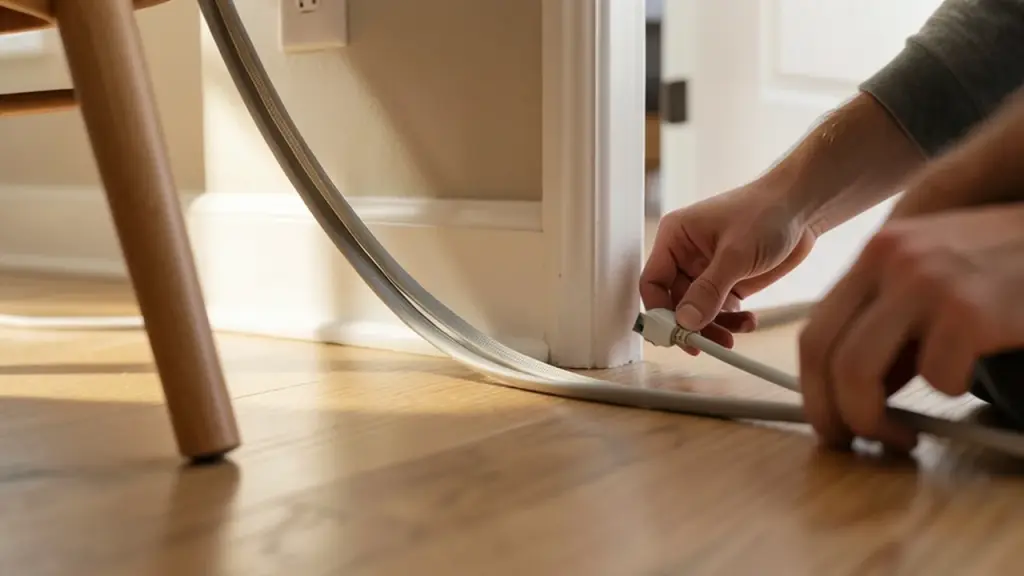
Flat Ethernet cables are easier to hide but can suffer signal degradation over longer runs due to thinner wires and lack of shielding.
Performance looks similar to round cables in perfect conditions, but real-world use often reduces reliability.
For best results, use round cables for longer distances and flat cables only where space is a premium (under rugs, under doors).
Quick read · 2 min
Flat Ethernet cables look tidy and are easy to hide, but they may not be the best choice for every home. They can degrade signal over longer runs and are more prone to interference because their wires aren’t shielded the same way as round cables. Use flat cables only when space is really tight or you must thread a line under a door or rug. For longer or high-speed setups, stick with round cables of the appropriate category. Test a short run first to see if you notice any speed changes, then plan the rest of your wiring accordingly.
What this means for you: if you’re wiring a home office or entertainment setup, start with round cables for the main links, and reserve flat cables for tricky spots. What to do next: map routes, buy a couple of lengths to test, and avoid bending them sharply. If you’re aiming for 1 Gbps+ in longer runs, round cables are the safer bet.
Test short flat cable runs first
Prefer round cables for long distances
Shielded options help reduce interference
Flat Ethernet cables look like the neat answer to a messy home network. They bend easily, tuck under doors, and disappear into furniture, perfect for renters or anyone who wants a clean setup. But if you’re chasing the fastest, most reliable wired connection, there are real tradeoffs you should know about before you swap all your round cables for flat ones.
Round Ethernet cables have a long-standing design reason behind their shape: the twists and shielding reduce interference and resist signal loss. Flat cables flatten those twists into a single plane, which makes them more prone to crosstalk (signals from one pair bleeding into another) and, in practice, more sensitive to being bent or pressed. That combination can translate to slower speeds or unstable connections, especially if you run the cable longer than a short stretch.
The speed you actually see depends on two things: the cable’s rated category and how you use it. Flat cables that match the same category (for example, Cat 6 or Cat 6a) can technically carry the same maximum speeds in ideal conditions. Real life, though, isn’t ideal. If you route a flat cable through a doorway threshold or along a high-traffic path where it’s bent or stepped on repeatedly, you’ll lose some signal integrity. In contrast, round cables tend to hold up better under those everyday stresses because of their sturdier geometry and, often, better shielding.
There are cases where a flat cable makes sense. If you need to thread a cable under a rug, through a very tight gap, or along a narrow space where a round cable simply won’t fit, a flat cable can be the only option. For short runs in low-traffic areas, flat cables can perform fine, and some users report no noticeable difference in everyday web browsing or streaming. If you want to maximize reliability and future-proof your setup for higher speeds, though, round cables remain the safer bet for longer distances.
01
Which Ethernet cables should you actually buy?
For most homes, the practical rule is simple: buy round cables if you can route them without forcing your furniture to move. If you must squeeze a cable into a tight space, a flat cable can work, but keep it short and avoid bending it sharply. Pay attention to the gauge of the wire as well; thinner wires increase resistance, which can slow performance over longer lengths. In short, treat flat cables as a space-saving compromise, not a guaranteed upgrade to your network.
02
Is there a noticeable difference in everyday use?
For everyday activities like browsing, emailing, or streaming HD video, you’re unlikely to notice a big difference in a short flat cable. If you’re pushing multi-gigabit speeds or building a high-traffic home office network, the reliability edge of round cables becomes more meaningful, especially for longer runs or in environments with lots of electrical interference.
03
What about installation and durability?
Flat cables are easier to hide and can be more forgiving in tight spaces, which makes setup cleaner. They are generally more fragile if repeatedly bent or pressed in the same spot, and the thinner conductors can degrade signals faster under stress. If you’re choosing flat for aesthetics, consider low-traffic routes and short lengths. For long, visible runs, opt for round cables with solid shielding to preserve signal quality.
04
What happens next
If you’re renovating or moving, map out your cable routes first. Measure how much length you’ll need, and decide where you’ll be bending or passing under obstacles. Pick up a couple of different cable types to test in a small section before committing to a whole setup. And if you’re ever unsure, consult your router or modem’s documentation for the recommended cable category and maximum length for optimal performance.