A 2013 iMac can be refreshed with RAM and an external SSD to run modern software.
The author used an external SSD startup drive to avoid invasive screen work.
The upgrades cost about AU$310, far less than a new iMac, but performance gains have limits.
The experiment shows tradeoffs between cost, performance, and device longevity.
Quick read · 1 min
A 13-year-old iMac can still be useful with two simple upgrades: more RAM and an external 1TB SSD that you boot from. The total cost in this test was about AU$310, far less than buying a new machine. You’ll notice faster multitasking and quicker boot times, but the old CPU and USB 3.0 limit peak performance. This approach is a practical stopgap for light daily tasks while you wait for a bigger, more expensive upgrade."
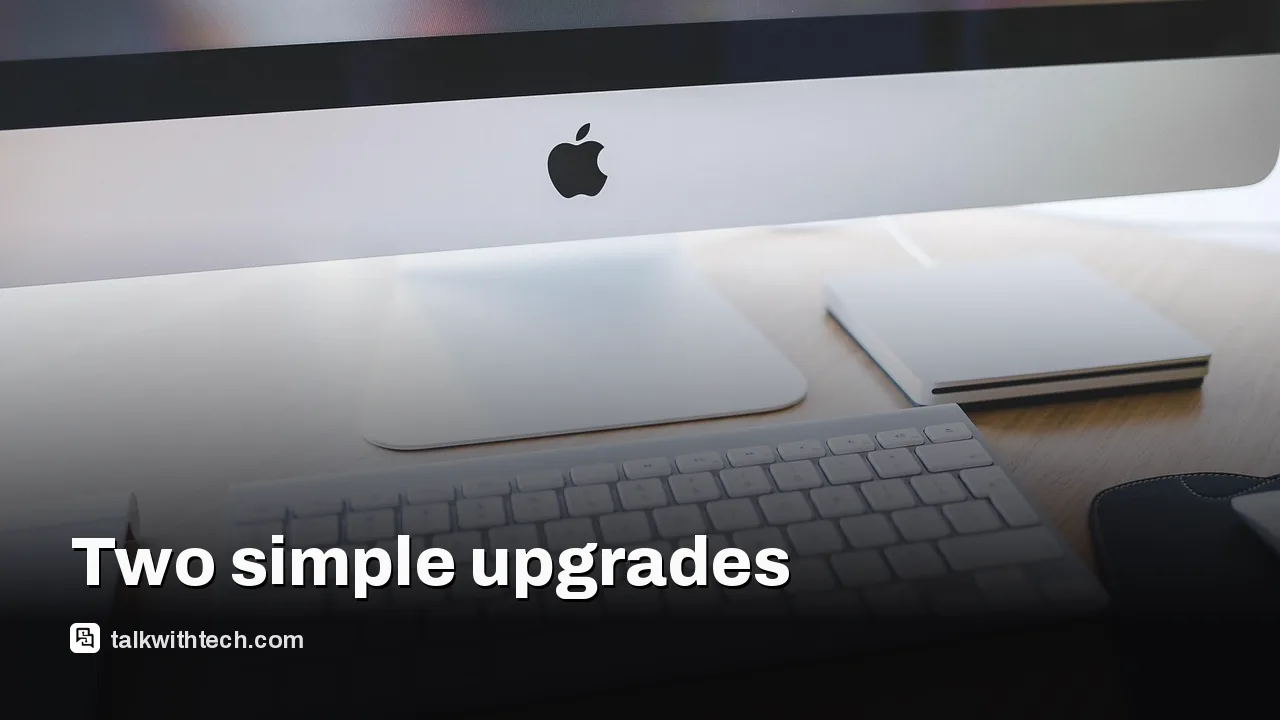
Nostalgia is trending in tech, and I found myself staring at a 13-year-old iMac that still boots and works. Rather than buying a new machine, I tackled two simple upgrades to see if this vintage Apple desktop can still handle today’s tasks.
My plan was modest: boost RAM and give the system a faster startup drive. The iMac in question is a late-2013 model with a display glued to the chassis, which makes internal upgrades a bit of a challenge. The plan hinged on avoiding a screen replacement while still delivering meaningful gains for everyday use like web browsing, light creative work, and general multitasking.
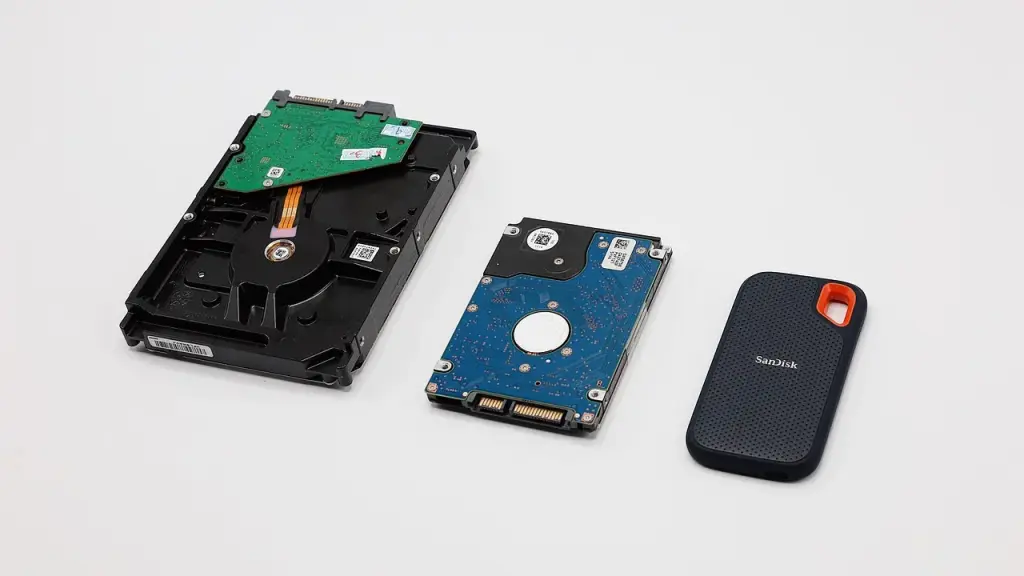
Two upgrades stood out as the simplest, most effective routes: add more RAM and replace the primary storage with a faster solid-state drive. For storage, I skipped tearing into the screen. Instead, I connected a 1TB SSD external drive via USB and configured macOS Sonoma to boot from it. It’s not the fastest connection, but it keeps the risk low and avoids the mess of adhesive work.
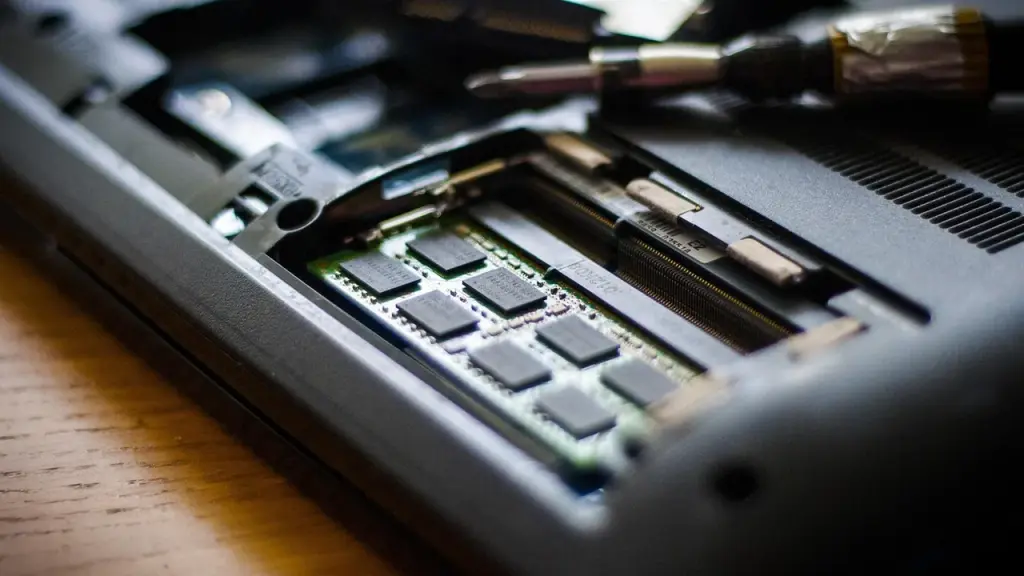
RAM was the easier upgrade. The 2013 model has a rear access panel with four memory slots, so slotted upgrades are quite straightforward. I started with 8GB and added two 8GB modules, bringing total RAM to 24GB. In practice, more memory makes multitasking smoother, especially with modern apps that gobble memory even on midrange hardware.
All of this was guided by a bit of AI help. I used AI chat as a tutor to verify compatibility and chart a safe upgrade path. It helped with component choices and the install steps, but it doesn’t magically fix the age of the processor. The iMac’s 3.2GHz quad-core Intel CPU is still the bottleneck, and USB 3.0 at the external drive can’t match today’s NVMe speeds inside newer machines.
Cost-wise, the math adds up to about AU$310: around AU$70 for RAM and just under AU$230 for the 1TB SSD, plus a small enclosure. That’s a fraction of the price of a brand-new iMac and still leaves room in the budget for peripherals. Whether that’s worth it depends on how much you value a larger screen, the familiar macOS experience, and the mental hurdle of using older hardware in a modern software world.
So how did it actually perform after the upgrades? The startup time dropped from a long wait to a more tolerable 1 minute and 52 seconds from power button press to the desktop. That’s still not instant, but the external SSD startup, combined with extra RAM, makes everyday tasks feel noticeably snappier. After you’re in, basic web browsing and light creative work become more approachable than on a stock 2013 configuration. Of course, if you push the iMac with heavy video editing or modern games, you’ll still run into ceiling limits well before you reach today’s midrange Macs.
Bottom line: for someone with a dusty old desktop and a tight budget, this two-part upgrade can revive the machine for lighter, daily use. It’s not a replacement for a current Mac, but it can extend usefulness and reduce waste without a big outlay. If you’re curious about trying something similar, start by verifying compatibility for RAM and plan storage upgrades around your preferred workflow. And remember, this is about cost-effective longevity, not turning a vintage PC into a modern workstation.
01
What I upgraded and why it matters
The RAM increase to 24GB helps with multitasking, especially if you’re juggling a few web tabs and productivity apps. The external SSD startup drive speeds up boot times and overall responsiveness, even if USB 3.0 isn’t as fast as modern interfaces. These changes are meaningful for everyday tasks, but don’t expect a vintage iMac to replace a current model in 2026.
02
When upgrades aren’t worth it
If you rely on the latest software, 13-year-old hardware will still feel slow. The CPU and GPU will cap performance in demanding apps, so you’ll hit friction sooner than you’d expect on a newer machine. Also, external boot drives aren’t ideal for everyone; some tasks benefit from internal storage and faster I/O, which this model can’t offer without invasive work.
03
Real-world impact for readers
If you’ve got an aging iMac gathering dust, a RAM bump plus an external SSD could be a cost-friendly path to keep it useful for simple tasks like browsing, email, writing, and light photo editing. It’s a good stopgap while you decide whether to buy new or save for an upgrade later.
04
What happens next
If you’re curious about trying a similar approach, check your iMac’s RAM slots and price out a compatible 1TB SSD. Then decide whether you want to boot from an external drive or try a different storage tweak. The key is to balance cost with the tasks you actually run every day.