iOS 27 adds video playback to CarPlay and a more capable Now Playing mini-player.
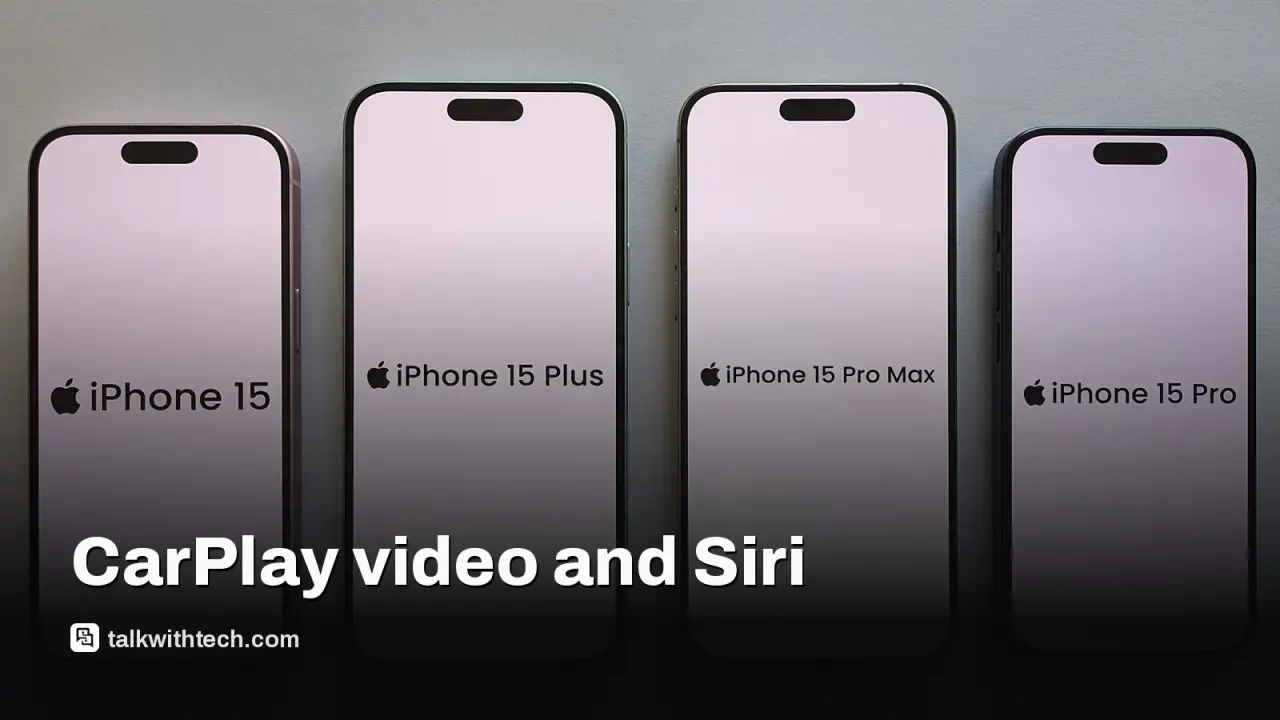
Siri AI inside CarPlay is only available on iPhone 15 Pro and newer models.
Older iPhones get several improvements (mini-player, progress bar, new wallpapers) but miss the Siri AI features.
The rollout depends on car manufacturers supporting video apps and regulatory approvals in some regions.
Quick read · 1 min
Apple’s iOS 27 brings several CarPlay upgrades, including video playback when parked and an improved Now Playing mini-player. A big caveat: the most powerful feature, Siri AI in CarPlay, only works on iPhone 15 Pro and newer. In the EU, Siri AI isn’t available at all. If you’re on an iPhone 14 or older, you’ll still see improvements like a clearer progress bar and new wallpapers, but not the full Siri experience. The video feature depends on your car maker supporting video apps inside CarPlay. Look for iPhone compatibility and check your car’s infotainment updates to know what you’ll get. The rollout is ongoing, so expect manufacturer updates to lag behind the iPhone release date. Next up: you’ll want to verify your region and your car’s support status for video apps.
iOS 27 isn’t just a tidy bug fix or a handful of tweaks. Apple is rolling out a handful of CarPlay improvements that look promising for daily driving, but there’s a catch: many of the best features require newer iPhones. If you’re still rocking an iPhone 14 or older, you’ll get some upgrades, but not the full CarPlay experience.
The headline upgrade is support for video apps in CarPlay. You’ll be able to watch video content on your car’s display when the vehicle is parked. If you start driving, playback automatically switches to audio only. That keeps the roads safer while still giving you a way to catch up on video content when you’re parked. It’s not a movie-in-motion feature, but it’s a meaningful upgrade for long trips when the car is parked at a charger or rest stop. Whether video apps like YouTube or Netflix will work depends on the car maker implementing support for those apps.
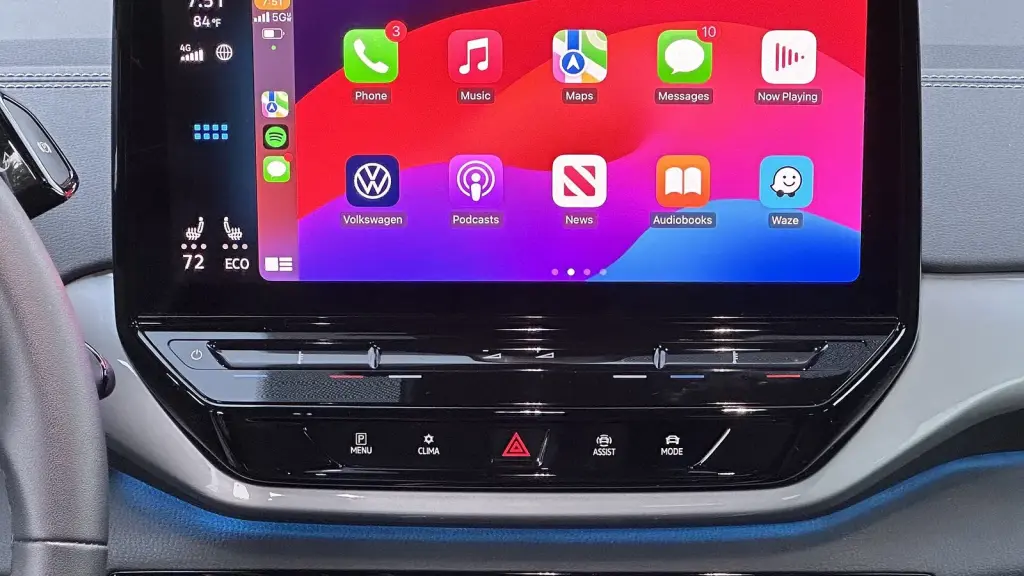
Beyond video, Apple is revamping the Now Playing screen with a persistent mini-player and a progress bar. This makes it easier to see what’s playing and jump between songs or podcasts without digging into your iPhone. Navigation apps can also share route data with the car, potentially letting the car confirm EV charging stops and better sync arrival times with map services.
Siri AI arrives in CarPlay, bringing a more conversational, context-aware assistant to in-car tasks. In practice, that means you can ask Siri for directions or to pull up information from emails, messages, and calendars and expect more natural language responses. The catch is that this feature is only available on iPhones that have the hardware to power it, specifically iPhone 15 Pro and newer models. An iPhone 14 or older will still get the basic CarPlay enhancements, but not the full Siri AI experience.
Region and hardware rules matter here. Apple notes that in the European Union, Siri AI won’t be available due to local regulations, even on compatible devices. In the US, UK, and Canada, you’ll still need a compatible iPhone to unlock the richest CarPlay experience. And because CarPlay runs on the iPhone itself, the driver’s device must be sufficiently modern to power the new features.
01
Which cars and apps will work first
The video playback and enhanced Now Playing are heavily dependent on car manufacturers enabling support for video apps inside CarPlay. That means the rollout isn’t uniform across all cars. If your vehicle’s infotainment system doesn’t yet support these apps, you won’t see video inside CarPlay even with iOS 27 on a compatible iPhone.
For most people, the biggest change is convenience: easier control of what’s playing, clearer route data sharing with maps, and quicker access to Siri in the car, if you own a newer iPhone. If you don’t, you’ll still get the improved audio and navigation improvements, just without Siri AI in CarPlay.
03
What happens next
Apple’s iOS 27 began rolling out to iPhone users, but certain features will depend on car makers releasing updates for their infotainment systems. If you want the best experience, you’ll need an iPhone 15 Pro or newer and a car that supports video apps in CarPlay. Check your vehicle’s software update options and your iPhone’s iOS 27 availability in your region.
Will I need to buy a new iPhone to use CarPlay iOS 27?
Not necessarily. If you have an iPhone 15 Pro or newer, you’ll get the richest CarPlay features, including Siri AI. Older compatible iPhones get many improvements but not Siri AI.
Can I watch videos in CarPlay while driving?
Video playback is allowed only when the car is parked. If the car is moving, audio-only playback is used.
Will all cars support video apps in CarPlay?
That depends on the car manufacturer. Some will enable video apps, others may not yet support them.