Sunday, 18 October 2026

Old HDMI cables aren’t obsolete yet, what to keep and when to upgrade

Your current HDMI cables still handle most tasks, but newer standards unlock the best features for modern TVs and gaming setups.

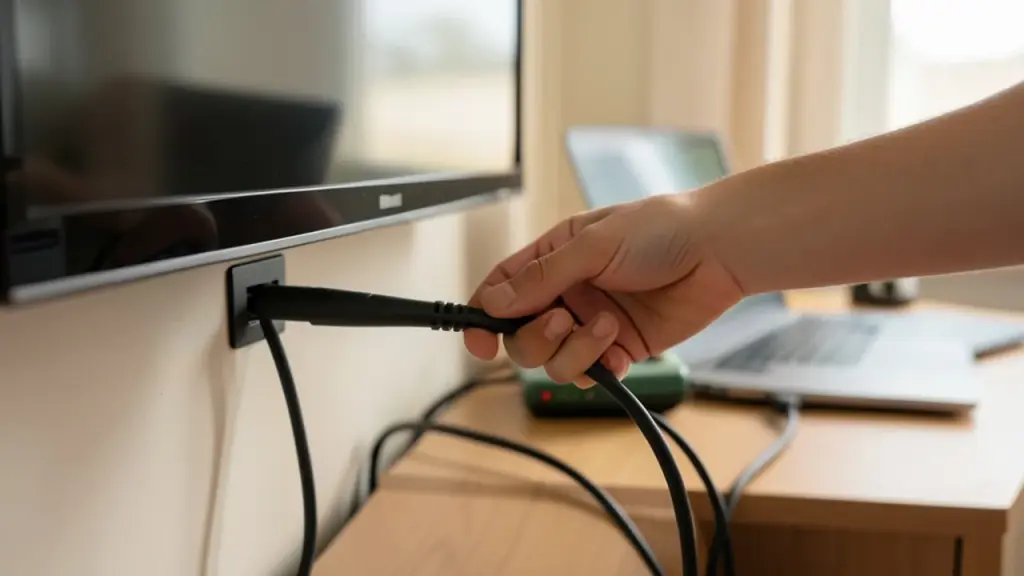
HDMI cable path in living room with TV and devices.

The short version

  • HDMI 2.1 cables will continue to work with today’s TVs and devices, but you’ll miss some features if you stick with older cables.
  • Old HDMI cables can still power retro gaming, simple TV setups, and laptop-to-TV connections without buying new gear.
  • Upgrade one critical cable at a time and recycle or resell older ones instead of throwing them away.
  • Retailers often offer e-waste recycling options for cables and small peripherals.
Quick read · 1 min

Your HDMI cables aren’t useless just because newer versions exist. HDMI 2.1 cables work with today’s gear, but older cables still handle many common tasks like retro gaming, laptop-to-TV connections, and basic streaming setups.

What to do now: identify the cables in your living room, test a setup that matters to you, and plan upgrades for the key connections you rely on. When you replace cables, recycle or resell the old ones instead of throwing them away.

  • Test a 4K/HDR setup with what you have first
  • Upgrade one critical cable at a time for best value
  • Recycle old cables at participating retailers
The HDMI standard keeps moving forward, but your current cables aren’t instantly useless just because a newer version exists. HDMI 2.1 cables will still work with most modern TVs and devices, and your older cables can handle a lot of everyday tasks without replacing everything at once. If you’re curious about what to do with cables you’ve had for years, you’re not alone. Here’s a practical guide to making the most of what you already own.

01

Which cables still matter today

Right now, HDMI 2.1 cables are the best option for new gear when you want the highest performance. But don’t panic if you have HDMI 2.0 or older cables. They still work well for many tasks that don’t require the latest features.

Close-up of HDMI connection with retro console and laptop setup.
02

Where older cables shine

Older HDMI cables are plenty capable for retro gaming setups, connecting legacy consoles to a display, or mirroring a laptop to a TV for streaming. If you’re using a much older system, an HDMI cable from the earlier generations will usually do the job, while newer cables unlock smoother gameplay or higher-quality video on current devices.

03

When it’s worth upgrading a specific run

If you’re chasing the best picture on a modern 4K TV with a recent console or a fast PC, you’ll want an HDMI 2.1 cable for the best results. You don’t need to replace every cable at once; start with the most visible setup, like your living room entertainment station, and notice any limits like flicker or missing features. Upgrading the key run can make a noticeable difference without a big upfront cost.

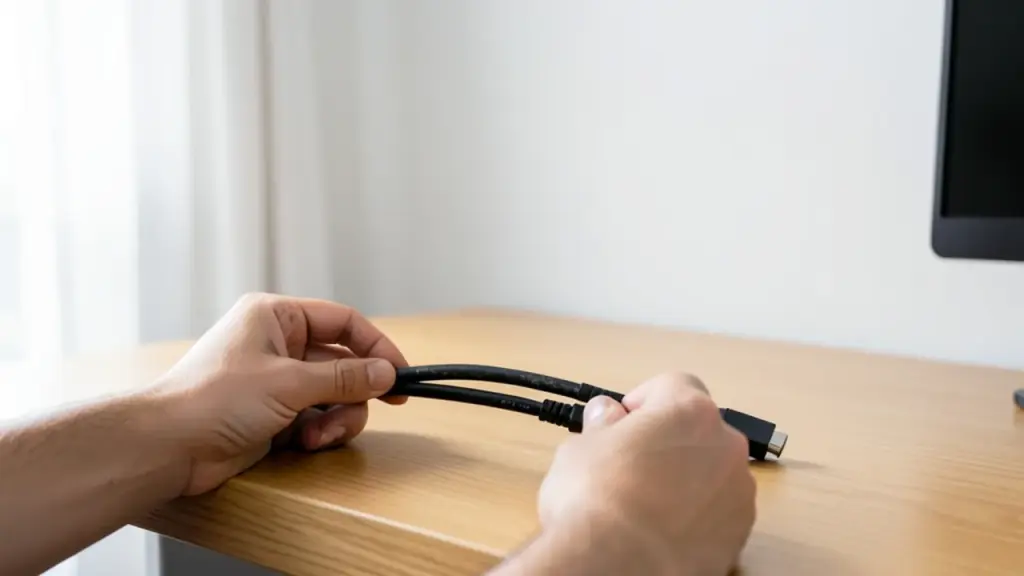
Hands organizing HDMI cables at a desk in natural light.
04

What to do with old cables instead of trashing them

Old cables aren’t junk. You can repurpose or recycle them. Sell or swap with friends or family, especially if you’re upgrading a bundle. If you’d rather dispose of them properly, many retailers offer e-waste recycling programs for cables and small accessories. It’s an easy way to keep materials out of landfills.

05

What this means for everyday life

In practical terms, you don’t need a full HDMI overhaul right away. Check a few key connections in your home theater or computer setup. If you’re doing a true high-end gaming or media binge and pushing new gear, upgrade those specific cables first. For most daily tasks, streaming, web browsing on a big screen, or simple screen mirroring, your existing cables will still do the job.

06

What happens next

As HDMI continues to evolve, new devices will label cables by the features they support. If you’re unsure whether a cable fits a setup, test the exact connection you care about and note any limitations. When you buy new, keep a couple of spare cables handy so a refresh doesn’t hold up a setup.

07

Quick answers

Do I need new cables for 4K and HDR?

Not always. Many 4K HDR setups work fine with older cables, but newer cables can unlock the highest performance on compatible devices.

Should I throw away older HDMI cables?

No. Recycle or repurpose them; many retailers offer e-waste programs, and you can swap with friends or family.

Note to readers in the US, UK and Canada: The guidance here about upgrading is general; always follow your device’s official recommendations and warranties.

You're reading the quick version.