Old smartphones can become powerful gaming devices with free emulation apps and a simple setup.
Emulation lets you run games from multiple classic consoles in your pocket, but performance varies by device and title.
A wireless controller and a compact charger can extend playtime and improve comfort.
ROM legality matters: use only copies you own or legally acquired files.
Quick read · 1 min
Use free emulation apps to turn an old smartphone into a portable gaming rig, letting you play games from classic consoles on the go. Run times and quality depend on your device, but a controller and a small power bank can greatly improve comfort and session length.
Why it matters: you extract more value from hardware you already own, with access to a broad catalog of games at no extra cost. What’s next: pick two emulators, test a few titles, and decide whether to add a controller and charger.
Choose emulators that cover different eras.
Pair a controller and a backup charger for longer play sessions.
Use legally obtained ROMs to stay within the law.
Start small, test, and expand as you learn what your device can handle. Your favorite pocket arcade could be ready in minutes.
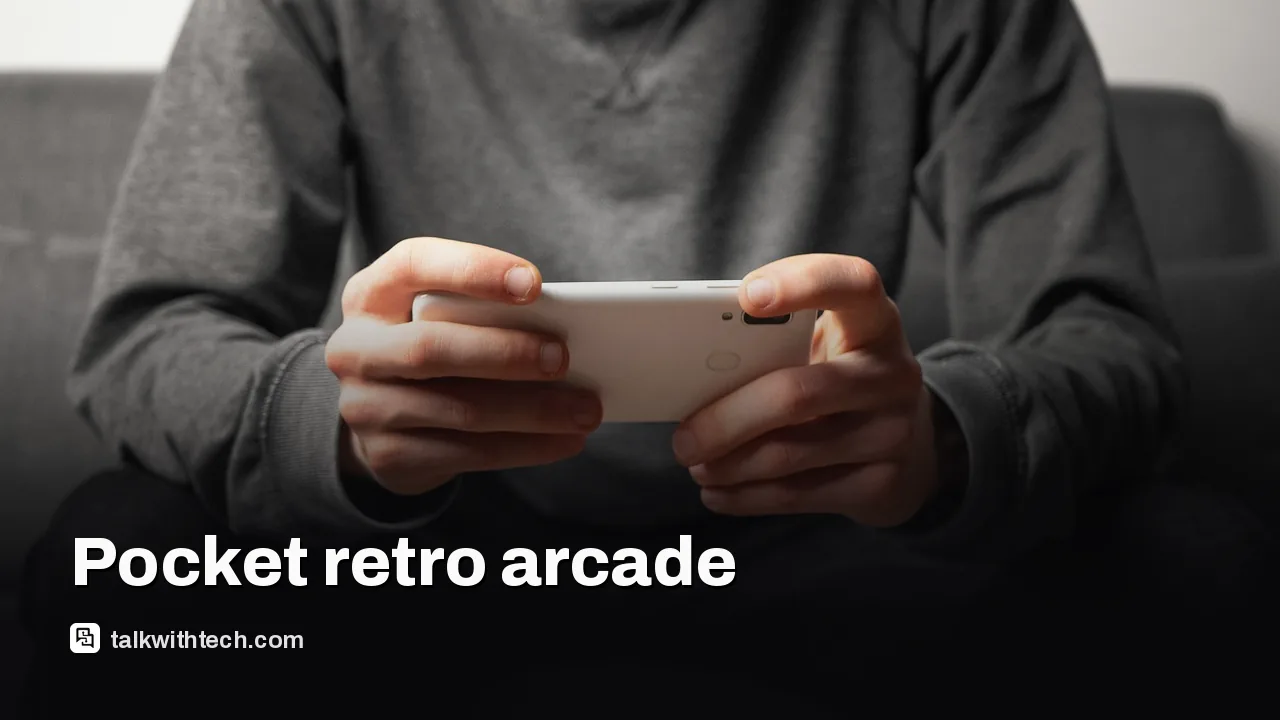
An old smartphone can be reborn as a portable gaming rig with a few free tools. Install emulation apps, and you can access games from classic consoles and some modern titles right from your pocket.
Emulation is software that imitates another system’s hardware. On a current phone, emulators can recreate the experience of systems such as GameCube, Wii, Game Boy Advance, and PSP. The payoff is a compact arcade in your hand, ready to go wherever you are. The catch is that not every game runs perfectly on every device; some titles will run smoother than others depending on the phone’s guts.
Below is a practical path to get started, with options that work in the US, UK and Canada today.
01
First emulators to install for a broad library
To cover different eras, you’ll want a few dependable emulators. One that handles GameCube and Wii well on many devices, another that’s lightweight for Game Boy Advance, and a PSP emulator that often delivers solid upscaling and performance on mid-range phones. Look for well-reviewed apps in your app store that are known for stability and broad game compatibility. Remember that you’ll load ROM files or use copies you legally own to play each title.
Performance will still depend on hardware. A newer mid-range phone can usually coax smoother results from more demanding games, while very old devices are most happy with retro titles that aren’t graphically heavy.
02
Gear that makes mobile gaming more comfortable
A dedicated Bluetooth controller is often nicer to use than tapping the screen for inputs. A small power bank helps you keep playing when you’re away from a charger, especially on longer sessions. If you’re at home, a USB-C hub can simplify connecting a larger display or a controller for a bigger screen experience.
Some games look best on a bigger panel, while others feel right on the phone’s own display. If you ever connect to a TV or monitor, a simple USB-C to HDMI adapter can instantly turn your phone into a mini console in seconds.
03
Legal reminders for emulation
ROMs sit in a gray area legally. To stay on the safe side, use ROMs you’ve legitimately obtained from titles you own. In many places you may legally back up games you own by ripping them yourself. Avoid downloading ROMs for games you don’t own, and be mindful of the rules in your region and the emulator you’re using.
Emulation itself is not banned in many places, but the status of ROM files varies. If you’re unsure, check local laws and the terms of the emulator. The goal is to enjoy software you own without infringing on publishers’ rights.
04
A simple plan for real-world use
Pick a phone you don’t mind using for a while and install two or three emulators that cover your favorite eras. Test a few lighter titles first to see how performance feels, then tweak settings if needed. Pair a Bluetooth controller and a compact charger if you want longer sessions, and decide whether you’ll game mostly on the go or at home with a larger screen.
Bottom line: you don’t need a brand-new device to access a large back catalog. A mid-range phone with free emulators can deliver surprisingly satisfying gaming, whether you’re a casual player or a retro enthusiast.
Search your app store for reputable emulation apps, skim a handful of user reviews, and start with a couple that run well on your device. Begin with lighter titles to learn controls and optimize performance before trying heavier games. If you want more guidance, check community forums for your specific phone and emulator combo.
06
Quick answers
What is smartphone emulation?
It’s software on your phone that imitates other game consoles so you can play their games anywhere.
Do I need to own the original game to use ROMs?
In most places you should own the game you’re backing up or transferring to your device.
Will older phones run modern emulators well?
That depends on the device; mid-range devices handle many classics smoothly, while newer titles may push limits on older hardware.
In short, your old phone can become a capable gaming machine with free emulators, a controller, and a little setup. It’s a practical way to reuse hardware and access a wide catalog of games without spending much money.
07
What happens next
Give a couple of emulators a try this week. If you like what you see, add a compact controller and a small power bank to extend playtime. Your old phone could become your go-to travel gaming companion without buying a separate handheld.