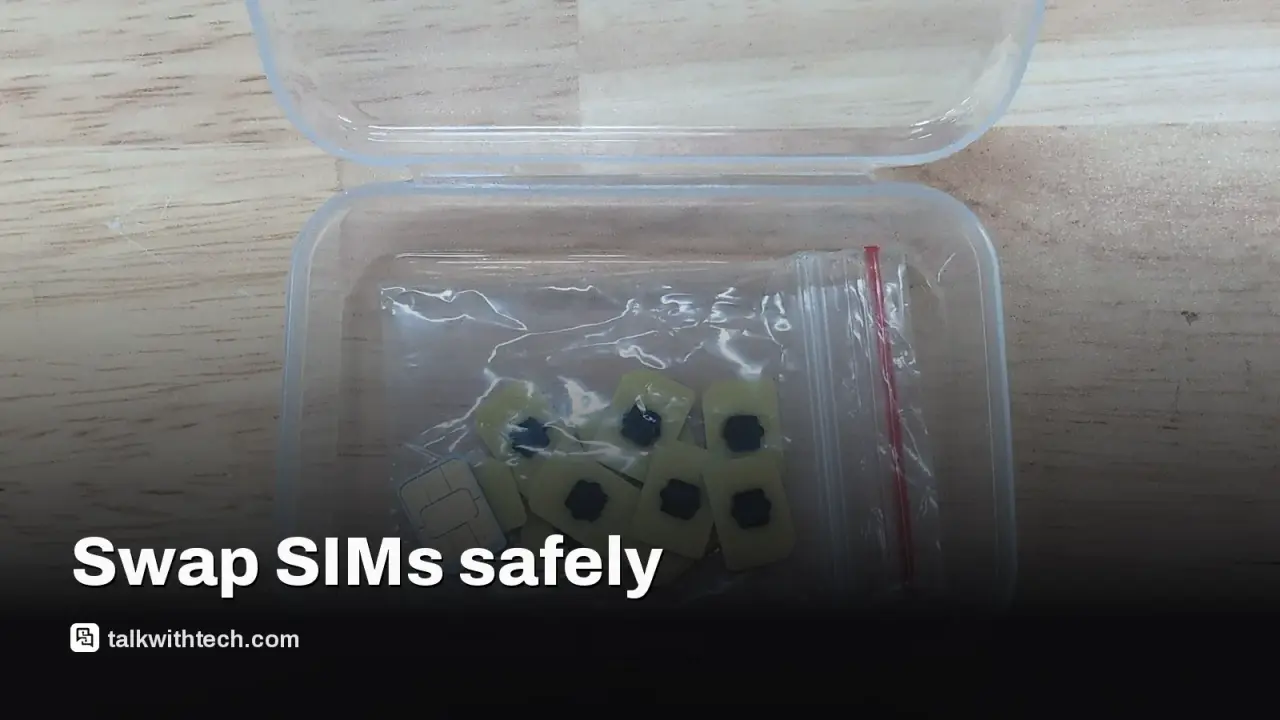
Most modern phones let you replace a physical SIM without powering down, which saves time during a switch or travel.
For extra reliability, pause by enabling airplane mode during the swap, then recheck network settings after reinsertion.
eSIMs offer a no-tray alternative by downloading or transferring a digital carrier profile, but physical SIMs remain common for many plans.
Quick read · 1 min
You can usually swap a physical SIM without turning off your phone, and a brief pause with airplane mode can prevent minor glitches.
Steps: eject the tray, swap the card, reinsert, and restart if needed. If you want a no-tray option, an eSIM is available on many phones, though it needs carrier support.
You can change a physical SIM card on most today’s smartphones without powering the device off. The swap itself is quick, and you’ll usually be back to work without missing a beat. Still, a tiny pause can spare you from the rare hiccup that leaves you hunting for a signal.
The most practical approach is to give your phone a momentary reset by enabling airplane mode while you swap the card. That keeps the device from trying to read existing carrier data as you insert the new card, and it helps prevent glitches after the tray goes back in.
Below are simple steps to swap a physical SIM, plus a quick note on why some people still prefer turning the device off. If you’re testing plans while traveling, this can save you a few minutes of troubleshooting later.
01
How to swap a physical SIM safely
Follow this straightforward sequence to reduce problems:
Optionally enable airplane mode or power down briefly before you start.
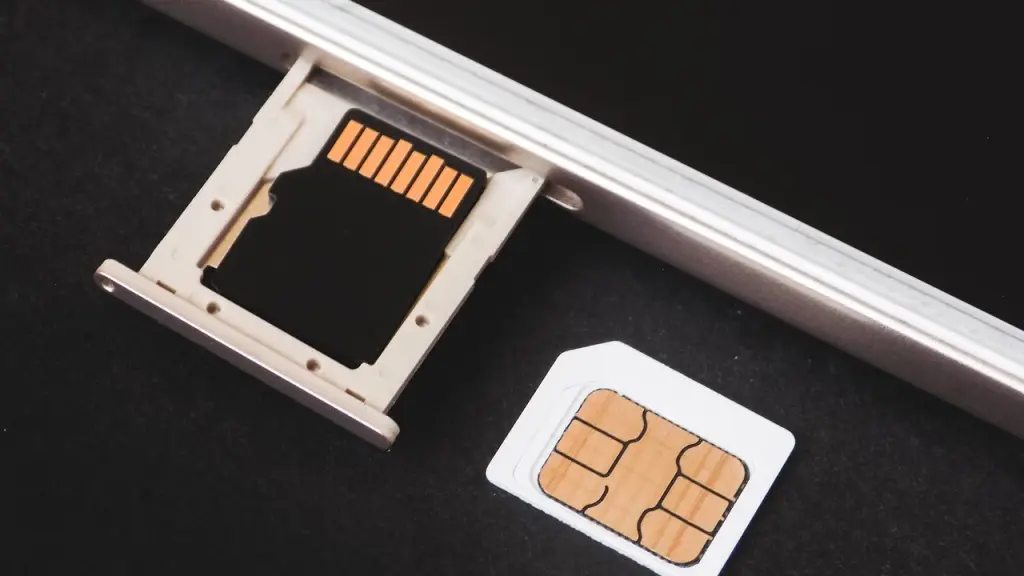
Gently eject the SIM tray using a paperclip or SIM eject tool and remove the current card.
Place the new SIM into the tray, ensuring you’ve got the right size and orientation.
Push the tray back in and, if prompted, enter your PIN or restart the phone.
If you own a dual-SIM device, double-check you’re swapping the card in the slot you intend to update to avoid mixing two cards in one tray.
02
When turning the phone off is worth it
Powering the device down forces it to re-read network settings from scratch when it starts again. That can speed up the re-registration with the new carrier and reduce the chance of a software error after the swap.
03
What about eSIMs?
eSIMs replace the physical card with a digital profile you download or transfer via a QR code or carrier app. Many phones can store multiple eSIM profiles and use one at a time. If you switch carriers often or travel internationally, an eSIM can be a handy option, though it takes a bit more setup and carrier support.
04
Why this matters to everyday users
For most readers, the takeaway is simple: you don’t need to power down to swap a SIM and you’ll probably be fine. If you’re heading abroad or trying a local plan, a quick airplane-mode pause can prevent small network hiccups. After reinserting the card, it’s worth confirming the device connects to the new network and that data works as expected.
If you notice a lingering network issue after a swap, a quick restart often clears it. If problems persist, rechecking the tray alignment or toggling airplane mode again usually fixes things. For people who swap cards frequently, keeping an eSIM as a backup method can reduce the need to handle physical trays at all.
06
Quick answers
Do I need to power off to swap a SIM?
Not typically. Most modern phones let you swap a physical SIM without a full reboot, especially if you use airplane mode during the swap.
Which is easier, physical SIM or eSIM?
Physical SIMs are quick for one-off changes and are widely supported. eSIMs avoid the tray entirely and can be convenient if you switch carriers a lot, but they require carrier support and some setup.
Dash cams in rented cars used by Norway’s army quietly stored footage inside the vehicles, raising privacy and security concerns about vendor ties and data handling.
Metropolitan Police decide no further action after Sarah Helm’s social media post about a proscribed group, highlighting how online remarks with political overtones are treated.
Authorities halted three Chinese-language services that helped criminals send more than 1 billion scam messages to organizations and individuals worldwide.
3 min read
We use cookies to understand how readers use Talk With Tech, so we can make it better. Is that OK? Privacy policy
The Daily Brief
Today's biggest tech stories, in 5 minutes
Every morning, the news that matters from AI, phones, apps and the people shaping tech. Explained in plain English. Free.
One email a day. No spam, unsubscribe anytime. Privacy policy