Microsoft teams with Nvidia to run local AI on a Windows laptop using RTX Spark chips. The top model costs about $5,899 and includes a 20-core CPU, a 6,144-CUDA-core GPU, 128GB unified memory, and a 1TB Gen 5 SSD.
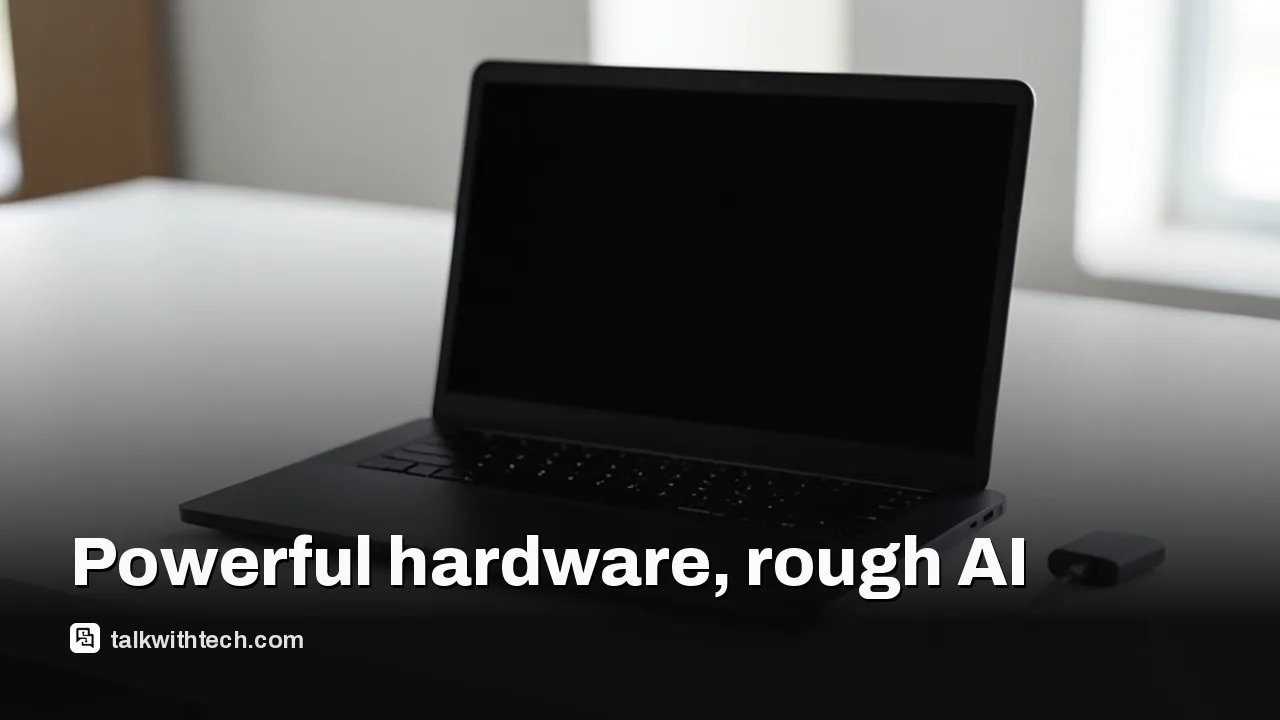
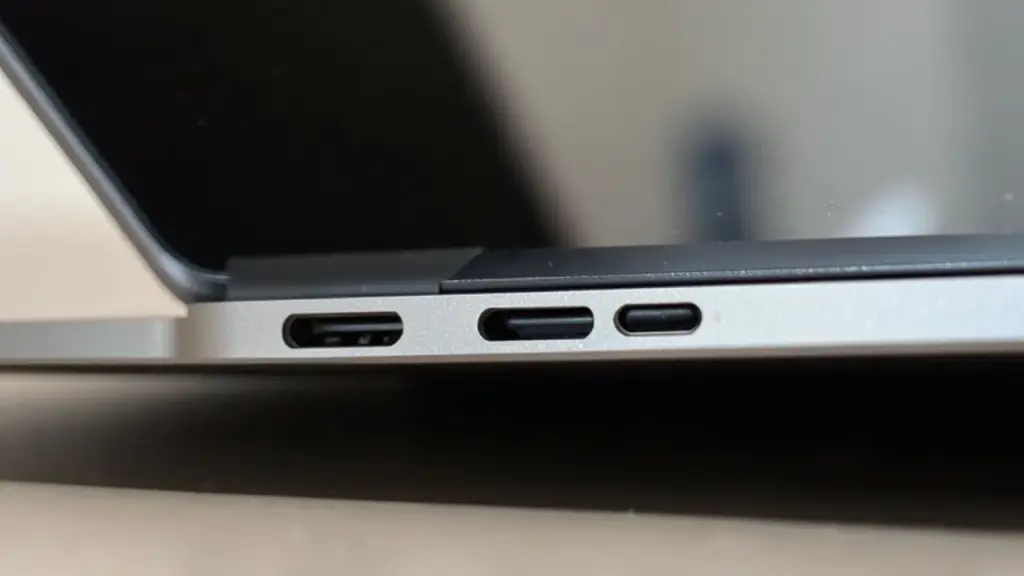
The hardware is sleek with a MacBook Pro vibe, a 15-inch MicroLED display, a large haptic trackpad, and a Magnetic Connect charging port that frees the USB-C port for other uses.
AI tools are built to run offline on-device, but real-world performance depends on software and user tinkering; many AI features feel experimental.
Microsoft explains battery charging behavior aims to extend lifespan, which can show as a drop in displayed charge when unplugging, even though the system remains near full when plugged in.
Quick read · 2 min
Microsoft’s Surface Laptop Ultra is a premium Windows laptop designed to run AI models on-device with Nvidia’s RTX Spark chips. The top spec features a 20-core CPU, a 6,144-CUDA-core GPU, 128GB memory, and 1TB SSD for about $5,899. It looks like a MacBook Pro and introduces a Magnetic Connect charging port, but the AI software remains imperfect in day-to-day use.
What this means for you: on-device AI is closer to reality, but you’ll encounter bugs and a hefty price tag. If you’re a power user who enjoys experimenting with AI, this could be worth watching as software matures. If you want a smoother AI experience today, you may want to wait for updates.
Top model: about $5,899
Base model: $2,599
AI workflows require experimentation
The Surface Laptop Ultra is built to showcase Windows on Arm with Nvidia’s new RTX Spark chips and a set of on-device AI tools. The top configuration carries a hefty price tag and targets users who want substantial AI capability without relying on cloud power.
The hardware is hard to ignore. It channels a premium look with an all-metal chassis, a 15-inch MicroLED display, and a large haptic trackpad. A standout feature is Magnetic Connect, which attaches the charger to a USB-C port without blocking the port for other connections when you’re not charging. The result is a clean, premium feel that aligns with other high-end machines on the market.
Under the hood, this model ships with a 20-core CPU (co-designed by Nvidia and MediaTek), a 6,144-CUDA-core GPU, 128GB of unified memory, and a 1TB Gen 5 SSD. That build is paired with Windows on Arm and a suite of AI agents designed to run locally, without a constant cloud tether. The base configuration lowers the CPU and GPU counts and memory, offering a more affordable path into on-device AI, but with noticeably less power for AI tasks.
Reality check: the AI story is not fully polished. The on-device AI models and agents are powerful in theory, but in practice they feel like a work in progress. Some agents run smoothly, others require reinstalls or workarounds, and day-to-day tasks can reveal software hiccups. Microsoft says the goal is to let you experiment with AI workflows and pick the tools that actually fit your needs, which means you’ll likely need to tinker to get the best results.
There are non-AI caveats too. The display can lag and ghost a bit when you move windows quickly, though switching from the default energy-saving mode to a more performance-oriented setting helps. A handful of audio glitches appeared in some tests, resolved by rebooting. And the battery behavior is unusual: when plugged in and full, charging pauses to reduce wear, so the screen may show 100 percent while the laptop continues to monitor charge level; unplugging can reveal a lower real-time percentage until the system recalibrates.
As for value, the top-spec model sits at around $5,899, which is a lot to pay for a Windows laptop even with serious AI hardware. The base model is far cheaper but sacrifices AI heft, memory, and GPU power. Microsoft argues the charging logic will extend the device’s lifespan, but that also means embracing some quirks as you adopt AI workflows in real life.
Bottom line: the Surface Laptop Ultra is a strong statement about Windows on Arm and on-device AI. It offers real hardware power and a premium look, but the software side is still finding its footing. If you’re a power user who enjoys tweaking AI workflows and you’re ready to live with software quirks, this is a compelling option. If you want a smoother, turn-key AI experience today, you may want to wait for further polish.
01
Which AI features actually work well now
The RTX Spark setup is designed to run local AI models and agents, and you can pick among several AI tools. The results vary by task and app, so this is more of a platform with potential than a guaranteed productivity boost right away.
02
The price question: is this a smart buy?
The top configuration commands a premium price, pushing this laptop into a niche for AI enthusiasts and professionals who need local processing. The base model is more approachable but offers noticeably less AI power and memory.
03
What it means for everyday life
If your work involves heavy document editing, creative apps, or experimenting with AI, you’ll feel the hardware’s ambition. Just be prepared for software quirks and the higher price. It’s not a plug-and-play AI machine yet, but it does point to where Windows on Arm and on-device AI could go.
04
What happens next
Watch for software refinements, updated AI agents, and driver tweaks from Microsoft and Nvidia. Future firmware and app compatibility notes should clarify which workloads run best on this platform.
If you want genuine on-device AI capability and don’t mind tweaking software, the top model may be appealing; otherwise, await more polish and a calmer price later.
What’s the big trade-off?
Very high price and a software ecosystem still maturing for AI workloads.