Saturday, 17 October 2026

Xiaomi ads blocking tips that actually silence built‑in ads

Xiaomi keeps costs down by loading devices with ads, but you can cut the intrusions with a few settings and app tweaks.

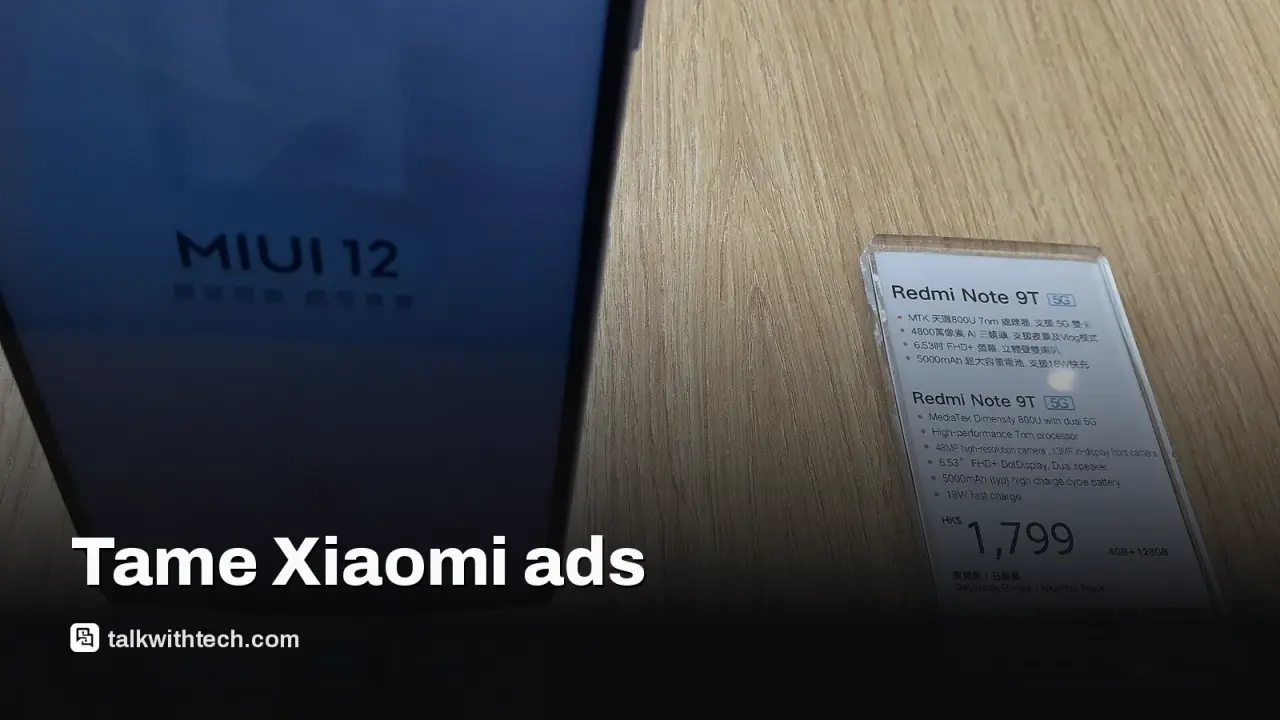
Xiaomi smartphones with MIUI, related to: Xiaomi ads blocking tips that actually silence built‑in ads
Photo: Pos Lam Wrowury Uemkpoa / CC BY-SA 4.0 (modified)

The short version

  • Xiaomi offsets hardware costs by including ads inside the software experience, which can surprise users outside Asia.
  • Ads appear across built‑in apps and some system areas, but you can reduce their presence with targeted toggles.
  • Disabling the main ad framework plus adjusting individual apps can noticeably quiet the interface.
Quick read · 1 min

Xiaomi keeps device costs low by embedding ads in its software. You can cut back on the interruptions with a few setting tweaks.

Key steps: disable the main ad service, then turn off ad options in the apps you use most. You can also reset ad identifiers and limit app notifications to reduce promotions.

The result: a quieter interface on Xiaomi phones you might use in the US, UK or Canada. If you’re shopping for one, plan a quick pass through the ad settings after you buy.

Xewing prices aside, Xiaomi’s strategy has long been to keep device costs down by loading its software with ads. If you’re in the US, UK, or Canada and you’ve ever wondered why your new Xiaomi feels more promotional than usual, this is why, and what you can do about it.

The ads aren’t confined to a single corner of the software. They show up in core apps and a few system features, which can feel like they’re everywhere. The first step to a calmer experience is to disable the central ad engine and then prune the spots where ads still appear in individual apps.

01

Where you’ll see advertisements

The main source is a background service that powers recommendations and ads across several built‑in tools. In addition, a few apps like the music player, browser, or file manager may still surface sponsored content. Turning off the main ad engine is the fastest way to shrink the ad flood.

Smartphone in hand
02

The core steps to cut ads

Begin by locating the primary ad service in your settings and turning it off. On many Xiaomi devices, that means disabling a background ad service module and then restricting ad delivery in the privacy area. After that, recheck the settings in the specific apps you use most, such as the music app or browser, and disable any ad or recommendation options there.

For example, in music apps you’ll often find a toggle labeled Show Ads or similar in the settings. In browsers, look for privacy or personalization options and switch off ad personalization where possible. The exact names can vary by version, so you may need to poke around a bit.

03

Extra cleanup that helps

A handy step is to reset ad identifiers tied to your Google account, if available in your device’s settings. You can also limit app notifications that carry promotions by visiting the Apps section in Settings and turning off alerts for ad-supported apps. This reduces interruptions, though it may silence some useful alerts too.

04

What this means for everyday users

If you buy a Xiaomi model in the US, UK, or Canada, you’ll likely notice fewer promotions once you switch off the main ad service and prune ad options in individual apps. You’ll still see occasional recommendations in some spots, but the overall clutter should drop significantly.

05

What happens next

If you’re shopping for a Xiaomi phone, check whether the device is running MIUI or a newer HyperOS variant and follow the path above to disable the primary ad service. Menu names will vary by version, but the approach is the same: turn off the main ad engine, then tailor app settings to remove ads.

06

Quick answers

Do all Xiaomi phones come with ads?

Ads are common on many Xiaomi devices, though intensity varies by region and software version. You can reduce them substantially with the steps above.

Will turning off ads affect other features?

Shutting down ad services may limit some personalized content in certain apps, but you’ll gain a calmer, less cluttered interface overall.

Is there any risk in disabling ad services?

There’s no device risk, but a few apps may rely on ad-related features for certain functions. It’s a trade‑off you can adjust per app.

You're reading the quick version.