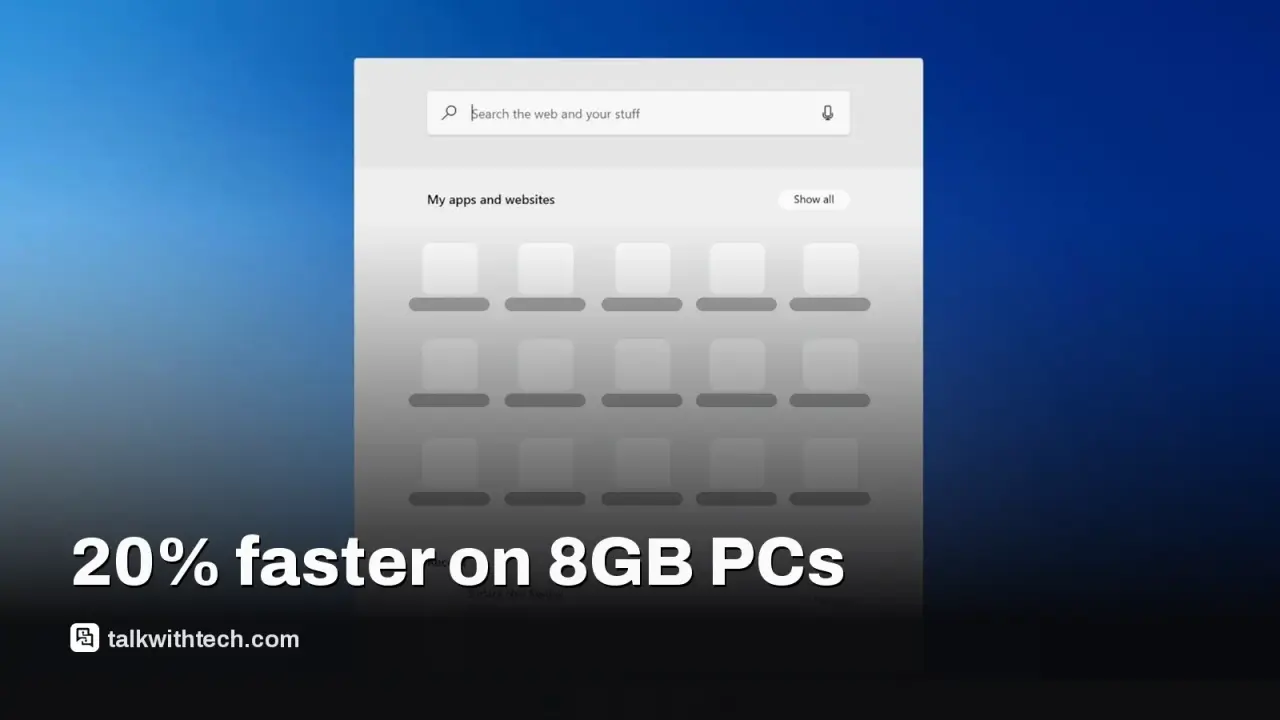
Microsoft says Windows 11 can be up to 20% faster in core actions like Start, File Explorer, and Edge.
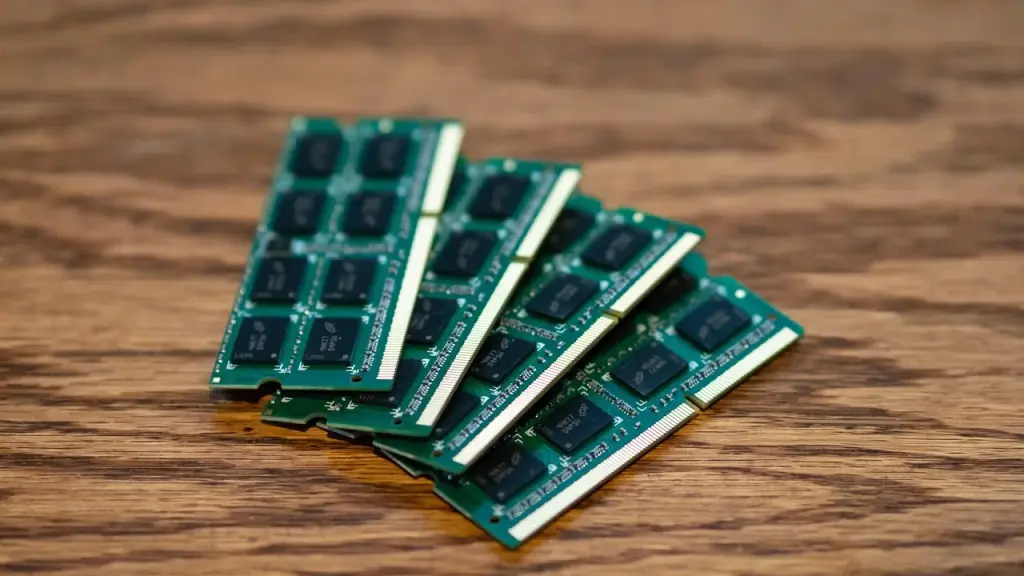
Memory optimizations help 8GB RAM machines by keeping more data in RAM and reducing background load from widgets on low-memory devices.
Insiders get early access; a wider rollout with additional features is planned for later in the year.
A remix of gaming performance appears with Advanced Shader Delivery, aiming to shorten load times on supported titles.
Quick read · 1 min
Microsoft says Windows 11 can feel up to 20% faster in tasks like Start and File Explorer. It’s also adding memory fixes to help 8GB RAM PCs run more smoothly, and will unload widgets on low-memory systems to save about 200MB of RAM. The changes start with Windows Insiders and roll out to everyone later this year. A new Shader Delivery feature may speed up load times for supported games.
What this means for you: if your PC has 8GB of RAM or less, you should see quicker responses and fewer slow moments when juggling apps. If you have more RAM, the gains come from overall system efficiency. Stay tuned to Windows Update for the broader rollout.
Impact: more headroom on lower-end PCs, potential faster game loads
Next: broader rollout later this year
Microsoft’s latest Windows 11 update cycle includes a clear speed boost for everyday users. The company says the OS can feel up to 20% faster in common actions such as starting the computer, opening File Explorer, and using the Edge browser. The notable improvement is described as best-case, based on specific builds, so real-world results can vary. Still, the message is practical: the system should respond more quickly in day-to-day tasks.
Alongside that responsiveness, Microsoft is rolling out memory-management improvements designed to help PCs with 8GB of RAM stay smooth when you’re juggling several apps and many browser tabs. In practice, this means Windows 11 can keep more data in fast memory (RAM) instead of moving it to slower storage, which should translate to quicker app switching and snappier performance during busy moments.
For devices with 8GB RAM or less, Microsoft also trims back background loading of widgets and the News & Weather panel. Those surfaces won’t load until you open them, which saves more than 200MB of RAM on lean systems. The goal is to reduce memory churn so your active apps stay responsive even when the machine isn’t a high-end model.
These improvements arrive alongside other tweaks tied to the latest Windows 11 updates. The redesigned Photos app is set to surface first to Windows Insiders, offering faster gallery performance and new tools like object removal and Relight. The updated Search experience will also appear first with insiders, and the broader public will see these changes later this year.
Gamers aren’t left out. Microsoft is introducing Advanced Shader Delivery, a way to speed up load times by using pre-built graphics code for supported games. The company uses Forza Horizon 6 as an example, but the feature is intended to help other compatible titles too.
The headline boost targets general responsiveness across the OS, not a single feature. People with 8GB of RAM or more should notice quicker reactions when clicking Start or switching between apps, particularly when many windows are open. The strongest gains come from the system’s overall efficiency rather than a brand-new tool.
02
What this means for everyday users
If your PC has 8GB of RAM or less, you may see widgets and weather/news panels loading more slowly until you open them. That change reduces memory load in the background and leaves more room for your active tasks. For machines with more RAM, the improvements come from the broader efficiency of the OS and aren’t tied to a single new feature.
03
What happens next
Microsoft plans to roll these changes out through upcoming Windows 11 updates. Windows Insiders will get early access, with the rest of us seeing the updates as part of a broader rollout later this year. If you want to know when your device gets the changes, keep an eye on Windows Update and announcements tied to the Insider program.
Generally not. The improvements focus on responsiveness and memory efficiency, helping systems with 8GB RAM or more run more smoothly when many apps are open.
Do I need to install a new version to get the speed boost?
The changes come with Windows 11 updates; Insider builds surface first, followed by a broader release later this year.
Is this only for gaming PCs?
No. While gamers may see faster load times thanks to Advanced Shader Delivery, the core speed boost targets everyday use across all apps and activities.
Meta's video editor now runs on Apple silicon Macs with 4K exports and AI agent support, yet Windows users and cross-device projects still have to wait.
Apple's new questionnaire tags dating apps and romantic AI chatbots as adults only, and flags location sharing. Here's what parents and developers face.
6 min read
We use cookies to understand how readers use Talk With Tech, so we can make it better. Is that OK? Privacy policy
The Daily Brief
Today's biggest tech stories, in 5 minutes
Every morning, the news that matters from AI, phones, apps and the people shaping tech. Explained in plain English. Free.
One email a day. No spam, unsubscribe anytime. Privacy policy