Damaged external hard drive: the one move that can ruin files
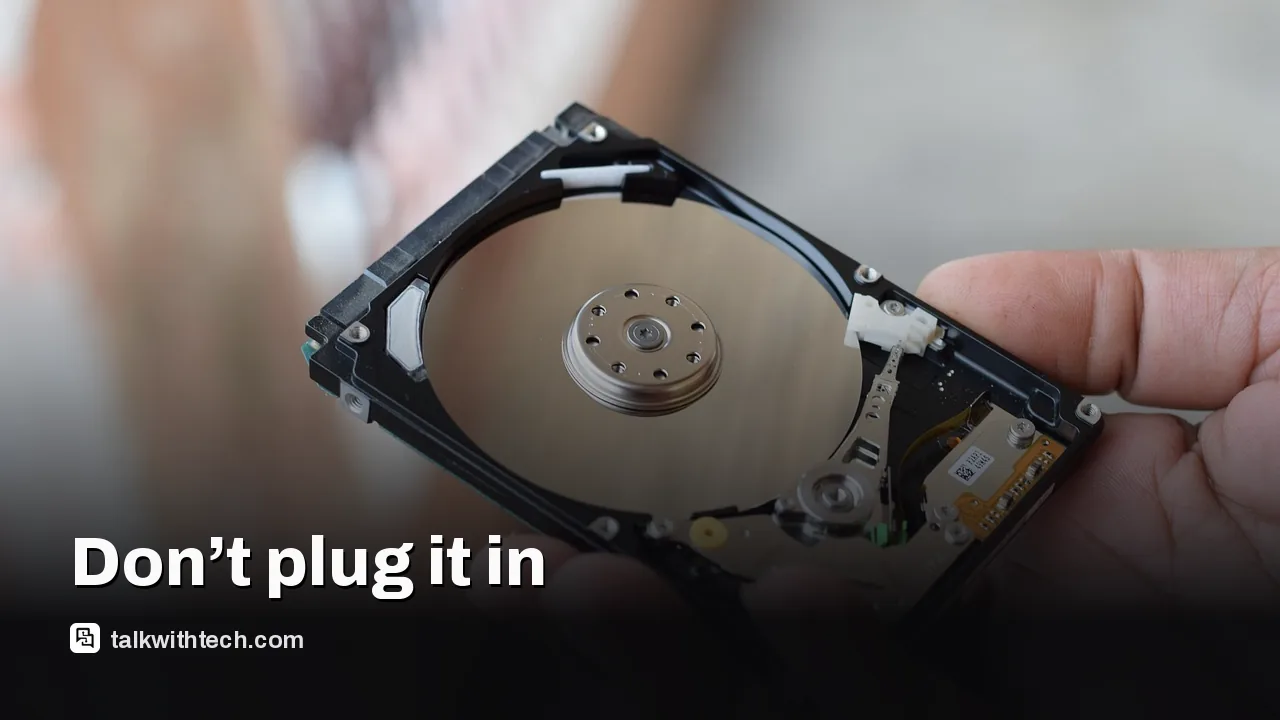
A drop or hit can leave internal parts out of whack. The safest move is to keep it unplugged and seek professional help if the data matters.
Talk With Tech Newsroom
The short version
A drop can misalign read/write heads and scratch platters, risking data loss if the drive is powered up again.
The safest choice is to avoid plugging in a damaged drive and consult a data-recovery professional when possible.
If you must test, listen for unusual noises and unplug immediately if anything sounds off, then copy only essential files after a professional assessment.
Quick read · 1 min
A drop can misalign the read/write heads in an external hard drive and scratch the data surface. Plugging a damaged drive back in can cause permanent data loss.
What to do: keep it unplugged, listen for odd noises, and seek a professional data-recovery service if the data is important. If you must test, do a one-time check and copy only essential files after confirming health.
If a portable hard drive takes a hit, don’t rush to test whether it still works. The inside of most external drives is a delicate ballet of spinning platters and tiny read/write heads. A fall or knock can shift components just enough to cause trouble the moment power returns. That means plugging the drive back in can do more damage than you expect, even if it seems fine at first glance.
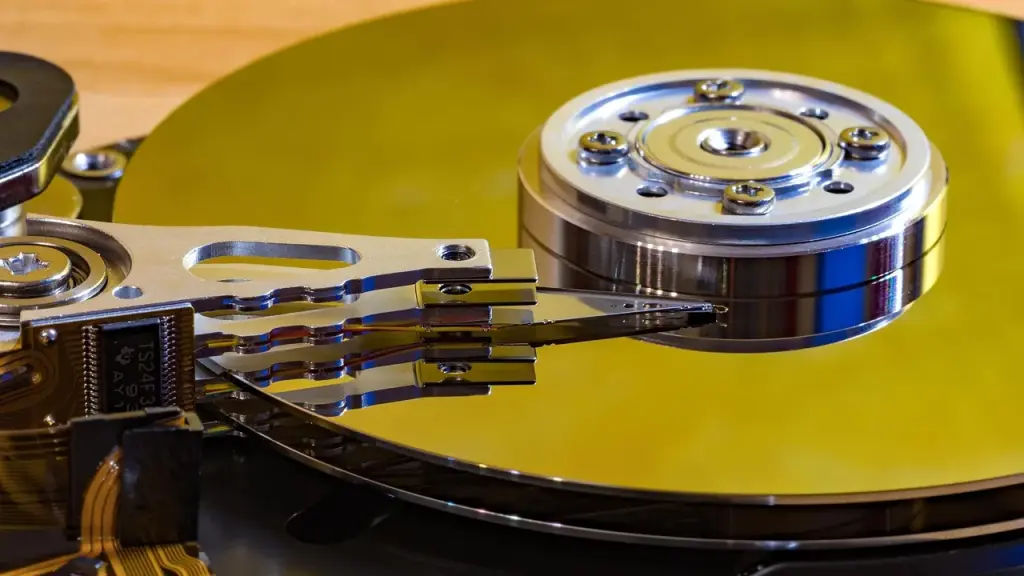
External hard drives work by spinning at thousands of RPM. When a hard drive is misaligned after a jolt, spinning it up again can scratch the magnetic surface where data is stored. Scratches on those platters can lead to permanent data loss, and the risk grows the longer the drive is powered with misalignment. In short, a small impact can become a big data problem once the drive starts to spin again.
Data recovery is rarely a swift, DIY job. Many labs perform recovery by pulling parts from donor drives and copying data bit by bit. If you power a damaged drive, every spin-up increases the chance that more data will be lost or becomes unrecoverable. That’s why the best move is to treat the drive as damaged until a professional confirms otherwise.
What to do next depends on how valuable the data is. If the information matters, don’t power the drive again. Instead, disconnect it and consider a reputable data-recovery service. A pro can assess the device without powering it, determine whether data can be saved, and outline the safest way to copy what’s still usable. If the data isn’t critical or you’re willing to accept the risk, you can opt for a cautious one-time test, but only after you’ve consulted a technician and are prepared to stop immediately if you hear any odd sounds.
After you’ve backed up any data from other good drives, you can check the health of a healthy enclosure’s drive using SMART data. Be aware that not all USB enclosures report SMART data reliably, and passing a basic test doesn’t guarantee long-term reliability. Going forward, avoid moving a drive while it’s in use and always eject drives properly before unplugging.
Bottom line: a drop doesn’t tell you everything about a drive’s health. If data matters, don’t gamble with a damaged external hard drive, get a professional opinion before trying to recover anything on your own.
A dangerous OS command-injection in SiteGuard Server Edition’s statistics feature could give attackers control of a host when the feature is on, with patches available now.
Dash cams in rented cars used by Norway’s army quietly stored footage inside the vehicles, raising privacy and security concerns about vendor ties and data handling.
4 min read
We use cookies to understand how readers use Talk With Tech, so we can make it better. Is that OK? Privacy policy
The Daily Brief
Today's biggest tech stories, in 5 minutes
Every morning, the news that matters from AI, phones, apps and the people shaping tech. Explained in plain English. Free.
One email a day. No spam, unsubscribe anytime. Privacy policy